Cybercrime isn’t something that only happens in hidden corners of the internet; it’s happening everywhere, every day. While many people associate hacking with the mysterious “dark web,” the reality is far more concerning.
Most attacks don’t require secret underground networks at all. Hackers exploit everyday vulnerabilities, weak passwords, phishing emails, and unsecured networks to break into personal and business accounts.
Behind every breach is a real victim. From stolen identities to drained bank accounts, the consequences can be serious and long-lasting. The good news? These attacks are often preventable if you understand how they work.
This article explores the most common types of hacking on the internet, how attackers actually gain access, and what you can do to protect yourself before you become the next target.
What is hacking?
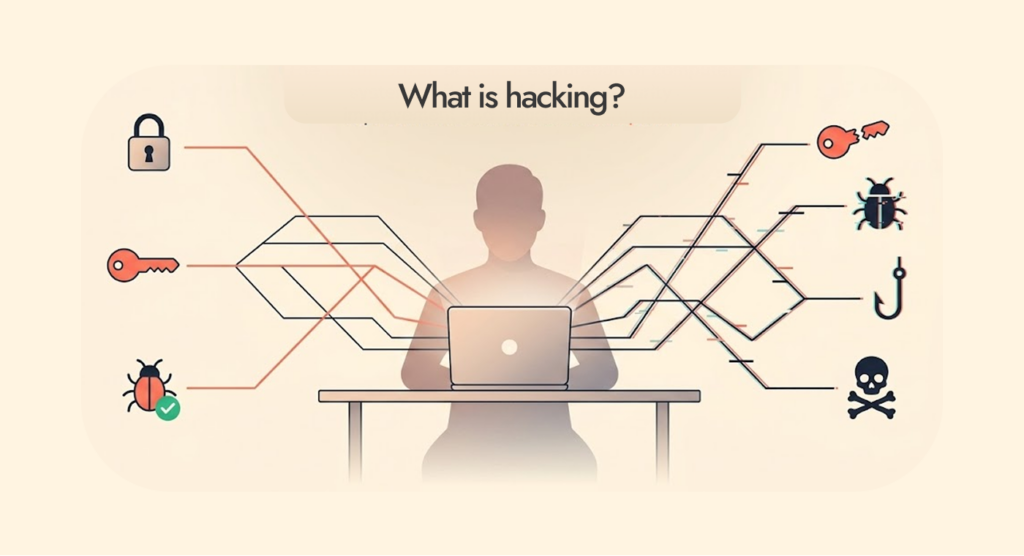
To hack means to penetrate. It is the ability of a bad actor to find weak points in the victim’s network and use them as a passage to bypass security checks and get their hands on people’s information. Also, they steal login credentials, sell them, and use them to access the victim’s account.
There are other instances where hackers use login details to steal the victim’s identity and extort money from the user’s family and friends. Organisations have lost millions of dollars to these bad actors due to poor defensive systems.
Brand images look bad. Sensitive or personal information reaches the public because the victims refuse to pay. These hackers set traps by burying viruses inside links or attachments. They appear genuine most of the time to lure people into opening them. Once clicked, the virus takes over systematically spreading throughout the victim’s device and network within seconds.
The effects can be immediate. In some cases, it will take time, like when they deploy spyware. The thieves program this malicious software to monitor the activities of the victims on their network, silently go through information (seeking personal and sensitive information), and give feedback to the hacker. All this time, the victim won’t know the outsiders have breached their device.
It is important to know some of the common hacking methods. Awareness goes a long way to deciding what security measures to use and what to avoid while on the internet. So, what are hacking techniques?
How does hacking occur?
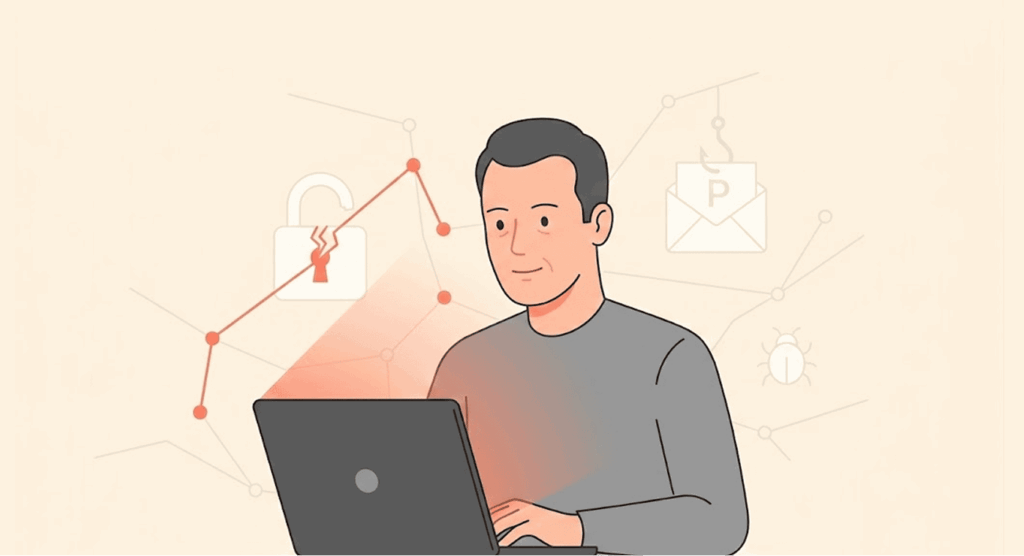
It’s all about vulnerabilities. A hacker’s goal is to find them in any device or network, use it to enter the victim’s network without setting off the security measures that might be in place.
You might ask, “What are hacking tools? These are various tools at the disposal of the hacker to scan and find these weak points. The hacker could lock the victim off from accessing their files or steal the sensitive or personal ones.
Bad actors could steal credit card information and use it to make transactions you didn’t authorise. Or move financial transactions between two parties to their own accounts.
The possibilities seem endless. The real concern is how they carry out these attacks:
- Survey/spying: The hacker will first study the network they intend to attack, observing the traffic, patterns, and available weak points. They have tools that scan the network or device for vulnerabilities. In some cases, they use social engineering tactics to access the victims’ credentials.
- Exploit: The moment hackers spot a weak point, they will exploit it, using tools like malware to penetrate the system.
- Control expansion: After successful entry into the system, the hacker wants to have more control over the device by increasing privileges on the system through various hacking techniques.
- Data theft: With the control they now have, the hackers can go through the information on the device, looking for important files and remove them from the device (stealing them). It could be login details or credit card information.
- Leave no trails: The hacker will cover their tracks by altering system configuration or by removing log files.
Businesses that handle sensitive information, like financial platforms, should take extra care to use the necessary security tools to protect their customers’ information and money. A giant step towards that direction would be training the staff about cybercrimes and how to manage them. You could also install security tools like anti-viruses, too.
Why do people go into hacking?
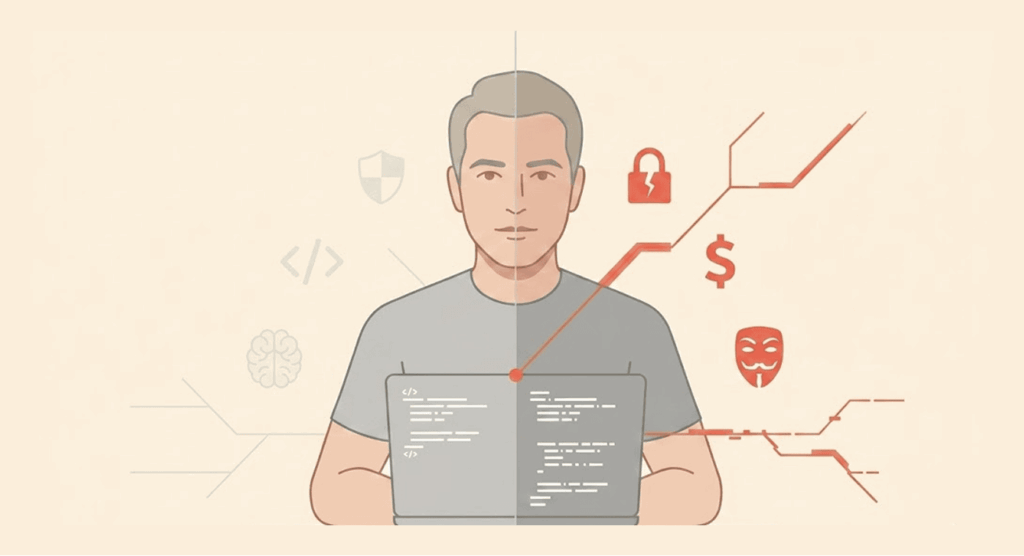
We should understand the motivation behind these people, why they move into the hacking business. Let’s try to see things from the hacker’s view:
- Revenge: When people are treated badly by an organisation or individual, they might harbour revenge in their minds. The hacker won’t want the money. They simply destroy the victim’s information or wipe them off completely.
- Popularity: The hackers, at times, compete amongst themselves by challenging each other to make difficult hacks. They gain recognition on the dark net (a hidden and shady part of the internet) and build their reputations to become elite hackers. Reputation is a requirement to enter exclusive hacking groups on the dark web without paying any registration fees.
- Agenda: Sometimes hackers get into this hacking business to promote certain social movements or a political agenda.
- Espionage: Governments can use ethical hackers to steal sensitive information from the governments of other nations.
- Political espionage: A state can use hackers to influence political agendas, like elections. They can hack into the system of a political opponent running for election and expose files that will stop many from voting for the candidate.
- Corporate espionage: Companies use hackers to compromise competitors by stealing information that reveals trade secrets of the rival company.
- Money: This is perhaps the biggest motivating factor for hackers. For them, it’s one of the fastest ways to get rich.
- Improved security: Some hackers don’t have bad intentions. There are ethical hackers who, with permission, test an organisation’s network once they receive payments from the management, to check if there are any vulnerabilities. Not all hackers are criminals.
Top laziest hacking methods
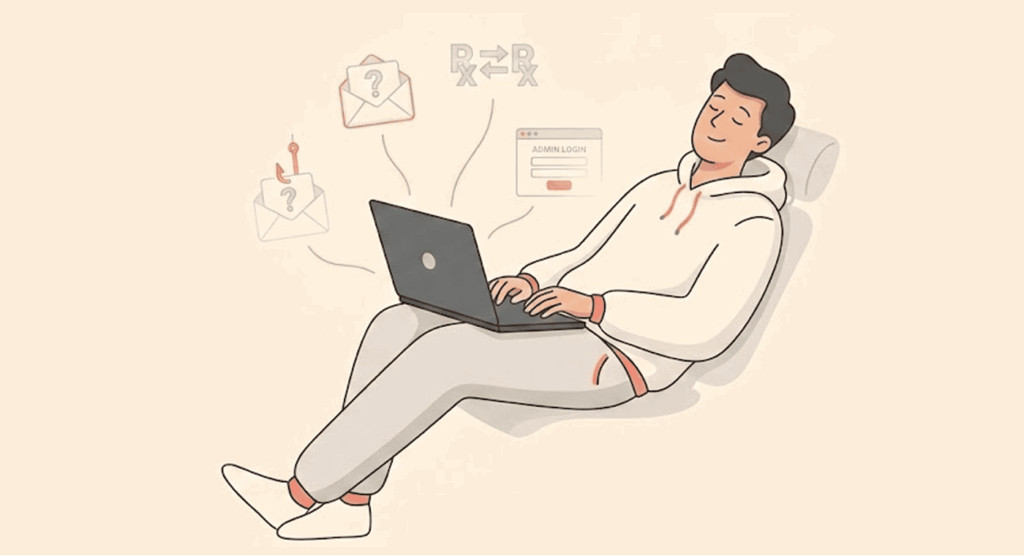
1. Fake WAP (False access point)
This is ridiculously easy for a hacker to set up, and also very easy for most people to fall for. In a fake Wireless Access Point (WAP), the hacker simply sets up a wireless router in a public place. They rename the access point to something that sounds legitimate and familiar to most people.
This lures a lot of unsuspecting folks to connect to the router. Once they establish a connection from a device, the hacker controls the device and spies on what people do with their devices.
In some cases, they could completely change the internet network without people’s knowledge. Then, follow up by making the device download the virus they intend to use. Or steal personal or sensitive information from the victim’s device.
How often have you been to a public place, let’s say an airport or cafe, and your device spotted lots of WiFi access points? Most people are usually eager to connect to any of them, preferably those without a password. Please, avoid those because they could be a trap.
Instead, seek access points with passwords. Meet a staff member of the establishment to obtain the password to the router’s network. In general, public WiFi is very insecure. Hackers love public places on the internet. It increases their chance of getting as many victims as possible.
We recommend the use of VPNs for public WiFi connections (dangerous for your privacy). A VPN makes it difficult for hackers to see what you do online. Neither can they change what you send or receive. It will be a shame to fall for this sort of hack and find out the culprit was a kid who still lives in his mother’s basement.
2. Bait and switch (Setting traps)
A common practice in the trading world. A vendor offers a product that’s attractive to customers. But when the customer comes for it, the seller claims it’s no longer available and offers either a lower-quality alternative or a more expensive one. That’s the switch.
In the digital world, it refers to fake updates or virus-loaded links that look legitimate. They often replace official files on the victim’s device, compromising it in the process. The hacker could use seemingly trusted platforms like ads to tempt users into opening the links that take them to a malicious website where their information will be completely exposed.
Mainstream platforms like Google and Facebook are very big advertisers that most people trust but aren’t completely safe from hackers, despite putting in some security measures. When a user clicks on these ads, the hacker can access their information in many ways, such as browser locking, clickjacking or downloading viruses.
3. Credential reuse (Log-in details)
As the name implies, a hacker seeks login details from previous breaches on the dark web. They gather these passwords and use automated bots to test run on various platforms like retail, banking, and social media platforms.
With luck, the hacker could stumble upon an account where the victim reused the same password, despite past experience. Most folks use the same password (which is not good practice for maintaining their privacy) on several accounts for “convenience’s sake”. In their opinion, to reduce the chances of forgetting the password used on another account. That’s a grave mistake.
Once the criminals have compromised your password, instead of affecting just one account, they will breach all your accounts almost at the same time. It’s a disaster waiting to happen. It doesn’t end there; the hacker can proceed to identity theft, use your bank details and personal information to make purchases, and use your credit card information.
4. SQL injection
Criminals aim such attacks mostly at websites, not individuals. An SQL injection is an attack method that looks for weak points on websites that use the SQL language. Hackers insert this code into text fields used either for log-ins, like passwords, or for search results on a website.
While typing in those fields, the code bypasses whatever mediocre security measure put in place and spreads within the website. The hacker gains control of the administrative features of the website. It’s chaos all the way.
The hacker can tamper with the website’s database by stealing sensitive information or changing the contents. In some cases, completely delete their entire data. He can also change or remove the transaction details.
The hacker will successfully turn the legitimate website into a malicious one. The website becomes the hacker’s base from where they launch a larger-scale attack. If your information is on the website’s database, that could be compromised too. The hacker could also attack folks who visit the websites.
The steps to avoid an SQL attack are available on the internet. Google shows lots of simple tips to avoid these threats.
5. Browser locker
Is a lazy approach for lazy victims, that is, victims who aren’t technologically sound. Beginners. The hacker leads the unsuspecting victims towards a malicious platform or an infected legitimate website.
The hacker activates pop-ups that will fill the victim’s entire screen, making it impossible for the user to remove them. The pop-ups pretend to be an antivirus. The attacks make the user believe that a virus has infected their system and needs the “antivirus .“
They will direct the victim towards a fake tech support where the criminal will tell them to pay a certain amount of money to remove the virus from their system. The user makes the payment, not knowing they paid a hacker.
Other common methods of hacking
1. Brute force attack
This attack requires the hacker to guess passwords in the user’s account. They keep trying until they get it right. When the hacker enters the right PIN, password, or encryption keys, the hacker will have access to information under lock, plus even the database and services. How do they do this?
By using a software tool that tries lots of password and PIN combinations in seconds until it gets the right one. The password combinations they load into this tool are from accounts they breached previously.
There are popular phrases people use for passwords that they repeat over and over again. Popular phrases for passwords and pins include:
- “12345”
- “Password”
- “Guest”
- “Secret”
- “iloveyou”
- “Abc123”
- “111111”
- “000000”
Other common phrases people use are available on social media, including birthdays and family names. The usual victims are folks who use weak passwords. (We have covered some eye-opening stats and facts about passwords in a dedicated article if you need to read.)
Safety tips
- Lock accounts: The account should be locked after several attempts with the wrong password. Also, the waiting time between attempts should increase as the hacker continues. The hacker can’t use automated attack tools.
- Limiting the rate: There should be a restriction on how many times a login request is made from one user account or IP address within a specific time interval.
- Two-factor authentication: We consider this the best approach to avoid Brute force attack. That’s because when the bad actor breaches the password, the hacker will need a second layer of verification that, unfortunately for them, goes to the owner of the account. It’s also a way to notify the account owner when criminals make attempts on their account.
2. Dictionary attack
Another type of Brute force attack, a dictionary attack, requires the hacker to put in words and phrases that folks often use for passwords. A traditional brute-force attack involves all combinations of passwords from letters, words, sentences, and combinations of characters. The dictionary is more about words.
It’s a direct but effective way of attack because the hacker builds a “dictionary” that their attacking tool will use. These hackers are very meticulous when compiling phrases for their dictionary. They can thoroughly check your social media accounts and other public platforms, seeking details like names of your relatives/friends or lovers.
They don’t even exclude pets and birthdays. This attack method is dangerous because it is more customisable, and its design makes it get matches as fast as possible.
Safety tips
- Account lockout: Just like Inc Brute force, there should be a way to block the account after several attempts are made. Also, the time frame between attempts should increase progressively.
- Strong passwords: Your passwords should consist of a combination of letters, words, numbers, and characters to make them stronger and less predictable. And yes, they should be long, at least 15 characters or more.
- Avoid using passwords for long periods: The more you keep using the same password, the higher the chance of it being breached. Make it a habit to change passwords after a while to make things difficult for hackers. Even when you have lots of accounts, it’s important to do this. Is that tedious for you?
- Password manager: If changing passwords for multiple accounts is difficult, you need to get a password manager. That’s a tool that gets strong passwords and changes them at intervals for all of your accounts. It works automatically. Saves you lots of stress and secures all your accounts.
3. Keylogger attack
This variant involves a spyware that silently watches the key strokes on text fields reserved for passwords or usernames. They basically steal login credentials and give feedback to the hacker.
Keylogger software is not typically illegal. Shocked? Don’t be. Whenever you use a website or app that remembers your passwords with an option to save, that’s it. Unfortunately, these bad actors are abusing this feature, using it without the consent of the user.
The hacker uses this method for identity theft to log into any of your accounts. They bypass any security measures in place because the said security will think it’s you.
Safety tips
- Multi-factor authentication: Protects your account even when the hacker succeeds in stealing your login credentials. It provides an extra layer of security huddle which in most cases, hackers won’t be able to figure out.
- Security tools: We recommend the use of security tools like antivirus software or anti-malware. They stop the infection before it takes root in the device.
At this point, a VPN is basically useless because they only hide your IP address and encrypts your data, but it can’t help when you have already clicked on a malicious link or website.
4. Watering hole attacks
A hacker either monitors or correctly guesses the platforms frequently visited by the staff of an organization. There are popular social media platforms people often use, like Facebook, Instagram, and TikTok.
The next step is to infect the website, make it malicious, and wait for the user to visit it again. Once it happens, the user’s device will also be infected with malware. Instead of checking out weak points from the staff’s device, they seek unpatched vulnerabilities of the website.
Hackers target only specific IP addresses. That’s what makes it very dangerous. The victim casually visits the website, trusting nothing will happen as usual. They won’t know the hacker has laid an ambush for them on that platform. A legitimate website you visit most times can suddenly become infested with viruses.
Hackers turn to this method when they have failed to find a weak point in an organisation’s network. They find a way through any of their employees. The goal is to get into the victim’s company’s network, find sensitive information, and encrypt it. Or steal them and demand a ransom.
Once again, a VPN is useless as they can’t protect your device when cybercriminals have already infected it with a virus, especially from a “trusted” website, or you can use one from our recommended options if you want full-proof security online.
Safety tips
- Regular updates: The organisation and its staff should always update their device systems, softwares and apps. It goes a long way to reduce weak points in their device or network.
- A security tool: Not a VPN. Instead, get a reliable antivirus tool that can identify the malware and get rid of it.
5. DNS spoofing
When we use our browsers to enter a website, a DNS server communicates with our device and shows it where to get the information we need. A hacker can compromise a DNS server. Instead of directing you to a reliable source, they take you to an infected website where the hacker will take complete control of your device.
The hacker performs a large-scale attack because they can direct lots of IP addresses to this malicious platform. The hacker can either infect data that is coming to your device or give the DNS server infected information. At the end of the day, they will direct you to a platform where the hacker can take control of your device.
Safety tips
- A reliable VPN app: Since the purpose of DNS servers is to communicate with your device’s IP address, they won’t get yours. A strong VPN hides your IP address and assigns you a fake one that is visible. Also, a VPN encrypts your data, making it meaningless to anyone tracking your information. It’s impossible to infect your information coming from a VPN server.
Unlike free ones, paid VPN services are better because there is less chance of selling your information and activities online to ad agencies. They also make sure your privacy is secure.
6. Cross-site scripting
When you visit a website, it communicates with many servers to improve how it functions. They also help the website to communicate better with your device and avoid verifying their authentication process every time they communicate. Some of these connections to servers include unique plugins or ad services.
A hacker can compromise any of these numerous connections by putting scripts that go directly to the website’s interface. These scripts spread to the devices of anyone who visits the site. Just like DNS Spoofing, it has the potential for large-scale attacks.
These scripts record the information from users while they are on the website and send it to the hacker.
Safety tips
- A secure browser: It’s important to get a secure browser that has anti-script plugins. They will identify connections with scripts from hackers and stop them from getting to your device.
- Watch for unusual patterns: Always keep your eyes open for suspicious activities when you visit a website, even the legitimate ones. They are not always a safe haven these days.
7. Man-in-the-middle attack
As the name implies, the hacker finds a way to hide between your device and the server it communicates with, ultimately becoming the invisible middleman.
The hacker sees the communication between you and whoever you are chatting with. That’s not all. The hacker has the power to change the communication between two parties. For instance, you are chatting with a friend, and the hacker can alter what you wrote to your friend.
This wrong information gets to your friend, and your friend believes the information came from you. Or the other way round, change your friend’s message, and you receive it, thinking it came directly from your friend.
A lot can go wrong here. Even without altering conversations, the hacker can silently observe chats between two people, steal personal or sensitive information shared, like bank details, credit card information, and very private/personal stuff.
By changing the conversation, the hacker will ask the receiver for this sort of information. The receiver would most likely give away such details, thinking they are communicating with their friend.
If the hacker stumbles upon an ongoing financial transaction, they can redirect the funds to their own account. The person sending the money will think it’s going to the desired account. Unfortunately, it’s going to the hacker’s account.
The hacker compromises the connection through unsecured public WiFi connections. Or through a fake WAP method. They can have access to your login details, use them for identity theft, log into any of your accounts, use your credit card information, and make transactions of their own.
This is one of the most dangerous types of attacks because the victims never see it coming.
Safety tips
- Avoid public WiFi: In general, they are not safe because hackers always find vulnerabilities with such connections and exploit them. Since lots of folks love using public WiFi, the hacker gets a better chance of compromising as many devices as possible.
- A reliable VPN app: If you must use a public WiFi, do so with a good VPN app. The hacker won’t see your IP address. Neither will they make sense of your traffic. Your device will be safe.
8. Macro malware in documents
These are scripts deep inside Microsoft files, like xlsm or docm, to spread dangerous code. The hackers do this through phishing emails that pretend to be legal documents or invoices. The malware looks for vulnerabilities in the automation system in Microsoft Office.
Such emails look like links, zip files, or attachments. The moment anyone opens such documents, hackers will use social engineering to convince the user to “enable content, “ where the script will run. Also, the victim can download more viruses, such as ransomware or spyware, to either corrupt files or steal information.
While using documents, there are file extensions that use macros like:
- .pptm (PowerPoint)
- .docm (Word)
- xlsm (Excel)
The good news is it’s easy to identify and avoid once you know what to look out for. Some of these extensions run scripts the moment anyone opens them. But the user has to give permission to the prompt as the document opens.
Once the user grants permission to the macro, they become very exposed to the hacker. Such scripts can seek out weak points in the user’s system and inject more viruses. The hacker now controls your device. It’s tricky because most of these emails come from reliable sources or platforms. Every document that asks for your permission to activate something should be suspect.
For instance, if you get a document like that from a friend, they have to explain what it does, the reason for the permission, and who is responsible for the macro in the first place. Your friend most likely does not have bad intentions towards you, but they might have unknowingly picked a malicious document from an unsafe source.
You should take precautions because such “seemingly” official documents can compromise your system to get to the organisation you work for. They simply used you to get to a bigger fish. In the same way, bad actors compromised Hilary Clinton’s laptop through her campaign aide.
Safety tips
- Security tools: Use a strong antivirus software that protects your system for 24 hours. They can remove the virus even when the infection has taken root.
- Regular updates: Always upgrade your systems and apps to the latest versions to close up weak points in your system and network.
- Verify sources: It is not wise to open documents from unknown sources. Even if they come from trusted parties, always ask questions from the source before opening the document. You might be unleashing “hell” on your system.
- Disable macros: From settings in the Office Trust Center, click on “Disable all macros with notification”. It puts an end to giving permissions that could put you in trouble.
If you sense the presence of an infection, quickly leave the network you are using, scan your device with the antivirus you have, and boot your device into safe mode. It will help to know where the viruses are and remove them.
9. Clickjacking/UI redress
This is a highly sophisticated type of hacking where your “clicking” ability is hijacked, or so to speak. A malicious website you visit could have two layers of interface, but only one is visible to you. The invisible UI is transparent, not obvious to anyone.
The invisible layer has been designed to have buttons exactly in the same position as the buttons on the visible layer. The difference? The buttons on the invisible layer have different functions from the ones the user sees.
When a user executes an action, they unknowingly perform another task that’s different from the one intended. For instance, the bank details the user wants to transfer funds to belong to Mr A. While inputting the account details, the user is sending the money to the hacker’s bank account. It’s like having two separate websites in one.
The tampering of the UI is done in a malicious website or a legitimate one that has been compromised. The hacker can be creative with the invisible interface, putting functions wherever they want that overlap those on the visible UI.
Clickjacking is frequently used on social media platforms where the hacker makes other users click on ads to raise money. Other times, the hacker can use this method to get more likes on Facebook or use Adobe Flash weak points to activate the microphone and camera on the victim’s device.
The hacker uses this to change the security settings of a platform, including bank transfers.
Safety tips
- Frame busting: This is a Java code that can tell when a website is loaded in a frame and takes it to the top window.
- CSP frame-ancestors: Ancestors? Really? Anyway, it’s a content security system to stop clickjacking. They determine what websites become part of your page in either <object>,< iframe>, <embed>, or <frame>.
- SameSite cookies: They help to stop unauthorised tasks while embedded sessions are taking place.
- X-Frame-Options: Another security check that stops clickjacking by deciding if a browser loads a page or not. It does not allow other third-party sites to embed your UI, preventing your site from hiding inside a malicious one.
10. Session hijacking/Cookie theft/Sidejacking
This form of attack hijacks active cookie sessions and pretends to be the user on the same website they visited. With cookies, the hacker easily accesses the user’s accounts without two-factor authentication or passwords. It’s a unique way of identity theft.
Websites normally send cookies to anyone who logs into their platform. The aim is to keep the user logged in when they visit the next page on the website. If not, the user gets logged out when opening pages.
If you use an unsecured connection, the cookie might not go to where it’s meant to. The hacker has stolen the cookie session (from cookies tracking). When a hacker can’t get their hands on your login details, stealing cookie sessions helps to bypass those, access your account, and pretend to be you.
Cookies are seen as digital footprints because anyone tracking your activities on the internet will do so through cookies. Ad agencies follow your cookies to track your data.
Safety tips
- A reliable VPN app: A good VPN app is important when using an unsecured connection like public WiFi. By hiding your true IP address and encrypting your data, your cookies will get to you. But make sure you don’t visit a malicious website. There is a limit to what a VPN can do for you.
- Log out: Whenever you are done with your tasks on a website, always log out to get rid of your cookies. Closing the browser does not log you out automatically.
- Use of anti-malware: Install a good security tool that can see and remove malware designed for browser sessions.
- Enforce HTTPS: It’s important to make sure the sites you visit are encrypted, because HTTPS sites are more secure than HTTP.
- Get cookie flags: HTTP flags are secured. They stop sending cookies once an unsecured connection is used. They also block scripts from accessing the website you visit.
11. Phishing
Another method is where the hacker buries malware inside links or attachments and sends it via email. The email convinces the user to open either the link or the attachment.
It is known as social engineering. The idea is for the text in the mail to sound urgent. Once the user catches that “urgency fever”, they can’t think logically anymore. The user clicks on the link or attachment that takes them to either a fake website or generally corrupts their files and steals sensitive information.
A phishing attack has different ways of execution, which include:
- Quishing: A dangerous QR code that takes unsuspecting folks to a fake login page.
- Email phishing: This is the most trending type that sends emails looking legitimate but are not.
- Vishing: when audio is used. The hacker calls the victim, pretending to be a tech support of a reputable platform. In recent times, the hacker can clone the voice of a known figure, thanks to AI tools.
- Spear phishing: A phishing style designed to attack a specific individual or company.
- Smishing: Phishing style executed through text messages.
Safety tips
- Report an attack incident: It’s important to report such incidents to institutions like the FTC or use the reporting channels available in your mail clients.
- Verification of link: When an email appears to come from a reputable platform, look for the official website and log in. Resist the urge to click the link.
- Two-factor authentication: If your account has been compromised, a second layer of security will ensure it’s only you who approves the login.
- Security tools: Never forget to install an antivirus or malware. This will clean your device system when it’s infected by malware.
12. Ransomware attacks
It’s perhaps the most trending of cyber attacks. The hacker finds a weak point in the victim’s network or device and infects the entire system. The goal? To encrypt the users’ files, deny them access to their files and information. The hacker makes a demand for money (ransom) that is paid through cryptocurrencies to avoid detection.
Some victims refuse to pay and prefer to retrieve files from previous backups. Hackers have adapted. They don’t stop at encrypting files. They have gone further to either corrupt the backup files or delete them completely.
When that fails, the hacker looks for sensitive or very personal information that the user wouldn’t want the public to know. The hackers steal the information from the system and threaten to release it to the public if the user does not pay. Over the years, several case reported of this attack till date.
A lot of companies have lost millions of dollars to these bad actors and continue to be victims to date. Individuals are not spared either. People have suffered cyber attacks that leave some traumatised for months or years.
Financial loss isn’t the only damage victims suffer. We should consider the damage to the brand image of organisations and the customers’ loss of trust in the company. While the victims’ files are encrypted, the organisation will experience downtime, leading to loss of revenue in the long run.
Downtime is part of the pressure hackers put on companies when they are attacked. To return quickly to operations, the company might be tempted to pay the ransom to get back to business.
Safety tips
- The use of two-factor authentication: Just in case your password is compromised, this offers an extra layer of security that stops most hackers from accessing your files.
- Offline backups: It’s important to have a backup, but that’s not enough. The backup has to be offline so the hacker can’t get their hands on it.
- Less privilege: In an organisation, there should be jurisdictions for the different departments in the company. For instance, someone in accounting should not share financial information with staff in the engineering department. These restrictions make it tough for hackers to get sensitive information, especially when it’s an inside job.
- Staff awareness: About 80 percent of lapses that lead to ransomware attacks are caused by human error. That’s massive and points to how important training employees will be. With cyber attack awareness, the staff will avoid activities that open up vulnerabilities to hackers. They can also identify threats from a distance before they cause damage.
- Security updates: Updating the latest versions of your system or software helps to close up weak points in both devices and their network. Also, some devices periodically give security patches at intervals. Always update your device. Your antivirus and other security tools should be updated to combat new threats online.
13. DDoS attack
Unlike the other forms of attack, this one isn’t meant to hit your device or network. A DDoS attack targets networks, services, or interrupts a server. The attack floods lots of traffic towards the target from devices that have been compromised. The hacker gets control of the user’s device through botnets (a network of infected devices) and sends massive traffic towards the target.
The aim is to slow down the network, use up their bandwidth, and make it impossible for the platform’s clients or customers to use the network. The bots will send a small part of the bandwidth from your device to the target network.
Of course, this leads to downtime and subsequent loss of revenue for the platform. Hackers use this method to force the platform to pay ransom, or bring down a competing rival to have an edge over them.
Safety tips
- Available response plan: There should be a system of acting quickly when you notice your company’s network is under attack, and a response team in the organisation that knows how to identify threats before they cause damage. There is a need for CAPTCHA to differentiate between humans and bots in moments of attack. A good communication system is important to reach out to customers, your internet service provider(ISP), and stakeholders to take precautions during an attack.
- DDoS management service: When a company faces a large-scale DDoS attack, it’s best to use a cloud-based security service. Services like Imperva and Cloudflare will move your traffic through a global network often referred to as “scrubbing centers “. They absorb your traffic and help to remove malicious ones before they get to your real server.
- Extra bandwidth: Having more bandwidth than is required will cushion the effect when there is a sudden increase in traffic. It gives the response team time to look into the spike in traffic. But then, it won’t help when a very large amount of traffic is directed to the network.
- Request limit: The number of requests made by an IP address should be capped within a particular time frame. It stops bots from overloading the network.
- Anycast network diffusion: This system of routing transfers any traffic coming in to different servers scattered in different locations. By doing this, a single server won’t be overwhelmed.
- Monitor your traffic: By observing the activities on your network, you take note of the patterns in the traffic. When an unusual behaviour or pattern occurs, you can easily spot it before it causes harm to the network.
- Security tool: Get an anti-malware installed on your device to get rid of bots present on the network.
We know these attacks are not really a threat to your device, but they will help other platforms to follow some preventive measures. Don’t let hackers use your device to launch an attack on others.
14. IoT attacks
An attack method that targets devices that have software and sensors, and can connect to the internet. Devices such as smartwatches, match speakers, smart cameras, and thermostats are called IoT devices.
They usually have low storage capacity, and that doesn’t leave room for extra features like installing security tools. Also, they have weak passwords that came with the device. These devices are automated and require little to no human interaction. The automation feature makes them perfect for hackers to infect with botnets and perform large-scale DDoS attacks on big organisations.
Since there is little to no human interaction, it becomes difficult to notice abnormal behaviours when an attack is about to happen. With these IoT devices, hackers can perform different types of attacks, including:
- Man-in-the-middle attack
- Ransomware attack
- Brute force attack
- Physical attack (tampering with the hardware)
Some of these device software gets outdated, and users dont bother to update. A lot of weak points will be open to exploitation. To make things worse, these devices don’t support encrypted data, making it easy for data to be tracked and intercepted.
Safety tips
- Multi-factor authentication: Since they lack features that support encrypted data, two-factor authentication becomes a necessary security check that adds another layer of confirmation.
- Change default login information: The passwords that come with the device are usually weak. Most hackers can guess them or find out through Brute force attack. Change the password as soon as possible.
- Regular update: Every user has to update their device systems and software to the latest versions to close up patches existing on either the network or the device.
- Use a different network: To protect your main computers, connect IoT devices to a separate network.
Difference between ethical and malicious hacking
| Type | Malicious hacking | Ethical hacking |
|---|---|---|
| Goal | To damage, encrypt, or steal information | To protect data and improve security |
| Permission | It is done without permission | Permission is always given before hacking takes place. |
| Result | Compromise data, steal information, cause financial loss, and possibly harm. | Weak points are spotted and patched up, improving security. |
How to prevent hacking safeguarding your personal and sensitive information
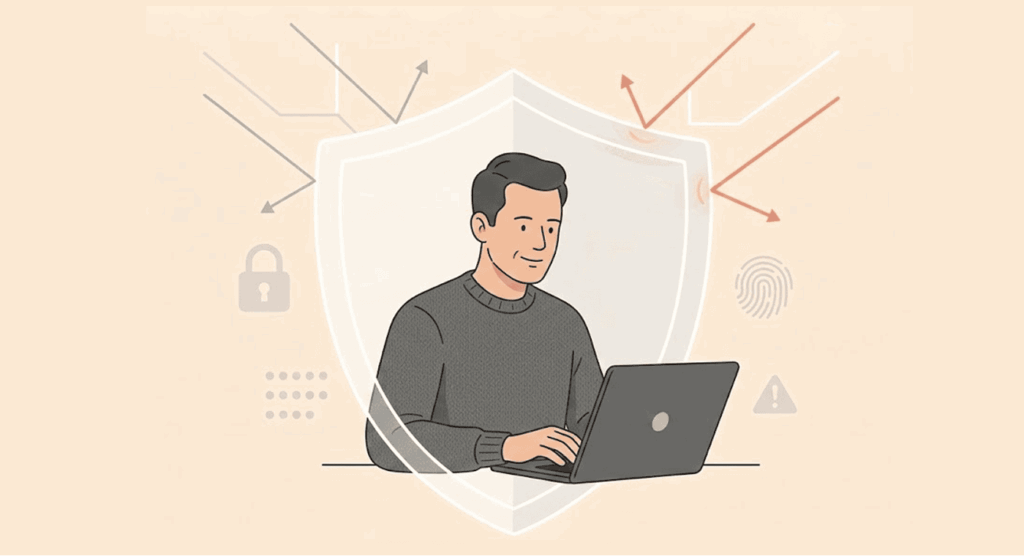
This is a general security measure everyone should practice to avoid cyber attacks. Follow them diligently:
- Use VPN: These will help to hide your IP and give you a fake one that can connect to any of the numerous servers available on the VPN platform. In most cases. Hackers need IP addresses they can track and attack.
- Strong passwords: Avoid passwords that are easy to guess for hackers by making them long while mixing up the characters.
- Always update: Follow up with updates for your system when they are available. We understand some updates take time to install, and hence, the temptation to postpone installation. Do them as quickly as possible.
- Limit personal information on social media: Don’t share your emails, phone numbers, or the nature of your job on social media platforms. Hackers can use this information to perform phishing attacks or other social engineering tactics on you. Never share your house or office addresses, either.
- Two-factor authentication: Just in case your password has been breached, having a multi-factor authentication process will stop the hacker from accessing your account.
- Reduce the number of accounts: There is no point in opening accounts that are not active. Hackers always exploit those to get to you since they contain your personal information. Always delete accounts that are not active.
We have specified the specific security measures that work for each attack, but these are general steps anyone can take to protect their data online.
FAQs
Organisations and individuals lose a lot of money to hackers. The reputation of companies is damaged, leading to a lack of trust by their clients and potential customers. The customers with affected accounts could sue the organisation.
No. Public WiFi are easy target for hackers because they love public places on the internet. Be suspicious of access points that have no passwords.
Check the source of emails and documents. If they are not known, don’t open any links attached to them. They might contain viruses. When there is urgency and fear in the content, be very suspicious. That’s social engineering at work. Also, you should be concerned when they request for sensitive or personal information.