We live in the most advanced era, where you no longer need to wonder where to access movies and TV shows, as multiple IPTV providers offer the best content we want.
However, because of multiple platforms, it’s difficult to choose the best one. Therefore, we hand-picked some of the best IPTV services for you. They offer huge content libraries, but some are inaccessible in several regions. But don’t worry—we will guide you through how to access them, too.
Top IPTV services today – Quick list
- TuduTV: It is an IPTV streaming platform that offers live TV channels and on-demand content through internet-based access.
- Sling TV: One of the best IPTV services, Sling TV lets you customize channel packages so you only pay for the content you actually watch.
- Philo: Philo is an affordable IPTV service offering a wide range of niche and popular channels for budget-friendly streaming.
- YouTube TV: YouTube TV is a premium IPTV service offering a wide range of live channels with unlimited DVR for recording content.
- Hulu: Hulu is a major streaming platform offering a mix of original shows, trending content, and on-demand movies in one place.
- DirecTV Stream: A leading IPTV service offering a wide range of live TV channels and a strong DVR feature for recording content.
- Pluto TV: Free streaming service offering live channels, movies, and shows across a wide range of genres.
- Xumo TV: A free streaming service with 200+ live channels and a large on-demand movie library, featuring a simple, user-friendly interface.
- Redbox: Redbox TV is a newer IPTV service with a smaller library, but it stands out for its solid streaming quality and unique Redbox kiosk integration.
- Red Bull TV: It is a sports-focused streaming service offering live events and action-packed content for sports enthusiasts.
- Crackle IPTV: Crackle is a free Sony-owned streaming service offering movies, TV shows, and original content with high-quality playback despite a smaller library.
- Peacock TV: Popular free streaming service from NBCUniversal, offering a large library of TV shows, movies, and original content in high quality.
- Apollo Group TV: An IPTV service that provides access to live TV channels, movies, and on-demand content over the internet.
What is IPTV
The name IPTV is an acronym; it stands for Internet Protocol Television. Its origins date to 1995 when the company Precept Software (later acquired by Cisco) dared to create a broadcast system relying on the internet as a source; instead of on the typical for that time, cable TV, or satellite connections.
IPTV was a game-changer for the broadcasting industry. No wonder why! The world was fundamentally getting familiar with what the future could hold by using the power of the internet and its applications.
It all started with the Windows and Unix operating systems. IPTV was an application capable of transmitting audio or video files of various quality levels. Users could interact with content from various channels, with options ranging from low to DVD quality, the highest quality at that time.
Of course, the current panorama is quite different. There’s no doubt that the internet has been an enormous pendulum for the way we live now. With higher internet speeds and plenty of devices connected to the internet, it’s all set and done to access smoothly and directly offset-time TV and on-demand video services.
IPTV requirements
We’ve mentioned before that IPTV needs an internet connection to work. However, having a one-of-a-kind experience when using these services depends on other factors, such as the quality of that internet connection and the device where you’ll stream IPTV content.
1. High-speed internet
The quality of your streaming relates directly to the internet speed of your ISP. Although this doesn’t represent a problem for most users living in the United States, the story differs a little in other regions.
It’s safe to say your stream will be fine if your connection is 30 Mbps or more. So, before you get an IPTV service, checking your internet speed would be a good idea.
There are free websites where you can do this at a finger snap, like speedtest.net or fast.com. Nonetheless, if you want to check the stability of your connection, you can visit testmy.net and tailor a test to monitor the strength of your internet speed in a specific timeframe.
2. A streaming device
Another crucial part of the equation is the device you’ll use to stream IPTV. You need a compatible device to play IPTV channels without interference (more on this in the ‘Best IPTV Devices’ section).
IPTV glossary
Installing an IPTV might be an uphill task if you don’t know some of the most common terms related to this service. We have gathered and defined some of those terms here:
- Catch Up: The ability to watch past TV programs or shows you may have missed. A catch-up function allows customers to access previously broadcasted content on demand.
- Connection: IPTVs work using the internet as a source; connection is the necessary conduit between your device and the internet for the streaming IPTV to work. The quality of your connection directly affects the streaming quality.
- EPG: Electronic Program Guide, a digital schedule provided by the IPTV that allows users to browse through the available channels, see upcoming shows, and schedule recordings.
- IP Location Locked: You may see this sign if you try to access blocked content in your current location. Some IPTVs use “IP location locking” to restrict service usage to a specific region. The only way to circumvent this restriction is with a VPN.
- ISP: ISP stands for Internet Service Provider, which is the company that provides your internet connection. The quality and speed of your ISP connection affect your viewing experience when using IPTV.
- M3U URL: An M3U URL is a link you receive when you sign in with an IPTV service. This link contains a multimedia playlist file that IPTV players use to play audio and video content. You can use this URL with any IPTV player.
- PPV: Pay-Per-View (PPV) refers to a service offering premium content, such as sporting events, movies, or other special events, available to users at an extra cost on top of their regular IPTV subscription.
- VOD: Video on Demand (VOD) allows users to access movies, TV shows, and other content whenever they want instead of being limited to a set schedule. You can access VOD content anytime, anywhere, on any device.
- VPN: Virtual Private Network (VPN) provides a secure connection between your device and the internet. VPNs offer added security for IPTV services, allowing users to browse more securely and avoiding data breaches. Additionally, a VPN helps you disguise your location to access blocked IPTV services or use IPTV without IP location locking.
Types of IPTV providers
If you’ve been wondering about the types of IPTV providers, the answer is quite simple: there are only two types. Regardless of their price or whether they’re free, IPTV providers fall into two main categories: those that comply with licensing and copyright and those that don’t.
1. Legal IPTV services
A splendid tip for you to identify legal IPTV providers is to see if they are available in major app stores, such as the Play Store (Android) or the Apple App Store. Android and Apple review the legality and security of the apps they launch in their stores. So, if the IPTV you want to use as a streaming app in any of these stores, it’s safe.
2. Unverified IPTV services
If you have checked the app stores and could not find an app for the IPTV service you want to try, you can label that IPTV as unverified. While you can use these services, you need to consider you would probably be violating licensing and copyright and may face legal repercussions, especially if you don’t use a VPN. Therefore, we recommend that you do not use unverified services due to illegality.
Best IPTV service providers – Detailed list
Below is a detailed list of the best IPTV providers:
1. TuduTV

$11.33 monthly
Large channel selection in one place
Channels may disappear without notice
TuduTV is a popular IPTV service that allows users to watch live TV channels and on-demand content over the internet. It offers access to 500+ live channels, including well-known names like Apple TV, Hulu, and Peacock TV. Plus, its library contains over 200,000 TV shows and movies.
Each subscription offers access to all of the features. Though the prices differ according to the number of devices you want.
For instance, you can enjoy the service for as low as $11.33/month for a single device. But if you need more screens, prices stay at $18.00/month for two devices, $24.67/month for three, and $39.67/month for five devices (the highest device plan). Whether you have a Smart TV, phone, tablet, laptop, or an Xbox, TuduTV is compatible with all and more.
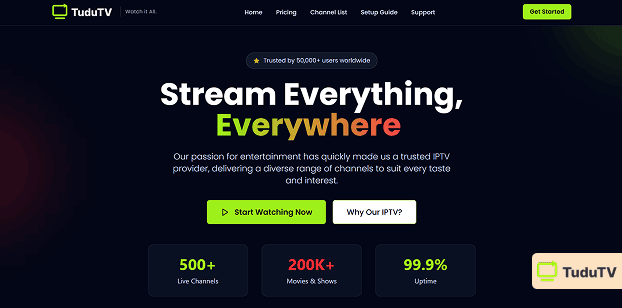
Know that, TuduTV comes with some legal risks that you should not overlook. It distributes content from licensed platforms like Netflix and Disney+ without any verified legal agreements, which raises concerns. And services like this are popular for shutting down at any time.
2. Sling TV
$35 monthly
Over 200 channels available
Add-ons can increase the total cost
Sling TV is one of the best IPTV options in the market. This is a high-quality streaming service that offers live TV channels and on-demand content.

Sling TV offers over 200 channels with flexible subscription plans ranging from $35 to $60 per month. It supports M3U URL streaming, works on most devices, and includes a 3-day free trial with payment options such as credit cards, PayPal, and Amazon Pay.
3. Philo

Philo is a user-friendly and powerful IPTV streaming service that offers sensational media options for entertainment lovers.
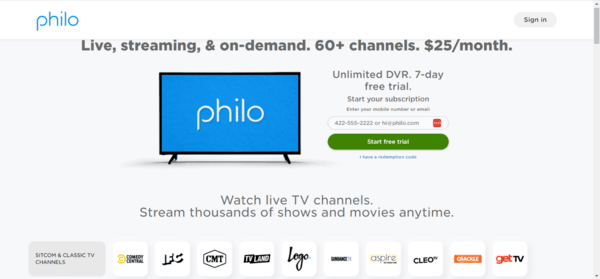
The platform offers more than 60 live TV channels with a budget-friendly subscription starting at around $25 per month. It supports M3U URL streaming, works across most devices, and includes a 7-day free trial with payment options like credit cards, debit cards, and PayPal.
4. YouTube TV

$65 monthly
Excellent device compatibility
Higher monthly cost than some competitors
YouTube TV is a premium IPTV service with an extensive range of channels and extras.
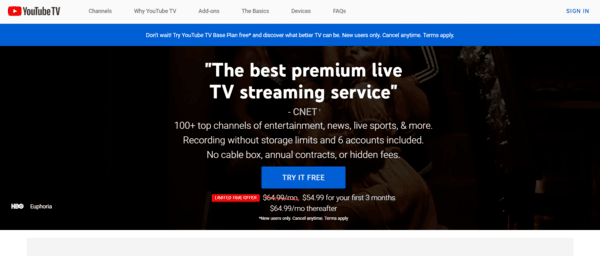
The streaming service offers more than 85 live TV channels with subscription pricing around $65 per month, delivering strong value for viewers. It is compatible with most devices, includes a 7-day free trial, and supports payments via credit cards, debit cards, and PayPal.
5. Hulu
Hulu is a groundbreaking IPTV service that mixes on-demand and live TV programming to create a unique experience for viewers.
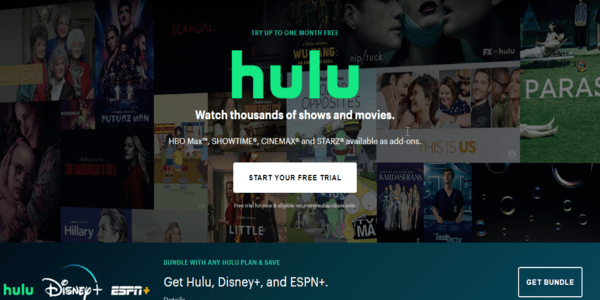
The service offers more than 75 live TV channels with subscription plans starting at around $65 per month. It does not support M3U URLs, is compatible with most devices, and provides a 7-day free trial with payment options including credit cards, PayPal, and Hulu gift cards.
6. DirecTV
$70 monthly
Strong sports and premium content
Extra costs for add-ons and premium channels
DirecTV Stream (formerly AT&T TV) has risen to become an outstanding IPTV option for those seeking entertainment variety.
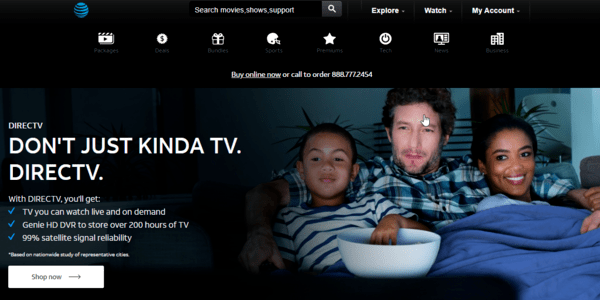
The platform offers more than 140 high-quality live TV channels with subscription plans starting at around $70 per month for different budgets. It does not support M3U URLs, is compatible with most devices, and provides a 14-day free trial with payment options including credit cards and PayPal.
7. Pluto TV
Free
250+ free live TV channels
No advanced channel customization
Pluto TV provides a charming free-to-use streaming service with many live TV channels to explore.
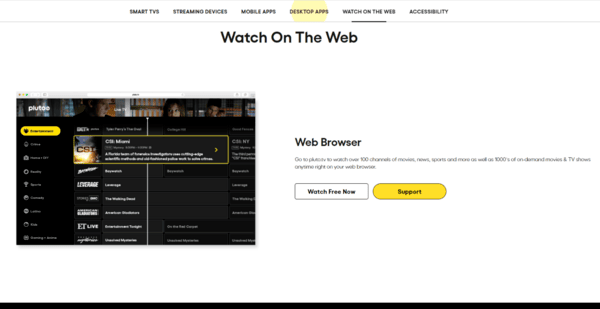
The platform offers over 250 free live TV channels with no subscription or payment required. It works without M3U URLs or IPTV players and is compatible with most devices, offering a wide variety of unique channels.
8. Xumo TV
Free
No subscription or payment required
Limited premium or exclusive shows
Xumo TV is a popular free-of-charge streaming option with 190+ live TV channels.
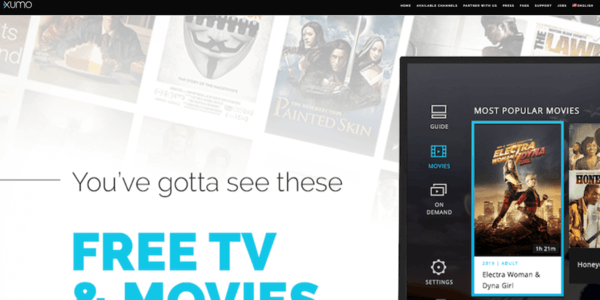
The streaming platform offers over 190 free live TV channels with no subscription or payment required. It doesn’t provide an M3U URL, but it works smoothly across most devices and features a user-friendly interface.
9. Redbox
Redbox is a free and new IPTV service. The main critique when it comes to this service is the limited content options. However, considering its short time in the IPTV space, the catalog is at least fair.
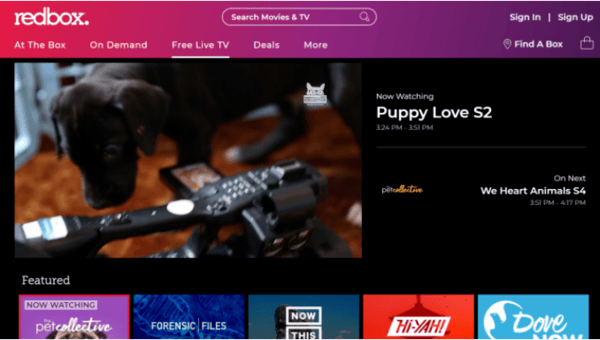
Redbox offers more than 30 free live TV channels with no subscription or payment required. It works without needing an IPTV player and provides strong compatibility across a wide range of devices.
10. Red Bull TV

Free
Free to use with no subscription required
Limited content library
Red Bull TV is another popular IPTV service that offers trendy live events, documentaries, and TV shows in a free-to-stream format.
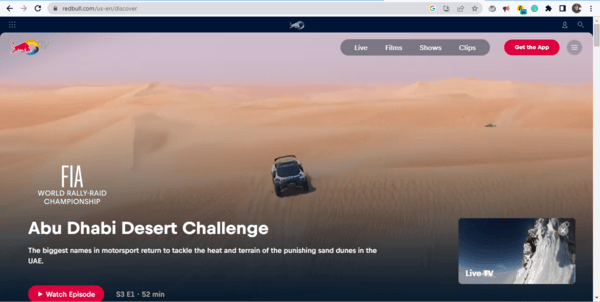
The platform is a free with no subscription or payment required, offering access to exclusive sports events, music shows, and more. It works without an M3U URL thanks to its built-in media player and is compatible with most devices.
11. Crackle IPTV
Free
Good selection of sports content.
Ad-supported streaming
Crackle is a one-of-a-kind free streaming service with a vast selection of on-demand movies and TV shows.
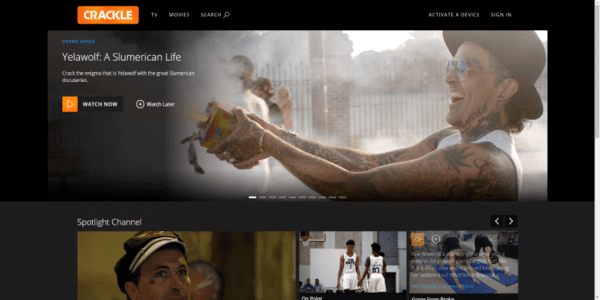
The service is a completely free. It offers a curated collection of TV shows and movies with strong device compatibility, and it does not rely on M3U URLs for access.
12. Peacock TV
$4.99 monthly
Free and premium plans available
No M3U URL support
Peacock TV is a trendy IPTV service offering live TV and on-demand content. Its popularity grows every day among avid IPTV subscribers.
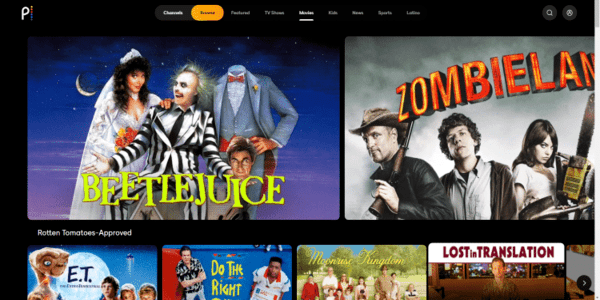
The platform offers over 40 TV channels with both free and premium subscription plans, with premium pricing ranging from $4.99 to $9.99 per month. It is compatible with most devices, does not support M3U URLs, and also provides a free trial period for new users.
13. Apollo Group TV
$18 monthly
Offers a large number of live TV channels
Unclear licensing and reliability concerns
Apollo Group TV provides live TV channels and on-demand content to cater to different viewing preferences.
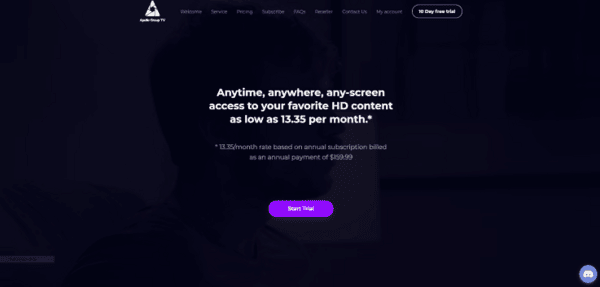
Enjoy over 3,000 live TV channels with affordable monthly plans ranging from $18 to $28 and flexible trial options. Also stream easily via M3U URL on multiple devices with support for various payment methods for maximum convenience.
What to look for when shopping for IPTV service
There are several elements to consider when shopping for IPTV services. Be mindful that the closer you get to collectively gathering the following features, the better your IPTV service selection will be:
- Price: A no-brainer characteristic: you want the best at the best price.
- Payment options: When it comes to payment methods, sometimes it’s not only a matter of price but also your alternatives. The perfect IPTV should support the payment method you want to use.
- Live TV channels: You want an IPTV to watch TV content, so it’s necessary to select an IPTV service with a vast range of live TV channels is necessary.
- Number of devices per account: You want to be able to switch from devices when streaming live TV channels. A good IPTV selection should support 4-6 devices per account.
- Customer support: Top-notch customer support will help you resolve any issues with your IPTV. You have to be sure the IPTV you select has 5+ star customer service.
- VPN compatibility: Some IPTVs block VPN connections. Select an IPTV where you can use a VPN. It will help you protect your privacy.
Best IPTV devices
We recommend devices with Android operating systems; not only are they compatible, but they also offer far more capabilities for users. Amazon Firestick is among the most popular devices thanks to its jailbreaking hack and low price point. Some of the Android-powered devices we suggest are:
- Amazon FireStick
- Amazon Fire TV Cube
- NVIDIA Shield
- Android TV
- A TV with Android OS
- A Google Chromecast
How to install & use IPTV app
Installing your IPTV may seem complicated if you don’t know the steps. However, the installation process and subsequently starting to use an IPTV can be uncomplicated. Read this step-by-step guide carefully to install your IPTV without hesitation:
- Choose an IPTV service: Evaluate your options and compare factors like channel repertory, price, payment methods, and device compatibility. Once you find an option fitting your needs, continue with step number 2.
- Subscribe to the service: Complete the information that the provider you select requests, choose a payment method, make the payment, and follow any complementary instructions you see in the process.
- Download an IPTV player app: You must install an IPTV player on your device. This software streams content once you use the IPTV. We recommend you install VLC or Perfect Player.
- Obtain the M3U URL: When you complete your subscription, you receive an M3U URL. This unique link will grant you access to the IPTV channels you choose. Make sure to copy the URL or download it to use it in the future.
- Import the M3U URL into your preferred IPTV player app: Depending on your selected IPTV player, the M3U URL importing process may vary. Find the right way to do it by researching this: “M3U URL import + name of IPTV player”. Follow the instructions and complete the import.
- Explore the channel list and start streaming: Now that the import is complete, your IPTV player shows the list of channels and content. Explore the catalog, and select the media you want to watch and enjoy.
Is IPTV legal?
IPTV, or Internet Protocol Television, has become increasingly popular as a method for consuming television programming, and as with any emerging technology, questions arise regarding the legality of IPTV.
The simple answer is that IPTV services are legal overall. However, some IPTV providers can operate without the proper licenses, so this is when the small print comes in.
It’s important to understand that not all IPTV providers are created equal. Some offer legitimate services with proper licensing, while others do not. The latter group often sources its content from unverified services and redistributes it illegally.
Using these unverified IPTV services puts users at risk of violating copyright law. The creators and distributors of illegal content can face legal repercussions, and so can the individuals who consume it.
In short, while using IPTV services is a legal thing, it’s essential to use licensed and verified providers to avoid legal issues. You can protect yourself and your information by choosing the best IPTV, an authorized service and ensuring they have the proper licenses and permits to broadcast the content you wish to access.
Is IPTV safe to use?
If you have been wondering about IPTV safety, you’re one of the few who worry about their privacy. Let no one tell you that the question “Is IPTV safe?” is exaggerated. There’s a valid reason for you to have this in your mind.
One of the biggest concerns is that some IPTV services may log user information without letting them know. While some providers are upfront about this practice, others aren’t transparent about the data they gather or how they use it.
Consequently, this potentially puts users’ privacy at risk and proves how crucial it’s for a user to choose a trustworthy IPTV service.
However, if you want to have a safe IPTV experience is possible, you must use a private VPN. VPNs, or Virtual Private Networks, encrypt your internet traffic and provide an extra layer of security when accessing online services, including IPTVs. With a VPN, your online activity is anonymous, and your data is safe from cybercriminals, hackers, and other unauthorized entities.
You can enjoy your favorite television program without worrying about your personal information being at stake. However, keep in mind that although IPTV services can be safe, there always are some risks. Hence, using a VPN for IPTV is recommended.
Use it with a VPN
When you think of online security and safety, there’s only one option: a VPN. Nonetheless, out of the vast alternatives in the market, you want to get the best VPN. NordVPN is our recommendation as it offers a reliable and cutting-edge service.
You can access more than 9,000 servers in 120+ countries, 20 of which are located in the United States, so you can be sure you’ll be able to unlock US channels smoothly.
One of the most remarkable features NordVPN possesses is its industry-leading speed; you can enjoy an average download speed of 475 Mbps, the fastest in the market. On top of that, its “Smart Location” feature helps you select the best server for your needs using distance and latency as indicators.
Moreover, NordVPN includes an automatic kill switch that assures your VPN is always active, regardless of the disruptions affecting your internet connection. Its split tunneling feature enables an option to discriminate the apps that use virtual servers, ensuring that all your traffic is secure.
Further, NordVPN integrates a 256-bit encryption system; this military-grade system keeps your traffic safe and protected. There are more affordable options on the market, but none of them gathers such a unique set of benefits.
NordVPN currently offers a 69% discount on a 12-month plan, making it more accessible to users who want to experience top-notch features, performance, and reliability. You can also try the service risk-free with its 30-day money-back guarantee.
Can I watch IPTV for free?
The short answer is yes. However, using free and illegal IPTV services brings considerable risks. For example, free IPTV services usually stream content without a proper license, so interacting with such services would violate licensing and copyright laws.
Moreover, if you use a free IPTV service, there’s no guarantee of the privacy of your data. These providers are not entirely transparent about the data they collect and how it is used.
Fortunately, the solution to this is quite simple. Opting for a paid IPTV provider helps avoid malware while streaming, data mismanagement, and interacting with unlicensed content. Like this, you’ll ensure a better connection, high-quality streaming, a broad channel repertory, and data privacy.
FAQs
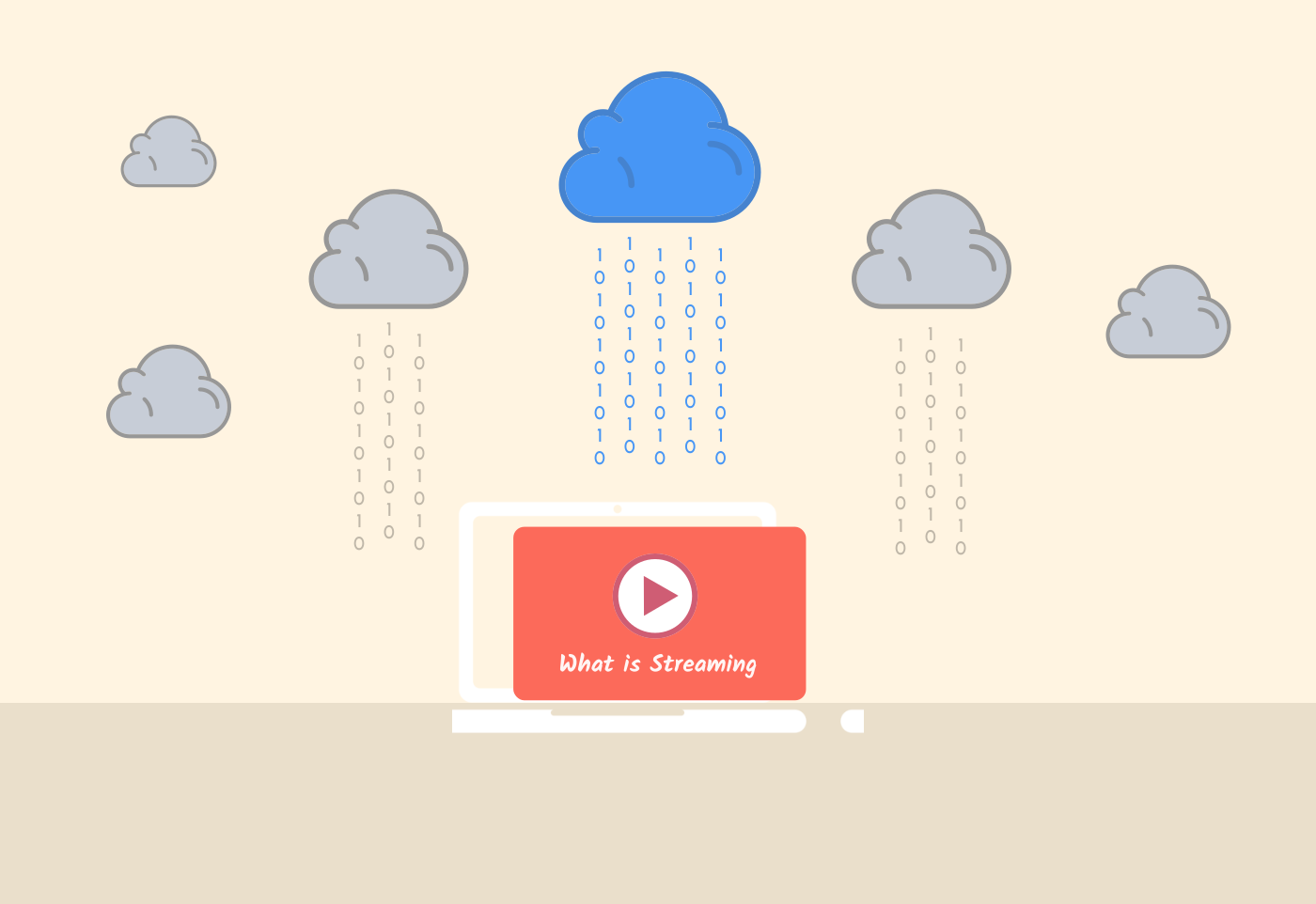
IPTV works by streaming TV channels and other content over the internet. It uses the Internet Protocol, which sends data packets from the source to the destination device.
While deciding which IPTV provider is the best depends on personal preferences, a good IPTV provider usually offers a great selection of channels, affordable prices, and is compatible with multiple devices. Some providers double-check these characteristics, such as Hulu, Sling TV, and YouTube TV.
IPTV is an acronym that means Internet Protocol Television.
The number of channels of IPTV providers constantly changes as they add new content due to regional availability. However, as of 2026, some of the biggest IPTV services in terms of channels are Hulu, YouTube TV, and DirecTV.
The risks of IPTV include exposure to malware and viruses, cybersecurity threats, poor-quality streams, and legal issues if using unauthorized content.
Netflix is not considered IPTV, as it uses a streaming format that differs from traditional IPTV streaming methods.