Cricket fans around the world eagerly await The Ashes, one of the sport’s oldest and most intense rivalries between England and Australia. The fiercest rivalry is set to return for the 2025/26 season, starting from November 21.
However, if you’re outside the broadcasting regions, catching the live action can be tricky due to regional restrictions and streaming blackouts. We know that being a real fan and missing even one ball just because you’re traveling or stuck in the wrong country feels like a nightmare.
That’s where a VPN (Virtual Private Network) comes in. A VPN lets you change your virtual location (IP address), giving you access to official Ashes broadcasts no matter where you are. It also keeps your connection private and secure while streaming.
But how to stream it with a VPN? This guide shows you exactly how to watch The Ashes online with a VPN, so you never miss a single over. We will also tell you where to watch this epic cricket battle from anywhere.
How to stream Ashes online with a VPN safely
In a rush? This quick guide will save you time if you want to watch Ashes on the go.
- Subscribe to a top-notch VPN service. We recommend NordVPN (now over 70% off).
- Download and install the VPN app on your device.
- Connect to a server where the Ashes games are available (UK or AUS are highly recommended).
- Start streaming. Don’t miss a single moment on the pitch as you watch the Ashes unrestricted.
Best VPNs to watch Ashes 2025-26 – Quick list
- NordVPN: Over-the-top service that offers fast, buffer-free connections on global server coverage.
- Surfshark: A budget-friendly VPN with unlimited simultaneous devices and multiple advanced features.
- ExpressVPN: Another top-notch service with blazing-fast severs and optimum security features.
Why do you need a VPN to watch The Ashes

Broadcasting rights are a mess. Streaming platforms like Sky Sports in the UK and Kayo Sports in Australia pay a lot just to lock down exclusive rights to show The Ashes in their regions. They want all the control, so they use geo-blocking. Once you try to tune in, the service instantly checks your IP address to see where you’re really watching from.
Streaming services detect your location by checking your device’s IP address against a geolocation database. A VPN bypasses this by routing your connection through an intermediary server in a country of your choice. This replaces your real IP address with one from the server’s location. When the streaming service checks, it sees the VPN server’s IP (e.g., in London) and grants access as if you were a local user.
And there’s another bonus. A VPN encrypts your connection, which means your data stays safe – especially handy if you’re streaming on sketchy public Wi-Fi (which is generally unsafe even for normal use). So you’re not just dodging geo-blocks. You’re keeping your connection totally secure, too.
Please note that while using a VPN for sports streaming is a powerful tool, it’s essential to understand the principles of responsible use (as should be the case with every tool today). For a deeper dive into the ethics, legality, and best practices, our article here provides essential context before you get started.
So, VPNs let you chill and stream cricket without any worries. Also, you don’t even need to worry about ISP throttling, as a top-notch VPN like NordVPN doesn’t allow ISP to throttle your internet connection.
Best VPNs to stream Ashes 2025/26 from anywhere – Detailed list

Here are the top VPN services for streaming this epic cricket match effortlessly.
1. NordVPN

Undoubtedly, the top name in the VPN market with several impressive security and privacy features and super-fast speeds.
 8,000+ VPN servers available in 120+ countries
 Has P2P optimized servers
 Offers double encryption mode
 Allows connections to 10 devices simultaneously
 30 days of pay-back guarantee
 Super-strong protection for web leaks
 Has double VPN feature
 Comes with customizable kill switch
 SmartPlay feature
 Has Tor compatibility
Pros
- Extensive network in all over the world
- Very appealing and user-friendly interface
- Compatible with a large number of devices
Cons
- Some locations doesn’t have dedicated servers
NordVPN has over 8,000 servers spread across 126 countries, so finding a fast connection is never a problem, no matter where you are. Australia alone has more than 190 servers, and there are plenty in the UK and the US too.
You can’t get stuck with all the buffering mess since NordVPN’s NordLynx protocol helps speed things up. Then there’s Nord’s SmartPlay tech that brings on a blend of Smart DNS and strong encryption, ensuring your streams run smoothly. You can seamlessly unblock TNT Sports, Discovery+, Kayo Sports, Fox Cricket, Willow TV – basically, if it’s showing the Ashes, you can watch it.
NordVPN has robust encryption, a no-logs policy you can actually trust, and a kill switch that quickly cuts off your connection if your VPN drops.
Also, you have the luxury of connecting to up to 10 devices all in one go – no need for multiple accounts. The beauty about it is that everyone at home can watch their own match, no arguing over the remote. Plus, they have good customer support that’s available 24/7 with live chat to offer instant help.
2. Surfshark

A budget-conscious VPN service that offers several premium features and unlimited simultaneous connections.
More than 3,200 servers scattered in 100 countries
Robust AES 256-bit encryption
MultiHop mode
No limit for simultaneous connections
Refund your money within 30 days
 Boasts CleanWeb feature
 Has effective Camouflage mode
Pros
- No data retention or limitations
- A responsive customer support via live chat
- Offers a 7-day free trial
Cons
- Setting up some features requires a technical job
Surfshark is the top budget pick that delivers great value without hassle. It’s great if you are on a budget and want to stream cricket online securely. Servers cover over 100 countries, including all the big nations with cricket craze—Australia, New Zealand, and the US.
It also allows you to connect an unlimited number of devices, which means both you, your entire family, and your friends can watch anything you like on your own screens all at once. The WireGuard protocol keeps streams fast and smooth—just what you need for live sports.
Surfshark easily unblocks almost all the platforms you’ll need for the Ashes, from Kayo Sports to TNT Sports. Its CleanWeb feature blocks ads and malware, so nothing interrupts your stream. And if you’re on a restrictive network, camouflage mode keeps your VPN use hidden from your internet provider.
3. ExpressVPN

A well-known VPN provider that offers full access to any geo-blocked content with full-proof security.
More than 3,000 speedy-VPN servers in 100+ countries
Supports P2P connections
 Has effective split tunneling
AES 256-bit solid encryption
Allows up to eight connections at once
Has effective split tunneling
AES 256-bit solid encryption
Allows up to eight connections at once
 TrustedServer technology
No leaks
30 days refund policy
TrustedServer technology
No leaks
30 days refund policy
Pros
- Super-fast connection speed
- Doesn’t monitor users’ activities
- Stealth protection against IP and DNS leaks
Cons
- Mobile app lacks some advanced features
ExpressVPN is known for being fast and reliable every time. With servers in 105 countries, including plenty in Australia, the UK, and the US, you’ve got options. The Lightway protocol (in-house) is built for speed, so you get top performance even during busy times.

Want to unblock the Ashes stream from your location? Don’t worry; ExpressVPN handles it all. Their MediaStreamer feature works on devices that don’t normally support VPN apps, like smart TVs and game consoles.
It has several top-notch features, such as AES-256 encryption, a network lock kill switch, and a no-logs policy (that’s actually audited). And if you ever run into trouble, their 24/7 live chat support is quick and actually helpful.
Is watching the Ashes with a VPN legal?
VPN isn’t an illegal tool itself; it’s how you use it. As long as you’re using a VPN for a legitimate reason, it is legal. For most people around the globe, VPN is totally legal for streaming (if you’re not violating any law) or any other purpose (only legal). Millions use them every day to keep their online lives private and secure, and to unlock content they’ve paid for.
That said, streaming platforms usually say “no VPNs” in their terms of service. Should they take action against you, they may block your stream, or in very rare cases, they could freeze your account.
Most reliable VPNs can get past blocks, even if it’s not exactly allowed. But using a VPN to watch pirated stuff is a no-go – that’s straight-up copyright violation. Stick to the official platforms and keep your subscription up to date.
If you are worried about VPN laws where you live, make sure you Google it. Most countries don’t mind VPN use, but some (like North Korea, Belarus, Turkmenistan, and Iraq) have bans.
Where to watch The Ashes series online
If you are looking for streaming services to watch Ashes 2025-26 online, you will need to consider your location. Here’s how you can catch every ball—no VPN hacks, just the real, legal ways to watch.
| Country | TV Channel | Streaming service | Cost | Free trial |
|---|---|---|---|---|
| United Kingdom | TNT Sports | Discovery+ | £30.99/month | No |
| Australia | Fox Cricket | Kayo Sports | From $30/month | Yes (7 days) |
| USA | Willow TV | Willow TV / Fubo | $15.00/month | Yes (7 days) |
| India | Star Sports | JioHotstar | From ₹299/month | No |
| New Zealand | Sky Sport | Sky Sport Now | Starts at $24.99/week | No |
| S/Africa | SuperSport | DStv | Varies by package | No |
| Canada | Willow TV | Willow TV / Sling | From $10/month | No |
| Caribbean | Flow Sports | Flow | Varies by region | No |
1. TNT Sports

In the UK, TNT Sports has exclusive rights to every Ashes match, giving fans the complete experience—every session, every delivery, all in one place. It’s easily accessible through Sky, BT, or Virgin Media, all of which bundle TNT Sports into their streaming packages. You’ll get everything from pre-match analysis and live commentary to post-match breakdowns that keep the excitement alive long after the final ball.
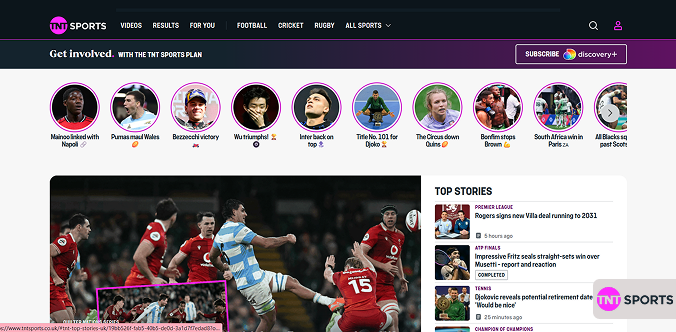
The streaming quality is top-notch—HD comes as standard, and if your setup supports it, you can enjoy the action in stunning 4K resolution. Plus, if you miss a live game, Discovery+ offers convenient catch-up options and supports virtually every device, from smart TVs to mobile phones. You can even stream on multiple devices at once, depending on your plan.
However, there are a few downsides worth noting. There’s no free trial, so you’ll need to pay upfront for at least a month. The subscription cost can also feel a bit steep for casual viewers. Plus, access is geo-restricted to the UK, so you’ll need a VPN if you’re abroad. Still, for true cricket fans, the depth of coverage, expert commentary, and flawless stream quality make TNT Sports well worth it.
2. Kayo Sports

Kayo Sports is the ultimate destination for Australian cricket fans. It offers two flexible plans: Kayo Standard at $30/month (with two simultaneous streams) and Kayo Premium at $40/month (with up to four streams). The 7-day free trial is a huge bonus; sign up right before the Ashes begin, and you can watch the first Test essentially for free.

Kayo’s Key Moments feature lets you skip straight to the action, while Split View allows you to watch up to two matches at once (a dream setup for multi-game followers). The streams run smoothly in HD and automatically adjust to your connection speed, minimizing buffering.
Beyond live coverage, you’ll find highlights, replays, and insightful cricket analysis shows, all wrapped in a clean, user-friendly app that works seamlessly across TVs, phones, tablets, consoles, and browsers.
However, the platform is limited to Australian viewers, meaning fans abroad will need a VPN to access it. (Here’s the list of the top VPN services for Australia.) While Kayo’s reliability is impressive, there’s no 4K option, which might disappoint those with high-end setups.
3. Willow TV

For cricket fans in the US or Canada, Willow TV is the go-to destination for watching The Ashes legally. It’s a dedicated cricket streaming service, featuring full live coverage, expert commentary, and comprehensive highlights.
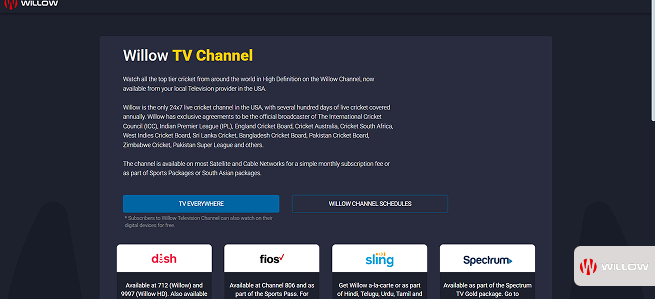
You can access Willow TV through Fubo’s International Sports Plus package, priced at $15/month after a 7-day free trial. The streaming quality is solid; HD all the way, though not quite as refined as TNT Sports or Kayo Sports. You’ll still enjoy professional pre-match analysis, post-match breakdowns, and commentary from seasoned cricket experts and ex-players.
However, the subscription cost may feel steep if you’re only tuning in for cricket, and the interface can feel cluttered compared to more specialized platforms. Plus, Willow TV is geo-restricted to North America, so you’ll need a VPN set to the US to watch while traveling abroad.
4. Fox Sports

If you’re in Australia and prefer a traditional TV experience, Fox Cricket on Foxtel remains a fan favorite. Aussies love it for its depth, polish, and classic broadcast feel. The Sports bundle starts at $39.99/month for an annual plan, while the month-to-month option costs $108, giving you flexibility if you don’t want to commit long-term.

The coverage is top-tier, including expert commentary from former players, in-depth analysis, and exclusive interviews you won’t find elsewhere. Production quality is consistently outstanding, with crisp HD visuals, multiple camera angles, and cinematic slow-motion replays that capture every big moment.
Fox Cricket also keeps fans engaged off the pitch with documentaries, historic Ashes highlights, and tactical breakdowns from analysts who truly know the game.
However, there are a few downsides to consider. The price tag is steep, especially when you realize Kayo Sports offers the same Fox Cricket feed at a fraction of the cost. Unless you’re after Foxtel’s wider entertainment and sports lineup, it may feel like overpaying purely for cricket.
5. JioHotstar

JioHotstar is a household name in India and one of the country’s biggest streaming platforms, offering everything from blockbuster movies to major sports events. For cricket lovers, it’s the go-to destination, and all five Ashes Tests stream live with both English and Hindi commentary, giving fans a choice of how they want to experience the action.
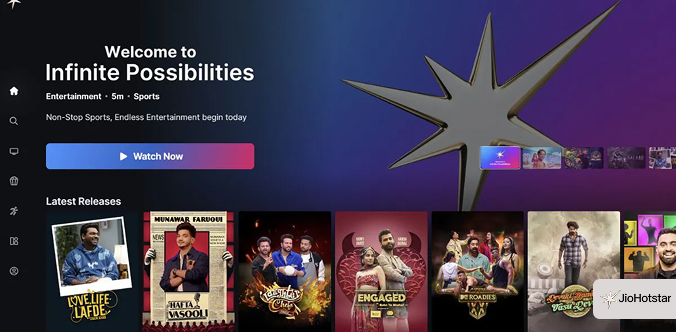
The app experience is smooth and intuitive, supporting multiple Indian languages for easy navigation. Streaming quality is consistently solid, though, as with any service, it depends on your internet connection and network stability.
JioHotstar runs seamlessly on smart TVs, phones, tablets, and computers, and it also streams other major cricket tournaments like the IPL, India’s international matches, and various T20 leagues, making it a must-have for any cricket fan in India.
That said, there are a few drawbacks. JioHotstar is geo-restricted to India, so you’ll need a reliable VPN like NordVPN to access it abroad. Signing up from overseas can also be tricky; you typically need an Indian payment method, though some users manage with international cards, digital wallets, or gift cards.
6. Sky Sports

When it comes to sports in New Zealand, Sky Sport is the undisputed leader, and it’s your ticket to The Ashes 2025-26. The streaming experience is smooth and reliable, with HD quality across most devices. Its cricket coverage is top-notch, featuring experienced commentators, sharp pre- and post-match analysis, and plenty of extras to keep fans engaged.
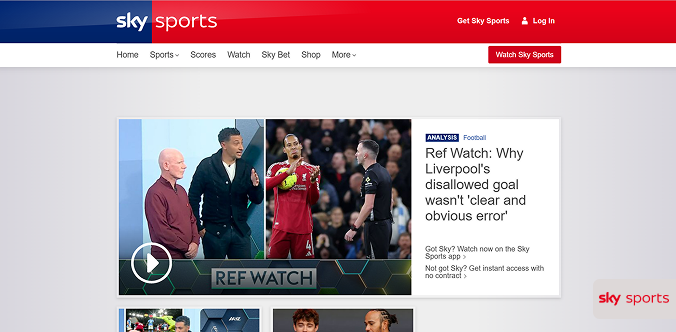
Beyond cricket, you’ll find just about every sport a Kiwi could want—rugby, football, motorsport, and more. The app is intuitive and easy to navigate, working flawlessly on smart TVs, laptops, tablets, phones, and streaming sticks. Many plans even support two simultaneous streams, so there’s no arguing over the remote.
Missed a match? No worries; Sky Sport Now lets you replay games or catch up with highlights anytime, making it easy to stay in the loop.
However, the price is higher compared to some international sports services, and there’s no free trial, which might deter casual viewers. Sky Sport is also geo-restricted to New Zealand, so you’ll need a VPN that works in New Zealand to watch from abroad.
7. SuperSport

SuperSport is the undisputed king of sports broadcasting in South Africa, and it delivers top-tier coverage of The Ashes series. You can access it through DStv satellite TV or the DStv Now app, depending on your preference. However, SuperSport is now totally free to download and use, and you don’t even need to subscribe to DStv.
SuperSport’s cricket broadcasts are world-class, featuring sharp, knowledgeable commentators, detailed tactical analysis, and broadcast production that rivals any global network. Expect crisp HD visuals, instant replays, multiple camera angles, and expert panel discussions during match breaks. Whether you’re watching live or catching up later, the DStv Now app makes it easy to stream anywhere.
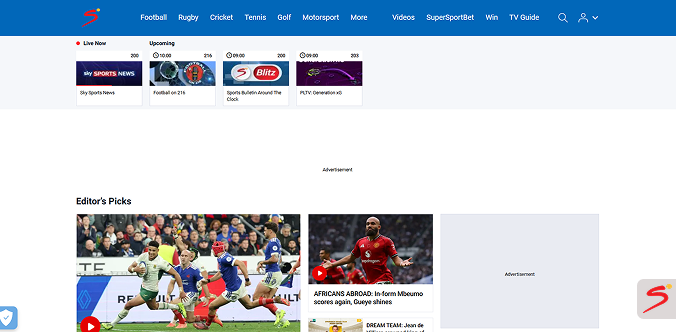
One of SuperSport’s biggest advantages is its comprehensive sports coverage. You’re not just signing up for The Ashes; you’ll also get access to almost every major cricket event, plus other international sports throughout the year.
However, SuperSport is also geo-restricted to South Africa, meaning you’ll need a VPN connected to a South African server to stream while abroad. (If you want to explore top VPN services to use in South Africa, read our dedicated article on that topic.)
8. FloSports

For cricket fans in the Caribbean, Flow Sports (also known as FloSports in some regions) is the go-to destination for catching The Ashes and other major tournaments. It’s a household name across the islands, offering live matches, highlights, expert commentary, and post-match analysis.

Cricket is a way of life in the Caribbean, and Flow Sports delivers coverage worthy of that passion. The streaming quality is generally reliable, with smooth HD playback that adapts well to most connections. The platform’s coverage extends beyond The Ashes, including international series, regional cricket events, football, and other sports, making it a versatile choice for fans.
However, there are a few cons to consider. Availability and pricing differ across Caribbean nations, which can be confusing, and there’s no standardized free trial. The service is also geo-restricted to the Caribbean, so fans traveling abroad will need a VPN connected to a Caribbean server to continue streaming.
Ashes 2025/26 complete schedule?
Forget those boring lists of dates, here’s your real-world guide to the battlefields of the 2025/26 Ashes. Every ground brings on its own vibe, tricks, and altogether, that’s what shapes the story and gives it a unique spice. So, below is how this coming series of the Ashes is going to go down.
| Test match | Dates & venue | Start Time (Local / GMT / ET) |
|---|---|---|
| 1st Test: The Perth Onslaught | Optus Stadium, Perth – Friday, Nov 21 to Tue Nov 25, 2025 | Perth to kick off at 10:30 AM local time, 2:30 AM if you’re in the UK, and primetime at 9:30 PM ET on Thursday for US fans |
| 2nd Test: The Gabba Under Lights | The Gabba, Brisbane – Thur December 4th to Mon Dec 8th | The game starts at 2:30 PM locally. Brits will have to wake up super early at 4:30 AM. But for those on the US East Coast, it’s a chilly 11:30 PM the night before. |
| 3rd Test: Adelaide’s Daytime Charm | Adelaide Oval. Wednesday, December 17th Dec to Sunday, the 21st | Action will start at 2:30 PM local time. US 11:30 PM ET on Wednesday for US fans. UK fans? Get ready for 4:30 AM on Thursday morning. |
| 4th Test: The MCG Boxing Day Spectacle | Melbourne Cricket Ground – Friday Dec 26th – Tuesday Dec 30th, 2025 | Kicking off locally at 10:30 AM, 11:30 PM Thursday in the UK, then 6:30 PM Thursday evening for US East Coast folks. |
| 5th Test: The SCG Grand Finale | Sydney Cricket Ground – Sunday Jan 4th to Thursday, Jan 8th , 2026 | Locally at 10:30 AM. In the UK, it’s 11:30 PM Saturday. US East Coast, it’s an easy 6:30 PM Saturday evening. |
What were the previous Ashes series results?
Wondering what’s happened in the last few Ashes? Knowing the recent history definitely adds spice to the 2025/26 series. Here’s the quick rundown:
- 2023-24 Ashes: Series ended 2-2, with Australia returning as Ashes holders
- 2021/22 Ashes: Australia crushed it 4-0
- 2019 Ashes tied 2-2, Australia kept the Ashes
- 2017/18 Ashes – Australia won 4 – 0
- 2015 Ashes – England won 3-2
- 2013/14 Ashes, Australia won England 5 – 0
Tips for the best Ashes streaming experience
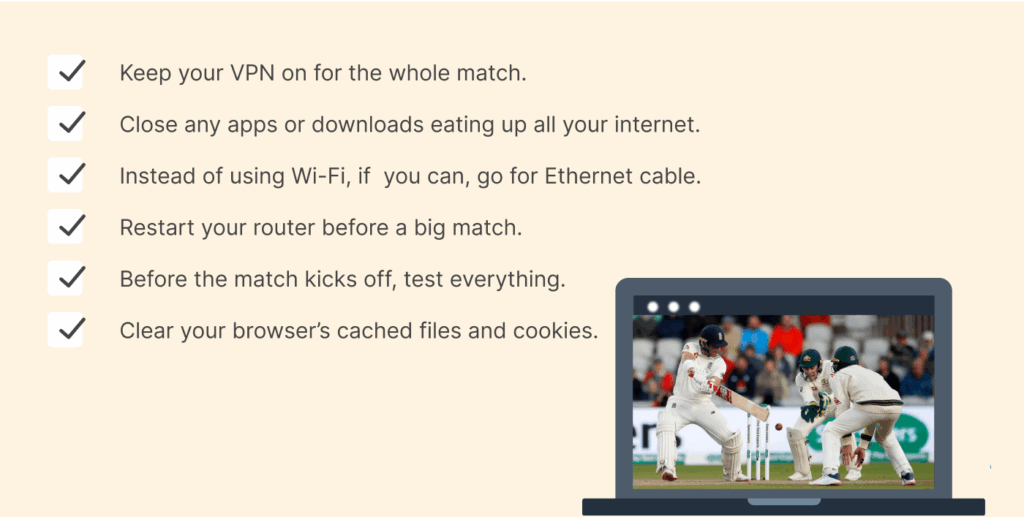
Don’t want to miss a single delivery? Here’s how to keep your Ashes stream running smoothly:
- Keep your VPN on for the whole match. Don’t just disappear mid-stream, seriously, it’s annoying. Most VPNs have a thing that automatically reconnects you, so if you lose your internet for a second, you’ll stay online.
- Close any apps or downloads eating up all your internet. Live sports streams chew through data fast. Pause any downloads, close unwanted tabs, and if your internet speed isn’t great, please wait for others to view and not take part in streaming anything.
- Instead of using Wi-Fi, if you can, go for an Ethernet cable. Wi-Fi may be easier to set up, but not as reliable as Ethernet when it comes to streaming. A wired connection is usually more consistent when streaming, especially on a smart TV or computer.
- Restart your router before a big match. This will clear the cache and usually boost the speed slightly. Restart your router about half an hour before the match. That restarts everything and fixes weird connection problems.
- When picking servers, don’t just connect to the first one. If your stream is buffering, try a different server in the same country. Some VPNs, like NordVPN, even tell you which servers aren’t too busy – that’s super useful.
- If you want the best stream, get the official app for your service instead of watching in your browser.. Apps almost always run better, especially for live sports. You’ll find them for your phone, smart TV, or streaming stick—it just takes a minute.
- If you’re having buffering issues, the video streaming in “real-time”, consider lowering the video quality. Most platforms let you adjust this manually. If you’re experiencing buffering, switch from HD to SD and fix the real-time stream issue. Having a clear picture is great, but continuous action is much better.
- Clear your browser’s cached files and cookies. Sometimes old cookies track your location and block the stream. Clear your cached files and cookies before you connect to your VPN.
- Want to stay hidden? Just use incognito mode or private browsing. Also, after turning on your VPN, pop open a private window. That stops sites from saving repeat cookies and makes it tougher for them to figure out where you really are.
Common issues and how to fix them
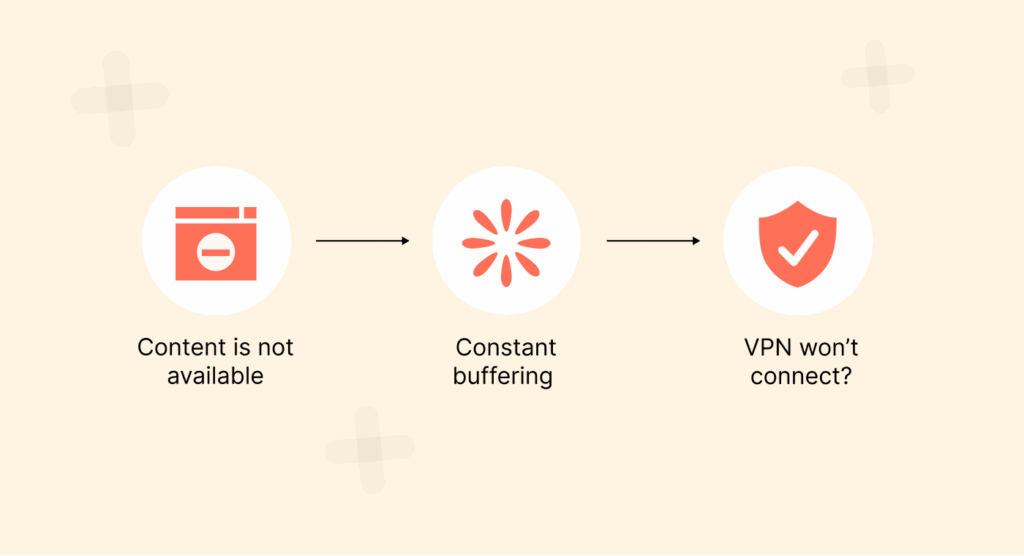
Even when you are using a good quality VPN, there may be times when you experience some issues. If you do, here are some things that help:
Problem: “This content is not available in your region.”
It seems the video streaming service has detected your true location or noticed you are using a VPN. Try switching servers in the same country. Give clearing your browser’s history and cookies a shot, or go incognito. Not still working? Contact your VPN’s support. Some, like NordVPN, have tips or special servers that might just do the trick.
Problem: Constant buffering or terrible video quality
Buffering issues? Stream freezing blurry? That can really be annoying, sure, but don’t be quick to blame it on your VPN; your connection might just be crawling or overloaded. The solution:
- Try switching servers. That London server? It’s probably packed. Pick a different one nearby—your VPN app usually shows which ones aren’t so crowded.
- Lower the video quality. Not the dream, I know, but going from HD to standard can fix buffering fast. You can always crank it back up once things smooth out.
- Shut down bandwidth hogs. Close all those random tabs and kill any background apps (Dropbox, I’m looking at you) that are sucking up your internet.
- Try the good ol’ “turn it off and on again” for your Wi-Fi router. It’s a cliché, we know, but it honestly works a lot of times.
If it still refuses to work, keep your VPN on and perform a speed test – you want it to be at least 5 Mbps for HD, but if you’re going for 4K, then you need 25 Mbps or more.
VPN won’t connect? Let’s sort it out
- See if your internet works without the VPN. If it does, the issue’s probably with the VPN app itself.
- Next up, change your VPN protocol. Change to NordLynx if you’re on OpenVPN – it’s usually faster streaming.
- Try restarting the app, or just reboot your device. That often clears up weird glitches. Not still connecting? Delete the app and do a fresh install.
- Turn off firewalls or antivirus software; they sometimes get a bit too overprotective and block VPNs. Turn them off for a minute and check if your VPN connects—just remember to switch them back on afterwards.
A few quick checks like these can save you a ton of hassle.
The streaming service accepted my payment, but now won’t load content
Some streaming services check if your payment card’s billing address matches the country you picked. If you paid with an international card, that can trip things up. Try PayPal if the service offers it—it usually works better with different countries. Virtual cards from apps like Revolut or Wise can help too. Not working still? Online gift cards are another way around the problem.
Audio and video are out of sync
This usually comes down to shaky internet. Pause the stream for half a minute and let it buffer. Then hit play and see if it lines up. If things aren’t loading right, try refreshing or just restarting the app. Dropping the video quality usually helps when the internet’s slow. Not still working? Pick a different VPN server and see what happens.
How to watch the Ashes for free
Let’s be real, free cricket sounds great.
Most official Ashes streams want you to pay, but there are some legit ways to watch without spending much, or even for free. (For a broader list of platforms that offer free and paid sports streams (many of which can be accessed with a VPN), see our roundup of the best sports streaming sites). Below, we will uncover some legit ways to watch the Ashes for free.
- Connect to free the Ashes live streams. If you’re in Australia, 9Now and 7Plus stream matches live for free. The catch? You have to be in Australia? If you are not, a VPN can get you a free pass. But here’s the mistake most people make: grabbing a free VPN. Honestly, don’t. Free VPNs are awful for streaming, have limited servers, constant buffering, and you’ll probably get blocked right away. On top of that, many of them sell your data.
- Free trials are a much better bet. Both Kayo Sports and Fubo (which provides Willow TV) offer 7-day free trials. Just register right before the matches you want to watch and cancel if you don’t want to keep it after.
- Some broadcasters will publish match highlights or replays on their catch-up TV services. Missed the match live? Use highlights to catch up on some of the games.
- Sharing subscriptions with your friends or family can help since VPNs (take Surfshark, for example) limit the number of devices to can connect simultaneously. Even if they have a limited amount, it can still suffice for sharing with a few people. Split the cost and everyone wins.
- Watch for promo deals too. Streaming services sometimes drop prices for new users or around big events. Poke around a couple of weeks early.
Also, skip the sketchy sites – they’re full of pop-ups, weird ads, and malware. Not to mention, your internet provider might come knocking. Honestly, legal options are cheap enough that the risk just isn’t worth it.
How to watch The Ashes on different devices
Modern streaming means you’re not stuck in front of the living room TV anymore. No matter where you are or what device you’re engaging with, you can watch every Ashes match. It’s not rocket science to get this working for you; however, every device operates in its own quirky way.
We’ll make it as easy as possible so you can catch every match, whether you’re chilling at home, out and about, or even sneaking a quick watch at work.
How to stream The Ashes on Windows or Mac PC
Your computer is probably your go-to device. Honestly, this is the easiest option — VPNs work best here, and desktop apps are always the most full-featured.
Here’s what you do:
- Subscribe to a reliable VPN service. NordVPN is a top choice here, mostly because its desktop apps are smooth and powerful.
- Download the VPN’s app from its official website and install it.
- Open the app, log in, and pick a server in a country that’s broadcasting the match. The UK or Australia are safe bet.
- Log in to your streaming service, locate the streams, and start watching.
Watching The Ashes on mobile (Android & iOS)
Want to keep the match in your pocket? You can. But here’s the thing: mobile devices don’t just use your IP address, they check your GPS too, and some streaming apps get picky about both. You can get a reliable GPS spoofer to deal with this situation, or read our guide to spoof your location on a phone. Below, we provide you with a quick guide to enjoying The Ashes on your mobile device:
- Download a VPN app. Download your VPN’s app from the App Store or Google Play. Again, NordVPN is solid; its mobile apps don’t usually let you down.
- For Android. You can often turn off “Wi-Fi and Mobile network location” in your location settings. This stops apps from using network info to figure out where you are.
- For iOS. Apple’s a bit tougher. The best move is to make a new Apple ID and set its region to the UK or Australia before you get started. Pair that with your VPN and you’re set.
- Connect and start watching. Pick a UK or Australian server with your VPN, open your streaming app, and start the match.
FAQs
No, the BBC doesn’t have the rights. In the UK, only TNT Sports shows the 2025/26 Ashes. Either you use Discovery+ or TNT Sports via Sky, BT, or Virgin Media in the UK.
It really can depend on what country you live in. In the UK, Discovery+ Premium is £30.99 a month. In Australia, Kayo Sports starts at $30 a month. US Option: Fubo with Willow TV (after free trial) $21.99 per month. If you time a free trial, you might be able to only pay for some matches.
Some broadcasters offer 4K, but not all. TNT Sports usually streams cricket in HD, with 4K for some games. Be sure to look at what streaming service, if any, provides to avoid having to purchase if you don’t need to do so.
Yes. On YouTube and social media of official broadcasters, you can find match highlights for free. Full highlights usually require a subscription. Some platforms give out a little bit of free content, but it varies.
Free VPNs just aren’t worth it for streaming sports. They’re slow, come with data limits, and usually can’t dodge streaming blocks. Plus, privacy isn’t great. Paid VPNs work way better.
For smoother HD streaming, stick to at least 5Mbps. Wanna watch in sharp 4K? Then shoot for about 25Mbps so you don’t get any lag. Most matches stream in HD anyway. If your house is packed with people all online at once, faster speeds definitely help. The best thing is to check your speed before the match so you’re not scrambling later.