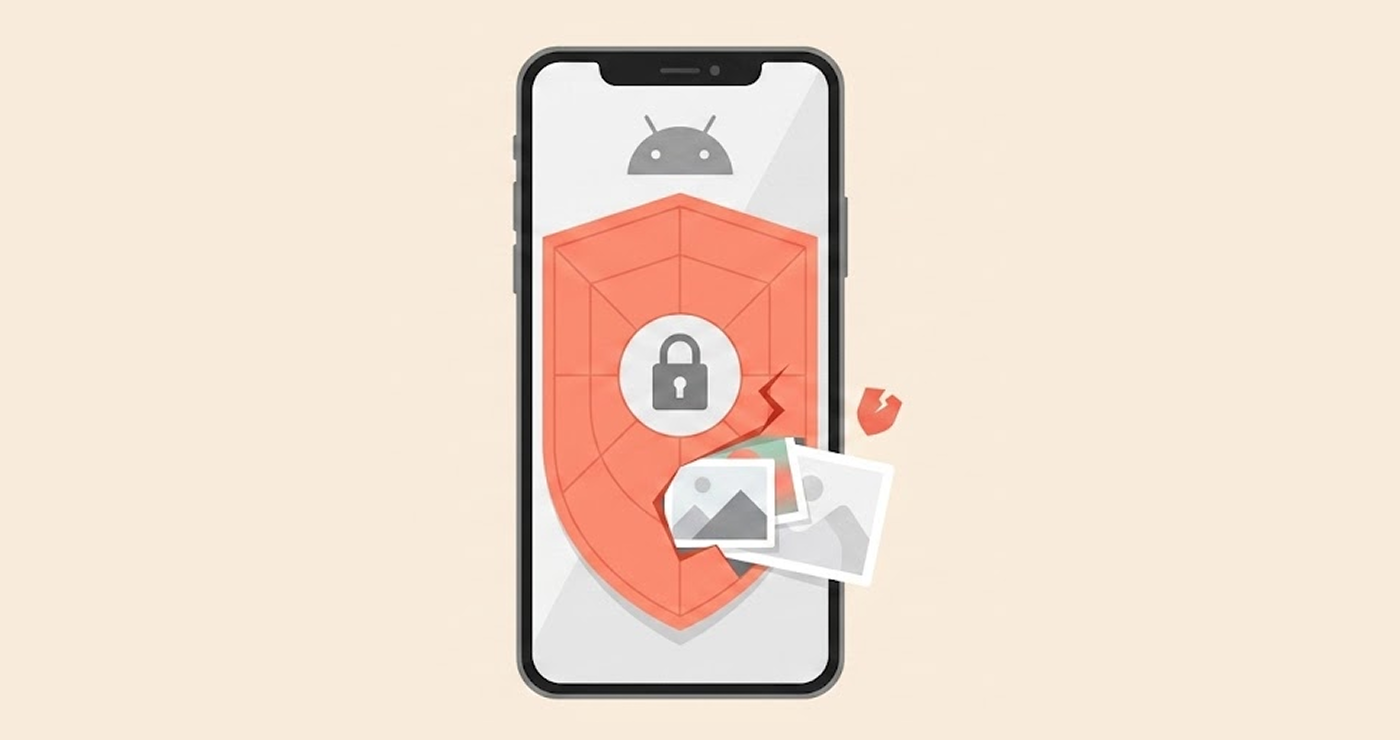
A new WhatsApp privacy flaw lets people peek at private photos on some locked Android phones. Security researcher José Rodríguez first spotted the problem on September 1. He demonstrated that if you get a WhatsApp video call, you can end up in the phone’s photo gallery with no PIN, password, or fingerprint needed.
Other independent testers have verified Rodríguez’s findings. Notebookcheck replicated the vulnerability using a Google Pixel 6 Pro with Android 17 having the latest security update installed. However, it also worked for an Oppo K13 device that had ColorOS 16 on it.
It doesn’t affect every Android phone. A Samsung Galaxy S25 Ultra running One UI 8.5 blocked the same attempt and sent the user to the lock screen. That difference matters because it suggests the problem depends partly on how each phone maker handles locked-screen access.
The attack starts with a WhatsApp video call
The attack does not require special hacking tools or technical skills. First, someone needs physical access to the locked phone. They also need to trigger an incoming WhatsApp video call. The call can then be answered from the lock screen, which is normal behavior for a calling app.
The problem comes after the call starts. The caller can access WhatsApp’s effects controls. From there, they can open the Backgrounds section and select Create with Meta AI. That option offers tools for creating or editing images. Selecting Edit photo can then open the phone’s photo gallery without forcing the user to unlock the device.
The person holding the phone can browse the available photos. The rest of the device remains locked. That means this is not a remote attack. Someone cannot simply call your number from another country and browse your photos. They must have the phone in their hands and get an incoming WhatsApp call onto it.
The full-screen Intent claim needs some context
Some reports say Android’s USE_FULL_SCREEN_INTENT permission is responsible for the behavior. But that explanation is not entirely accurate. Google designed full-screen intents for urgent events such as incoming calls and alarms.
Since Android 14, apps that handle calls or alarms can qualify for automatic access to this permission. Google Play also limits automatic access for other types of apps.
So WhatsApp having this permission is not, by itself, evidence of abuse. WhatsApp is a calling app, which is exactly the type of app Google allows to use full-screen notifications. The reported problem is what happens after the call interface appears over the locked screen.
On affected phones, WhatsApp’s in-call controls can apparently reach an image-editing feature that then opens the photo gallery without another authentication check.
That makes the issue more accurately described as a lock-screen access problem involving WhatsApp’s calling interface and image tools, rather than WhatsApp simply using a call permission to open a file explorer.
GrapheneOS can reduce the exposure
GrapheneOS users have another option. Its Storage Scopes feature can restrict what an app sees in shared storage. GrapheneOS says Storage Scopes make an app behave as though it has the storage permissions it requested, while preventing it from seeing files created by other apps. Then users can grant access to these files whenever necessary. It matters to WhatsApp. Why? Because the flay relies on photos on the device.
The legal status of GrapheneOS’s privacy features is being tested in federal court after an activist allegedly used its duress-wipe feature during a U.S. Customs search. The case could be the first prosecution involving such a feature.
Without enabling Storage Scopes and granting broad storage access, WhatsApp shouldn’t be able to browse unrelated files just because its interface extends to the photo selection feature. GrapheneOS users have also discussed using an empty folder or a tightly limited folder as the app’s storage scope. There is an important distinction, though.
Storage Scopes are not the same thing as the standard Android limited-photo permission. GrapheneOS describes Storage Scopes as a broader system for restricting access to shared storage, including different types of files and older apps.
Users on standard Android can also reduce WhatsApp’s photo access via Settings > Apps > WhatsApp > Permissions.
What users should do now
No panic is necessary, but users need to take the problem seriously if their phones are likely to be vulnerable.
The most basic thing that users can do is limit access by WhatsApp to images and videos rather than the whole gallery. 9to5Google reports that switching WhatsApp to limited photo and video access breaks the reported attack path.
GrapheneOS users can go further by using Storage Scopes and granting WhatsApp access only to the files or folders it actually needs. The issue has reportedly been sent to both Meta and Google. As of September 4, nobody’s announced a public fix yet.
One important thing to remember, though. This isn’t some hack that lets someone unlock any Android phone from afar. It is a flaw in physical access privacy that may result from the exposure of photos on some gadgets.
For those who use WhatsApp daily, limiting access to photos through it may be a good temporary measure rather than removing the application.
