When it comes to digital maps, Google Maps is a top navigation app that comes to mind. Well, that’s because of its user-friendliness. However, it is not as simple as it seems; concerns exist regarding how it stores users’ activities. If you are concerned about your privacy, you would have every reason to be quite uncomfortable with Google’s navigation app.
Fortunately, several Google Maps alternatives have similar functions and features. This article lists the best navigation apps similar to Google Maps.
Top 10 Google Maps alternatives – Quick list
- AllTrails: Curates 400,000+ hiking trails with real-time navigation and condition updates from users.
- Roadtrippers: Optimizes routes based on chosen points of interest for a personalized American road trip.
- MapQuest: Veteran mapping site great for road trips with intuitive tools to plot multi-stop journeys.
- Bing Maps: Surprisingly robust road trip planner integrating traffic data with customizable route optimization.
- CityMapper: Simplifies urban navigation with real-time transit data across transportation modes into one interface.
- Apple Maps: Integrated scheduling, payments, and multi-modal guidance, ideal for iPhone users navigating metro systems.
- HERE WeGo: Provides step-by-step transit directions for trains, buses, bike shares, and taxis in supported cities.
- PlotaRoute: Outdoor route planner with customizable mapping based on sport, experience level, and journey style.
- Routific: Optimizes delivery routes seamlessly inside Google Maps, handling up to 10 stops.
- Sygic: The offline navigation app renders stunningly detailed 3D map graphics for global adventures.
Why should one consider an alternative to Google Maps?

Privacy
Google Maps is not just your innocent guide that helps you on your journey. It’s also a careful record-keeper that notices and stores every step of your way, every spot you visit. Google keeps this data for 18 months. And it’s done to get you the “personal experience” you want, allegedly.
Have you ever heard about the Google Maps timeline? It’s a detailed navigation log that shows every place you’ve been. While you can try to shut it down, it remains an intrusive digital presence. You may want to avoid it, even if it costs you convenience.
The results that come from Google’s data collection should creep you out. Imagine you are in a given neighborhood, and you look up an optometrist. Then, out of nowhere, you get bombarded with ads from optometrists in that area. It is not a coincidence, of course. These optometrists have paid Google to stalk you, search your history, and leverage it on their behalf.
This type of data gathering is exactly what investigators use when conducting research online. If you are curious about how professionals dig up information using publicly available sources, take a look at our guide on the best OSINT tools for cyber investigations. It reveals the same techniques experts use to uncover digital footprints.
So, while there is no doubt about Google Maps’ efficiency and convenience, you must remember that it doesn’t come for free. You pay for it with your privacy. Is it a fair trade? Only you can decide that. But making a well-researched decision requires knowing that other options are out there to make things easy for you.
Offline maps
While Google Maps allows you to download maps for offline use, it can be hit or miss. Will the map save correctly? Will it work when you need it? You may find the answers to these questions at the worst possible moment.
If Google Maps can be a lifesaver sometimes, it’s less reliable when off the grid. Lacking a cell signal can kill the app’s usefulness. So consider other navigation apps that work in this situation so you are never stranded and without navigational help when you need it most and have no internet signal.
Outdoor adventures
While Google Maps is undoubtedly great in downtown Manhattan, it needs to be markedly improved, so you could be in harm’s way if you plan hikes, runs, or bike rides.
Routific’s headquarters is in Vancouver, which is also home to the North Shore Rescue Team, an organization of good Samaritans providing search and rescue services in the local area. The team has multiple reports of hikers needing help because they followed Google Maps’ mistaken navigation guidance outside the urban area.
Things are just as bad if you are a biker. Google Maps usually prefers routes with high traffic, with additional risks, or without dedicated bike lanes. It makes life riskier for bikers, especially when traffic is heavy.
This is a solid reminder that staying safe while exploring unfamiliar terrain is about more than just having the right app. If you are planning a trip into the great outdoors or even just a visit to a new city, you should definitely check out our comprehensive guide on travel safety tips. It covers everything from securing your belongings to sharing your itinerary with someone back home.
The best navigation apps like Google Maps – Detailed list
1. AllTrails

$1.67 per month
400,000+ trails worldwide
Limited compatibility for smartwatches
This app delivers on its name’s promise with more than 400,000 verified hiking pathways to suit all types of outdoor enthusiasts. The pathways are organized by skill level and other filtering options, and they have live guidance, too.
The app emphasizes recent accuracy, so unwanted surprises won’t affect your trailing experience. You see what you get with AllTrails, and every new entry goes through expert oversight to keep things tidy.
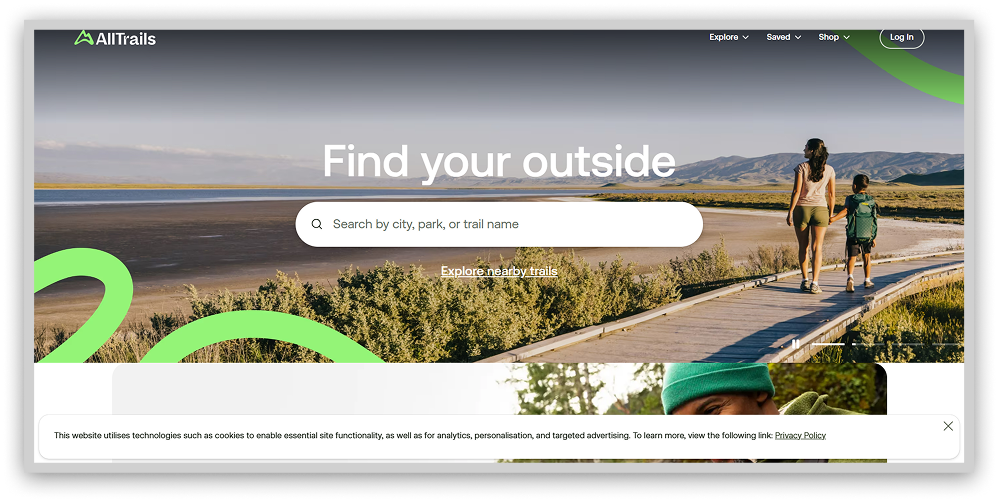
The combination of massive trail data and functionality gives you the ultimate self-guided hiking. This app holds an essential niche for the great outdoors lovers who value privacy and freedom.
However, the only catch about AllTrails is that its free version does not have offline maps.
2. Roadtrippers

Beyond primary navigation, Roadtrippers facilitates personalized trips catered to each wanderer’s whims. Input your journey’s bookends and watch suggested routes populate, optimized by points of interest that suit your distinct adventure taste.
The platform interweaves crucial trip planning elements like lodging, dining, and refueling into chosen pathways as auxiliary stops worthy of the spotlight. Its signature flexibility empowers on-a-whim chasers and RV pilots alike to reroute based on inspiration rather than obligation.
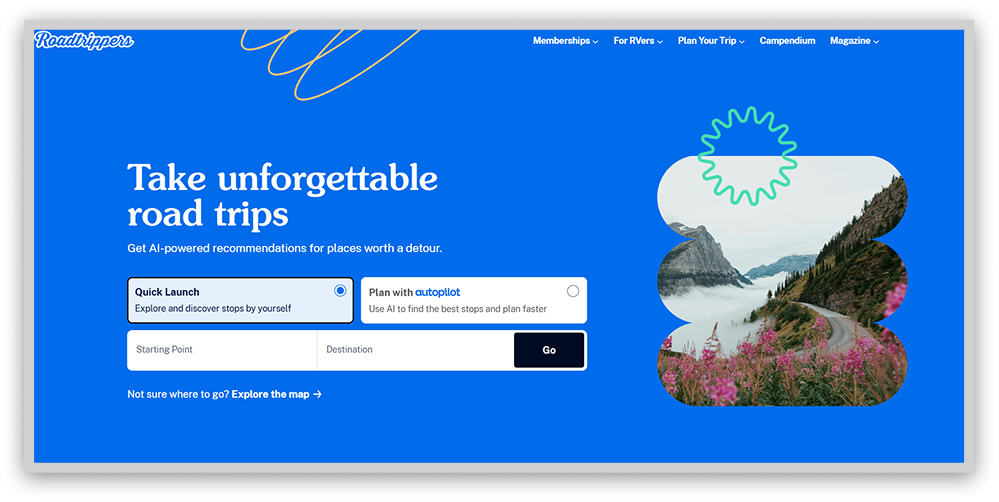
Roadtrippers allows you to pull over without derailing an outdated itinerary. You remain captain by centralizing trip curation and real-time editing, navigating toward what fuels your soul, not bound by robotic commands.
While account creation enables advanced customization privileges, anyone can access Roadtrippers’ live maps detailing curated pit stops nationwide to spark travel vision. Built for meanderers by meanderers, the platform provides the tools for realizing epic all-American odysseys, then gets out of your way to let the highway work its magic.
However, some users who have been members of it for a long time say the app has not been functioning well lately and has locked some of their previous trips.
3. MapQuest

As an early pioneer in online navigation, MapQuest retains relevancy through user-friendly trip planning catering to modern road warriors. Its web and mobile platforms enable multi-stop itinerary coordination mimicking recognizable interfaces popularized by industry leader Google Maps. By balancing simplicity with flexibility, MapQuest empowers travelers seeking to optimize upcoming adventures on their terms and timing.
Plot trips linking up to 26 destinations manually or via file import, customizing journey metrics by shortest overall mileage or ETA prioritization. However you chart your course, MapQuest furnishes intuitive tools stepping beyond primary navigation to improve personalized voyages centered around what matters most: the stops along the way.
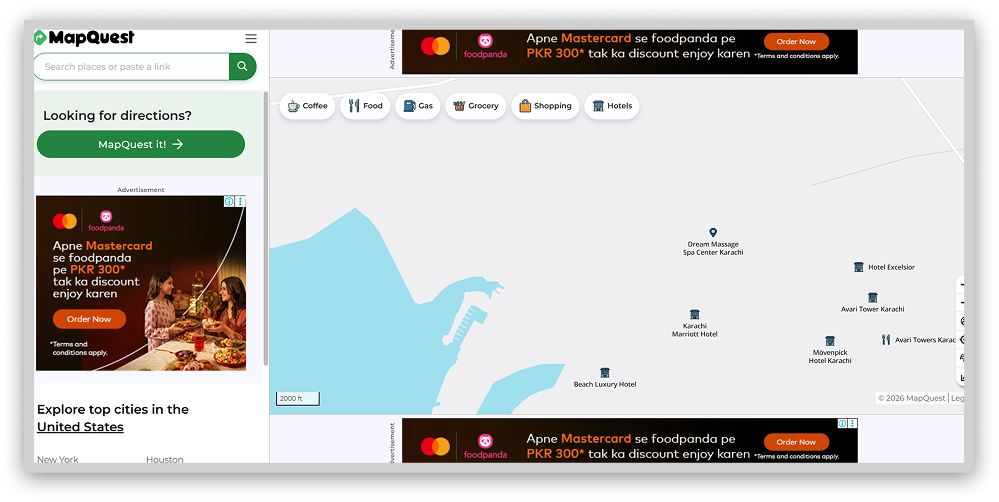
While newer entries saturate the navigation space, sometimes the originals get it right. MapQuest makes road trip creation welcoming to veterans and first-timers alike. By sticking to its strengths in user-powered journey mapping, the platform keeps contributing value to travelers focused on the beautiful ride ahead, not just reaching the destination.
However, as the app is free, it may display many ads, which can be frustrating while navigating.
4. Bing Maps

Once trailing competitors, Bing Maps now furnishes users with robust intelligence on obstructed transit pathways. Through desktop and mobile integration of live traffic notifications, the platform enables circumnavigation of hindrances threatening to delay trips. Granular real-time monitoring advises of congestion, construction impediments, and sudden closures. At the same time, traffic camera feeds visually verify reported conditions.
Armed with these insights, Bing Maps crafts optimal paths accounting for unfolding developments that would waylay less informed travelers. By inputting destinations, drivers can visualize hindrances in advance and reroute accordingly, escaping misfortune through technology’s foresight.
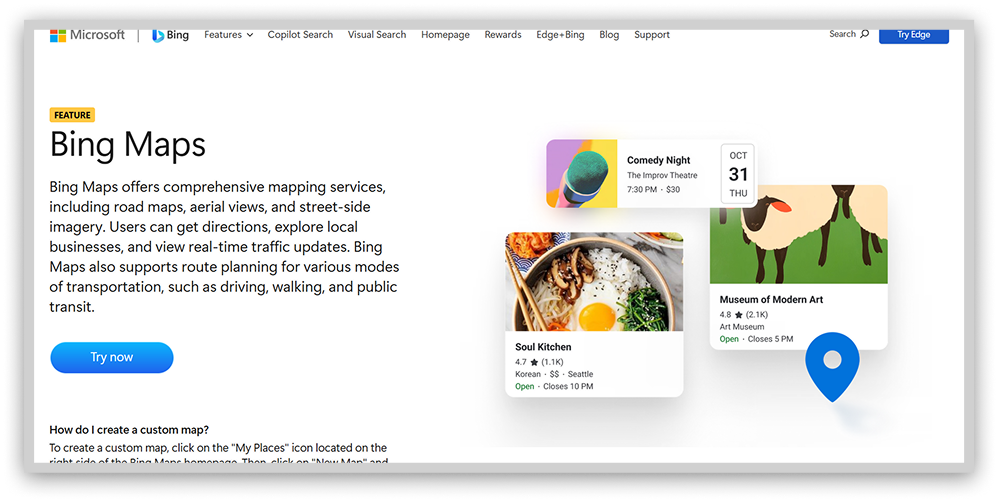
With changeable landscapes, the tool prepares motorists for fluid response in rerouting past unseen pitfalls. What once was an afterthought in the mapping domain now stands toe-to-toe with longstanding leaders in providing actionable data for arrival assurance. Bing Maps has caught up by catching each new variable threatening arrival – and driving users clear of complications revealed in the nick of time.
5. CityMapper

Free
Optimized for public transportation
Shares data with riders and city providers
CityMapper simplifies urban navigation by centralizing localized mobility insights across transportation modes. An uncluttered interface foregrounds optimal real-time routing, whether by rail, bike share, scooter, or shoe leather. Live ETAs help match transport selection to trip efficiency needs, be it an affordable, slower streetcar ride or a quick but costly taxi dash.
Built around the priorities of urban wanderers, the application offers turn-by-turn guidance cognizant of lane changes, station exits, and street-side placement. Persistent alerts announce departure cues and platform positions to ease anxieties when navigating the metro’s lively currents. Frequent visitors can bookmark favorite stations and bus stops to expedite future trip planning. And even sans steady connectivity, specific mapped pathways remain accessible offline as reference.
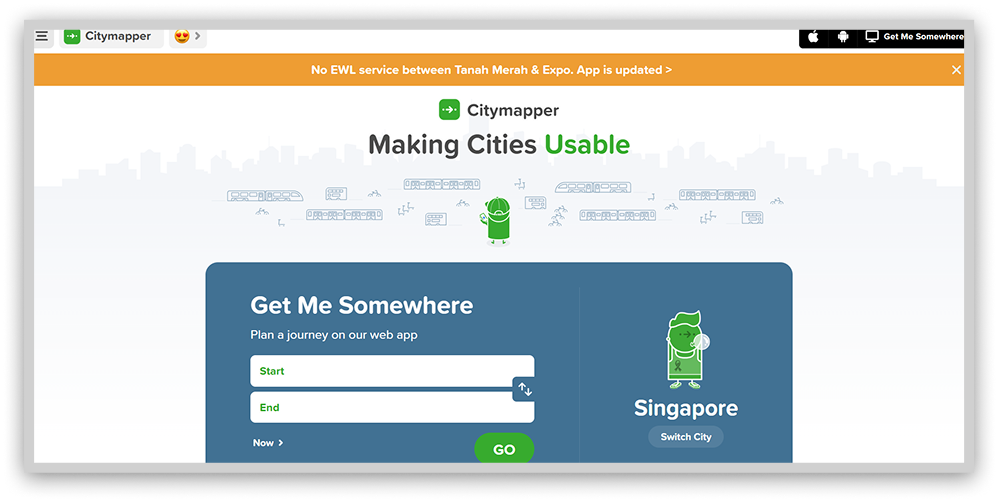
Through data fusion, transport elephants transform into approachable localities. CityMapper clarifies the way forward while honoring users’ backgrounds, budgets, and beliefs. The once disorienting intricacies undergirding great cities now sync into harmonious mobility. Newcomers and lifelong residents find an intuitive ally helping transform dislocated wandering into purposeful discovery.
6. Apple Maps

If you’re an iPhone or iOS user, you can use Apple Maps, a powerful and privacy-focused alternative to Google Maps. Developed by Apple and launched in 2012, Apple Maps has proven its longevity and reliability in mobile mapping.
One of the standout features of Apple Maps is its commitment to user privacy. End-to-end encryption ensures the protection of your navigational data. Apple Maps doesn’t keep any logs of your travels or searches, so you can rest assured that nothing like that is stored for later data crunching.
Apple Maps has been improving constantly, so its user interface and features are always more helpful. The app is neat, clean, and intuitive, so it makes it easy for you to navigate your environment. And you don’t need an Apple ID to use it, which is an additional layer of privacy protection. If the app collects any data, the system makes it fuzzy within 24 hours to avoid possible tracking.
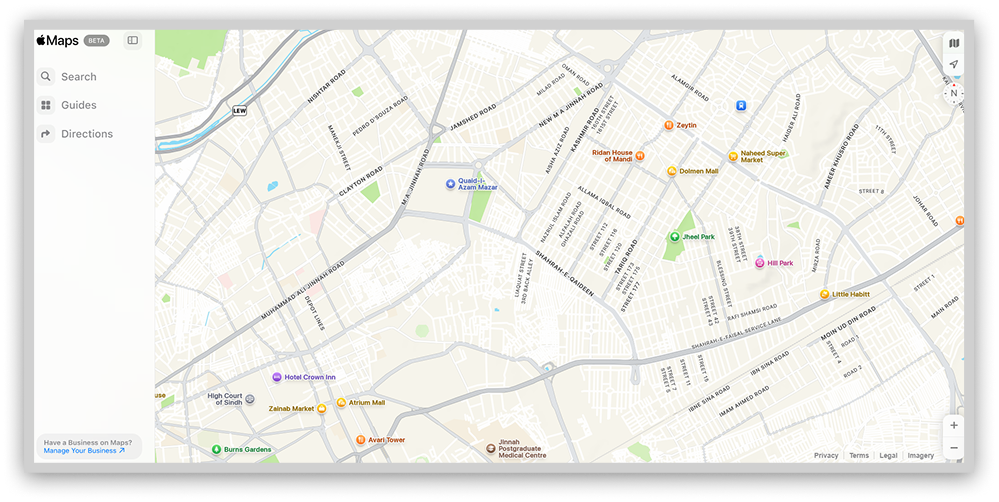
As mentioned, this app will not keep logs of your search history. Private use data is never linked to your account or AppleID, and remember that you don’t even need one to use it. That is one of the reasons why it is preferable to Google Maps.
But there is a catch, of course. Android and Windows travelers can only use this service on Apple devices, so it’s out of the question.
7. HERE WeGo

Developed by HERE Technologies, HERE WeGo powers navigation systems for leading automakers like Audi, BMW, and Mercedes-Benz. The free Android and iOS apps provide robust maps highlighting local businesses and landmarks while calculating arrival times using real-time traffic data. Detailed enough to see the coffee shop on the corner!
Importantly, HERE WeGo uses random identifiers instead of personal user data, limiting potential privacy concerns. However, general location information may be utilized for localized ads like weather alerts.
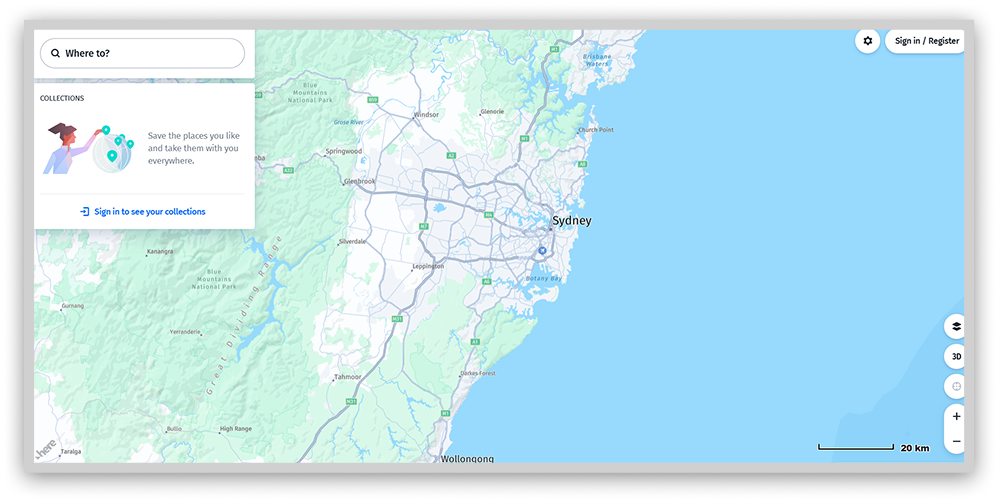
While HERE WeGo promises map reliability and a focus on consumer privacy, HERE Technologies reserves the right to share non-identifiable usage data down the road. For many, HERE WeGo offers an appealing navigation alternative, though users should be aware that some data collection persists.
The apps’ richness of detail and deletability keep privacy-minded drivers on the road and out of the ditch! By leaving out names and numbers, HERE WeGo maps a route to the future that users can feel good about.
8. PlotaRoute

PlotaRoute elevates outdoor activity mapping through customizable route curation catering to walking, cycling, and running enthusiasts. It’s specialized planning foregrounds athlete safety and comfort by centralizing vital performance variables alongside trail intel.
Plot future fitness itineraries via an interactive map marking stops along your chosen path. Or describe the desired duration, as PlotaRoute generates multiple balanced options for review. Integrated topographical data, including street views and 3D renderings, allows for granular visibility so explorers may anticipate potential barriers and points of interest.
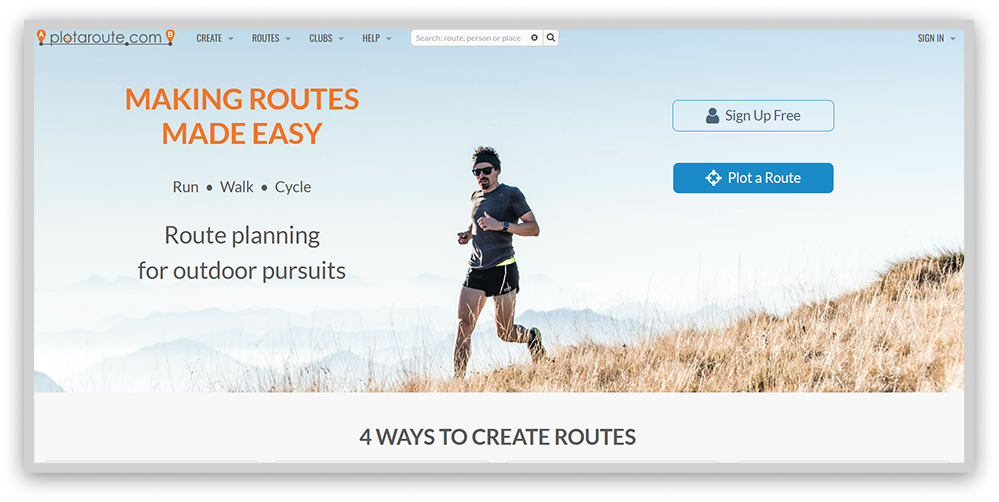
While free use mandates tolerating advertisements, reasonably priced membership eliminates disruptions across an ad-free interface. Yes, initial orientation requires a time investment to harness the tool’s advanced capabilities. However, mastery grants lifelong access to meticulous mapping designed by and for outdoor athletes.
By tuning its software to the variables that make or break runs, rides, or climbs in nature, PlotaRoute fills voids left by generic trip planners. The platform enables performance-minded adventurers to discover pathways optimized for their unique fitness goals across ability levels and activity types.
9. Routific

Route optimization platforms have strengths in efficiently mapping multi-stop trips. It specializes in last-mile delivery logistics, optimizing complex routes up to thousands of stops.
Designed for business users, Routific incorporates planning features like vehicle assignment, driver shifts, and delivery time windows. Route options synchronize across devices through the companion driver app.
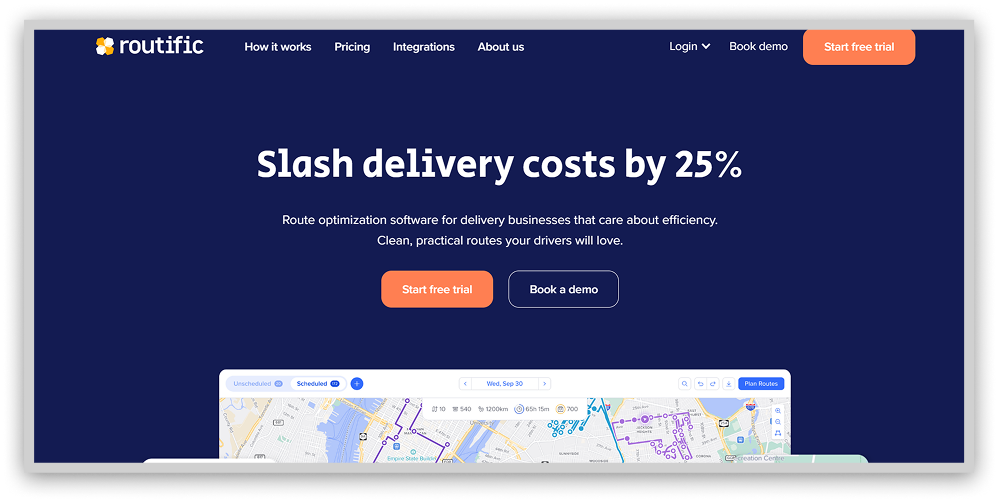
With advanced optimization algorithms, the platform aims to maximize cost and time savings for operations spanning delivery networks to nonprofit initiatives.
Users can test this service’s route planning capabilities through a 7-day free trial without needing a credit card. Comparing optimization tools by use case and features may help determine the best tech stack for an organization’s unique routing needs. As missions vary, an open-minded approach keeps users on the road to efficiency.
10. Sygic

$12.49 per month
3D offline navigation
Lack of voice instructions on the free version
Tired of ugly, flat navigation apps? Sygic brings your routes to life with stunning 3D maps you can download to your phone – no WiFi or mobile data required. We’re talking fully rendered cityscapes where you can see actual landmarks towering above the map. Now that view of the Eiffel Tower as you careen towards Paris finally makes sense!
For iOS and Android devices, Sygic makes navigating a new place fun with voice-guided directions and alerts for changing speed limits along your route. No more “Oops, didn’t see the sign for 40mph, officer!” Millions of mapped points of interest ensure you will know about coveted spots only the locals know about. Adjust the map perspective and watch the city unfold before your eyes. Ubercool.
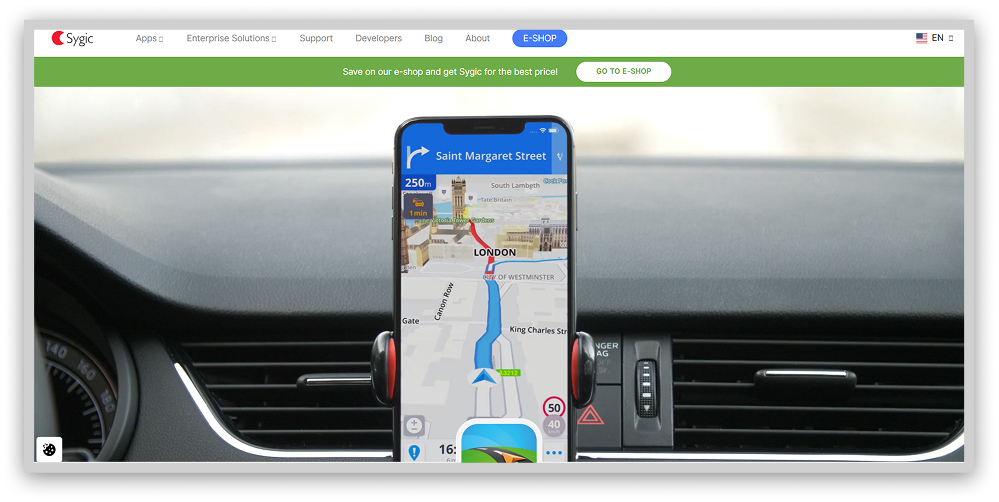
While Sygic offers premium memberships with bonus features, most 200 million users are happy sticking with the free version. You still get those drool-worthy 3D maps for offline use sans the upcharges like real-time speed camera tracking.
Sure, you miss out on a few navigation bells and whistles, but with Sygic’s stunning graphic interface guiding the way even BEYOND the beaten path, who cares? Discovery takes the wheel when you’ve got an ultra-realistic city in your hand.
11. Komoot

Komoot aims to match the adventurer at the edge of his art by providing mapped trails that match everything the user wants. By curating paths ideal for all, from novices seeking scenic discovery to competitive cyclists pursuing PRs, its customizability invites thrill-seekers of each stripe to summit new heights.
Tap your following starting line. See how expert possibilities replace uncertainty. If an endpoint still needs to be determined, browse thousands of community suggestions. Within its archives lies inspiration to transform restlessness into purposeful progress along less-traveled roads.
Athletes unite upon seeing tracks not as boundaries but as invitations inward. Through opted-in visibility, strangers become stewards applauding progress, their footprints replacing isolation with camaraderie. Upon return, reward yourself by paying progress forward and uploading your trail to motivate another’s first step towards self-sufficiency. Once directions are uncovered within, we chart the course together.
12. OpenStreetMap
OpenStreetMap (OSM) is a privacy-focused collaborative project. The “Wikipedia of mapping.” The project gathers crowdsourced data to create highly detailed and realistic world maps. It is also ad-free to protect your privacy further, making it very different from Google Maps.
The OSM privacy policy reveals that the app collects some data. However, none of it is linked to your account or profile. So, all your activity is anonymized, and your privacy remains private.
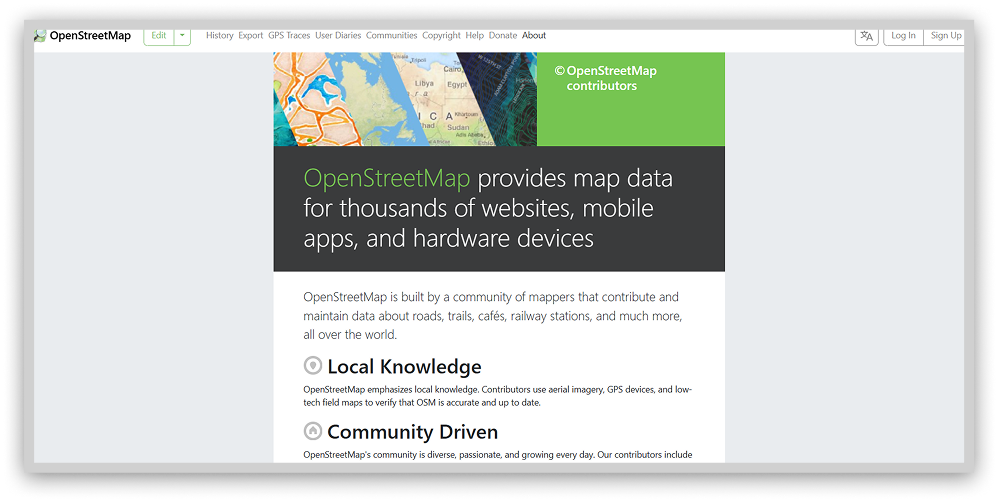
Reading OpenStreetMap’s privacy policy, you’ll discover that while the platform does collect some data, it’s not linked to your profile. Your mapping activities remain anonymous, and your privacy is protected. One of the best things about OSM is that you don’t need to have an account or log in to use its full power. A further level in combining privacy and convenience.
Another fantastic feature of OSM is how it gathers road intelligence from actual users. The effort is community-driven, so the other users in the network can keep adding relevant information, almost in real-time, so you can know about construction zones or other accidents that could hinder your way. The advantages are self-evident, and it does not threaten your privacy. Last but not least, it has no ads. So you can focus on what is essential: getting there safely.
Speaking of community-powered exploration, if you enjoy virtually dropping into random locations to test your geography knowledge, check out our list of the best free GeoGuessr alternatives. These platforms let you play detective with street views from around the globe.
13. Maps.Me

Tapping into Maps.me feels like time travel to a future where navigation reigns supreme. With detailed offline maps covering over 100 countries, this app is like having a personal tour guide for wherever your travels take you; no WiFi is required.
We’re talking more than just roads and landmarks. Maps.me packs the basics plus next-level intel to help you experience a new place like a savvy local. We’re talking about every highly-rated restaurant, famous pub, must-see museum, and can’t-miss attraction in an area, all mapped out and searchable.
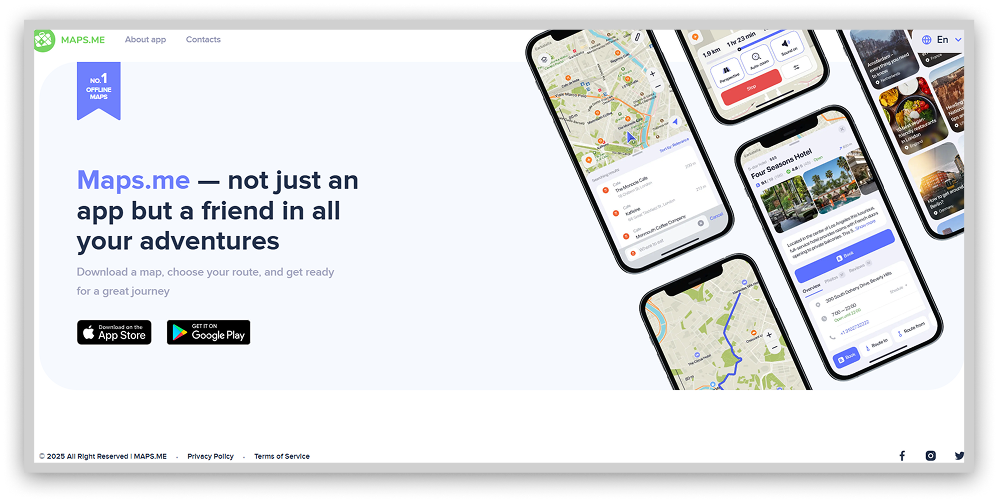
Scanning over a million hotspots color-coded by category, you can uncover the hottest nightlife venues, hip boutique shops, relaxing cafes, budget lodgings, and more in seconds.
And that’s not all. In over 1,300 cities worldwide, Maps.me also maps out public transport options down to the metro line and bus route. Throw in bookmarking favorite locations, trip planning features, map sharing with friends, and Maps.me has everything an adventurer needs to own any destination – no matter how remote.
14. OsmAnd

Free
Profit model does not require sharing user data
Long load times for the free version occasionally
Frustrated by maps that can’t keep up when you’re off the grid? Enter OsmAnd, the navigation app for off-the-beaten-path travel without WiFi or data.
Thanks to access-anywhere offline maps, OsmAnd keeps you moving beyond cell service with turn-by-turn voice guidance and instant rerouting if you miss a turn. You’ll stay on track from the heart of NYC to that remote Icelandic hiking trail (yes, it has Iceland mapped!).
The magic lies in OsmAnd’s highly detailed, frequently updated OpenStreetMap data. We’re talking about every highway, hiking trail, doorway, and dog park mapped out. Offline POIs gathered from Wiki mean you’ll never miss a coveted historical site or famous hole-in-the-wall restaurant as you explore.
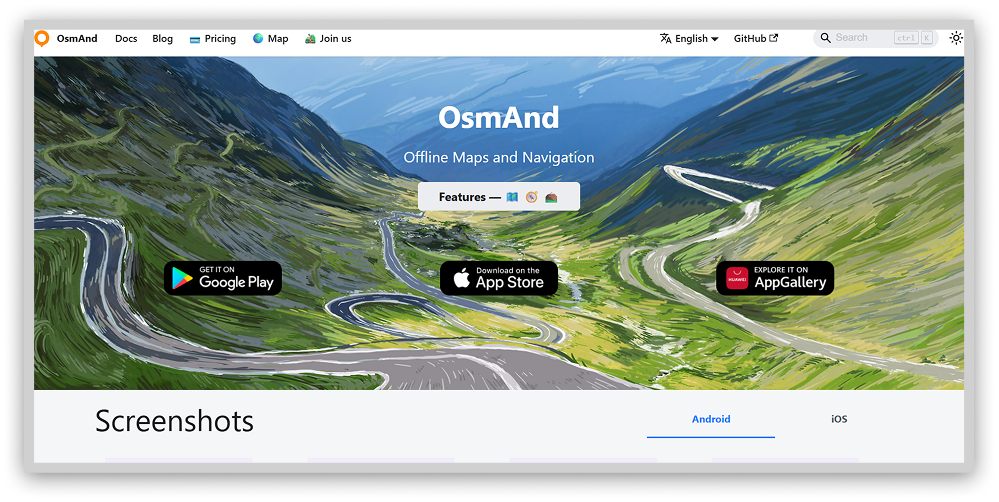
Now let’s talk adventures sans SUV. Avid hikers, cyclists, and walkers will love OsmAnd’s specialized offline maps highlighting bike lanes, jogging paths, and hiking trails suitable for two legs or wheels. Making your trail never felt so easy!
Privacy-conscious travelers can also enjoy OsmAnd’s offline functionality without location tracking fears. As an open-source app, user privacy protection is part of their ethical code.
So wave goodbye to miles of dead zones, rendering your devices useless mid-journey! OsmAnd’s bespoke offline maps open a window to everywhere no connection needed.
15. Route4Me

Route4Me provides premium route optimization primarily for commercial transport operations. The tool specializes in complex last-mile delivery planning, catering to business clients through features like route scheduling, vehicle assignment, and driver mobile apps.
You need to review many configuration screens and options before getting started. Then, the app will develop your first optimized path, and the templates will be updated according to your evolving needs.
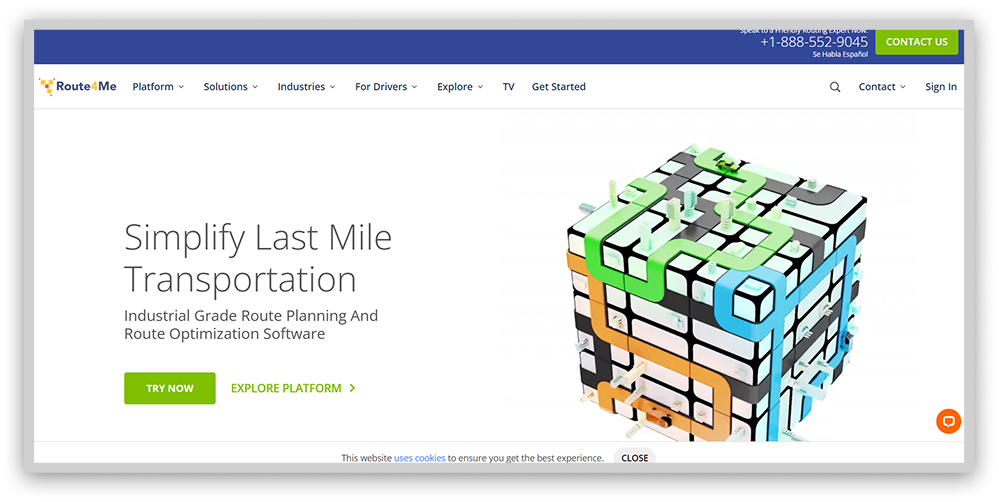
There is a companion driver app, as with Routific, so that dispatchers can interact with mobile devices from a desktop in real-time. This functionality allows flexibility, tracking, and fluid communications.
So Rout4Me is all about enterprise-level path optimization using the best algorithms for the task. It is an excellent tool for reducing logistic problems and facilitates planning and execution.
16. RoadWarrior

RoadWarrior is a professional driver’s best friend for planning and navigation, especially if you need an optimal path with multiple stops. It promises to save costs and time, fuel included.
Fleet managers and individual drivers can have up to 500 optimized paths daily. Larger fleets can count on fleet management add-ons facilitating fleet control and driver communication. This app intends to improve logistics for professionals using advanced routing methods.
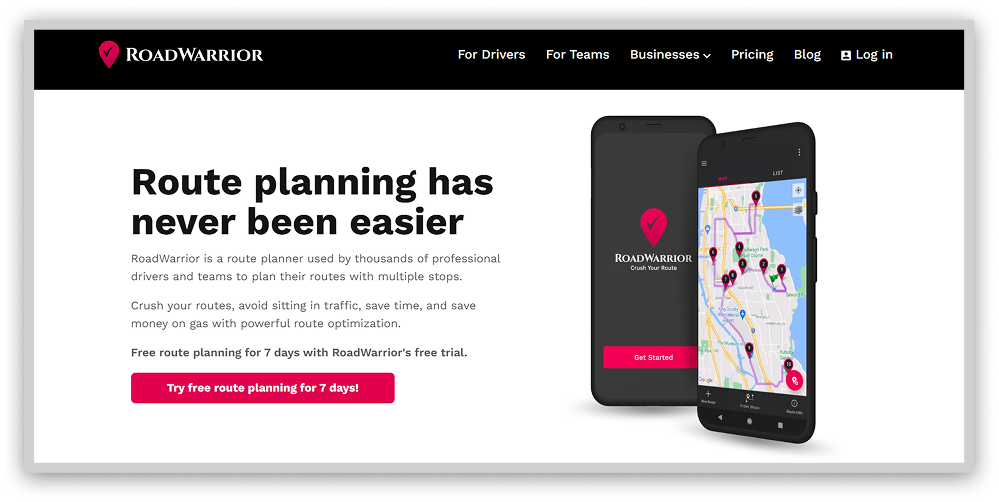
Elements like individual shifts or vehicle capacity come into play to maximize fuel efficiency and driver satisfaction. The platform keeps everybody coordinated and reduces complexity.
17. Waze

Waze employs crowdsourcing, allowing motorists to self-report road incidents from accidents to debris. This real-time, user-generated data gives drivers enhanced visibility into potentially hazardous driving conditions. By detailing traffic jams, dangerous pavement issues, sudden closures, and other variables, the application enables travelers to reroute accordingly.
Seeing beyond the horizon through updates from fellow motorists, drivers can actively elect the optimal paths while avoiding mishaps that would otherwise remain invisible. Features like hazard markup and jam avoidance assist in dodging frustration and genuine danger.
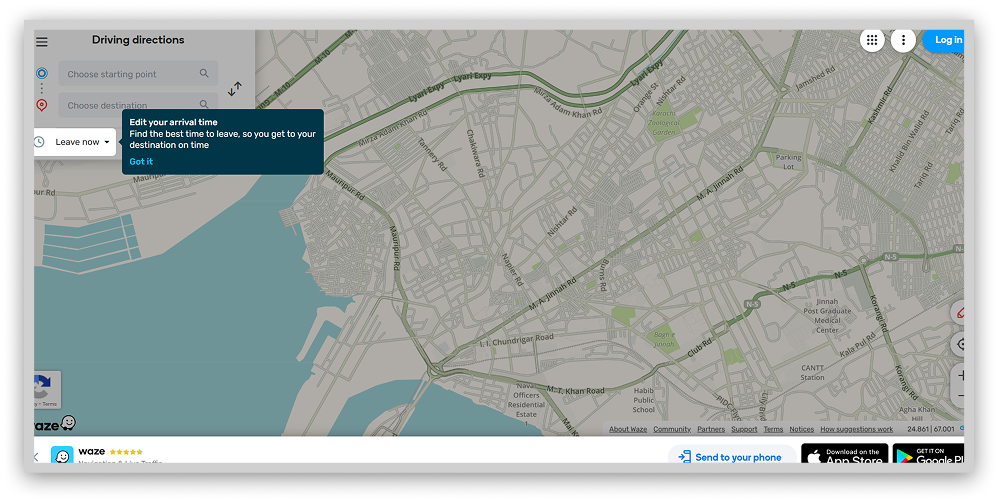
While Waze naturally functions as car navigation and depends upon internet access, its digitally-enabled vigilance offers those on the move an added layer of protection. Allowing users to customize with personal voices, the application links a community focused on smooth travels, where all participate in safeguarding collective welfare on the roads.
18. ViaMichelin

Though lesser known, ViaMichelin rivals mainstream navigation apps through valuable travel insights tailored to motorists. Beyond customary real-time traffic notifications enabling delay avoidance, its novel perks attract drivers seeking additional functionality.
Personalized fuel usage estimates grant travelers increased economy by calibrating projections to submitted vehicles, fuel grades, and local price data. Side-by-side comparisons of multiple optimized routes foreground time, distance, and consumption differentials for informed selection based on priority.
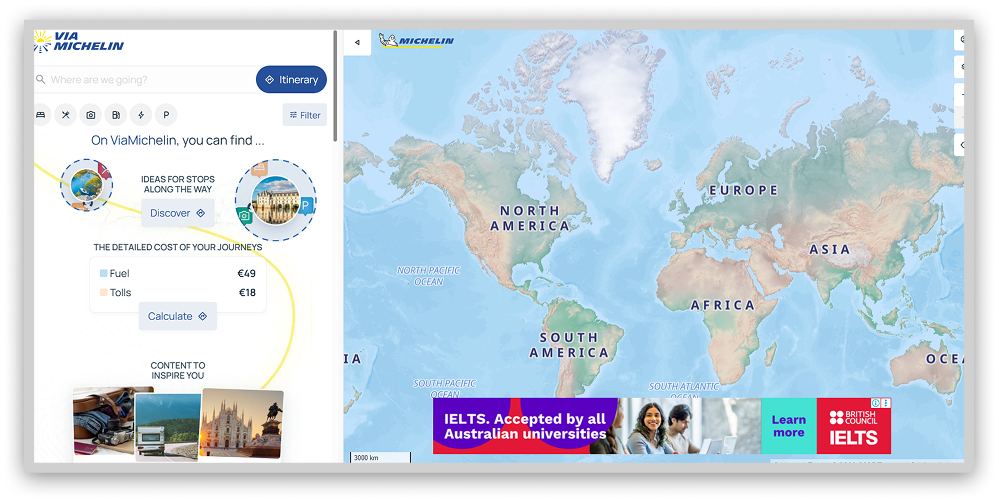
Integration of venerable Michelin dining and accommodation guides permits drivers on extended journeys the ability to map stops at reputable establishments. While staples like congestion circumvention keep passengers moving, ViaMichelin injects supplemental lifestyle enrichments into each passage. With catered offerings and curated recommendations, the application fuels journeys with functionality exceeding essential transit from origin to destination.
Best alternatives to Google Maps for outdoors
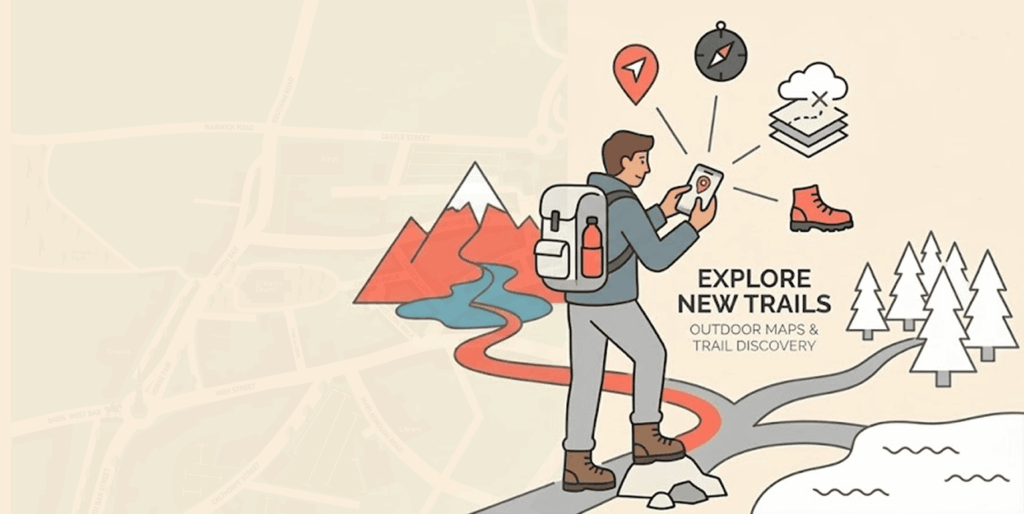
Google Maps fails outdoor athletes navigating trails by overlooking vital details like terrain, difficulty ratings, and accessibility barriers. This dangerous oversimplification risks dire consequences for remote explorers.
Specialized running, biking, and hiking platforms fill Google’s void by accounting for elevation, surface conditions, and obstacles. Curated outdoor planners provide life-saving intelligence that general maps lack, catering to the ever-changing threats facing off-road athletes.
Consult these niche activity tools rather than merely sufficient generalists like Google. Being ready for your adventure takes a plan made for trails, not highways. Some of the best outdoor maps are Komoot, PlotaRoute, AllTrails, etc.
Best alternatives to Google Maps for offline use
Will you be visiting an area with a fishy internet signal? If so, offline maps are the tool you need to stay safe. Sygic maps and OsmAnd allow you to download maps for those places you intend to visit soon, and they run perfectly offline.
Best alternative options to Google Maps for Multi-stop traveling
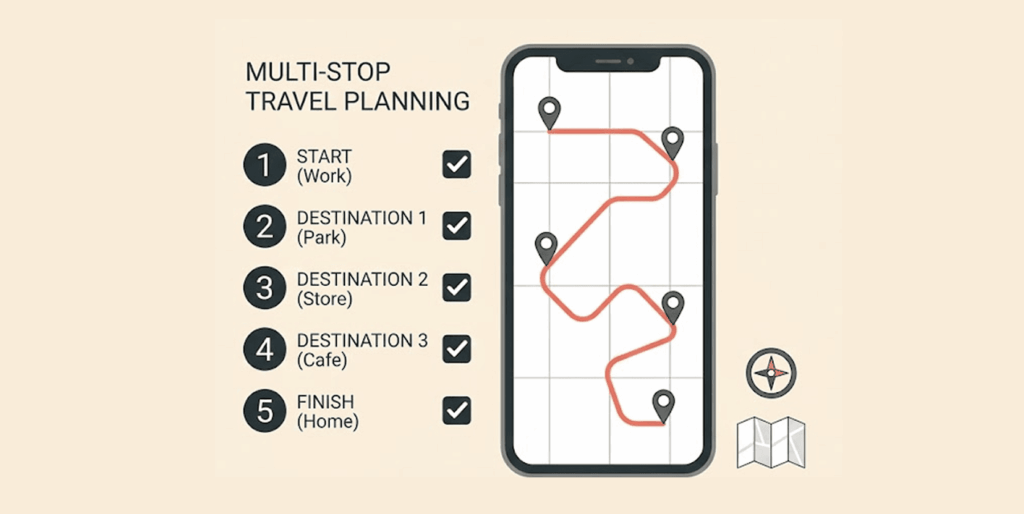
Google Maps needs to improve when routing complex trips with 10+ stops. Its point-A-to-B focus can’t handle optimizing deliveries or scenic road trips. For simple optimization, Routific’s Chrome extension inserts up to 10 stops into Google Maps for quicker, cheaper routes.
But more extensive trips require robust tools like Route4Me. It utilizes advanced algorithms to optimize large delivery operations, synchronize vehicles, slashing time and fuel costs.
MyRouteApp takes the reins on mapping epic US road trips. It expertly strings hotels, attractions, and driving times across multiple devices into an optimized visual journey.
Don’t settle for Google’s oversimplified routing when your adventure demands depth and detail. Choose a specialized trip planning tool tailored to your specific needs, an efficient delivery network, or a wanderlust-fueled ride into the sunset. Best replacements to Google Maps for multi-stop traveling include Routific, Route4Me, RoadWarrior, etc.
Best Google Maps alternatives for public transportation

Google Maps is focused on car navigation, which is why it is a terrible guide for those who use the public transportation system. For them, it makes everything worse instead of helping their journey. But fear not; good alternatives can assist you as you ride the buses, trams, or subways that will get you to your destination.
The time has come to embrace platforms created for travelers, not just commuters. Streamlined assistance sparks discovery instead of dread for public transportation rookies. CityMapper, Apple Maps, and HERE WeGo are the alternatives you can use for public transportation purposes.
Best Google Maps alternatives for road trips
The road tripper is hungry for adventure, and generic mapping tools can’t satisfy it. These travels are more than getting from A to B, so they demand a different plan.
Luckily, apps are made to empower this type of user according to their inspiration, not traffic constraints. These tools are built for wanderers by wanderers so that they can quench their thirst for individual freedom.
The open road warrants more than mere navigation. Seek tools matching your appetite to collect memories along the blacktop on a voyage shaped by you alone. These tools include MapQuest, Roadtrippers, and Bing Maps.
Best Google Maps alternatives for live navigation
Real-time traveling intelligence is an excellent advantage in navigation tools. It provides live updates that allow drivers to be flexible, avoid pitfalls, and save time and stress. Google Maps offers some real-time information, but it’s limited, so users prefer other tools for this task. You will save time with the alternatives in this list by avoiding unwanted and otherwise unforeseen obstacles.
The alternatives in the list are Waze, ViaMichelin, and Bing Maps.
Choosing the best Google Maps alternative

When selecting a mapping provider, convenience and privacy represent two critical factors occupying opposite ends of the spectrum. Sacrificing one for the other may prove necessary. Carefully weigh your priorities against these key decision drivers.
Evaluating convenience
Few competitors match Google Maps’ user experience and capabilities. For similar feature sets, Waze comes closest as the top-ranked navigation app. Seek out niche offerings like Navmii and OsmAnd for specialized functions like custom voice guidance and driver analytics.
To identify the right convenience fit:
- Review feature lists for alignment with practical use cases and specialty needs.
- Consider open-source maps to enable customization possibilities.
Prioritizing privacy
Using any maps, the app exposes some location data. Offline options cannot guarantee total security, but they help limit exposure. Consult each provider’s privacy policy to understand data practices.
Characteristics to seek in privacy-focused platforms:
- Explicitly addresses privacy concerns and data handling
- Limits collection to non-personalized, anonymous usage statistics
- Allows opt-in data sharing by willing users rather than mandating
- Avoids targeted advertising derived from user data
Mapping your needs onto the convenience-privacy spectrum can elucidate the right navigational match. Weigh tradeoffs judiciously before charting your course.
Reasons to distrust Google Maps

Google once claimed users have complete control over editing or deleting location histories. However 2018, revelations uncovered additional covert tracking persisting despite settings changes.
Turning off Google Maps location services limits direct captures of visited destinations over time. With separate Web and App Activity data enabled by default, time-stamped crosses still transmit to inform profiles.
So, even using Search, Maps, and other mobile apps, they share identifiable location markers with Google continually. Individuals can locate and manually delete these location markers through Google’s My Activity portal, selecting “All Time” from the deletion dropdown.
The patterns fuel Google’s core business model – targeted advertising- by aggregating trillions of time-matched coordinates with corresponding user data. Keeping some tracking streams hidden and always on by default ensures the valuable intelligence keeps streaming.
While meeting baseline transparency requirements, Google’s claim to dominance relies upon collecting any insight they can while burying the off switches out of plain view. Savvy users should remain skeptical of what settings protect their data traces from monetization through behavioral targeting keyword-by-keyword.
FAQs
You can download regional maps to your device through the “Offline Maps” setting to enable basic offline navigation.
Street View provides 360-degree street-level imagery, allowing users to explore locations visually.
Yes, Google Maps offers free navigation and mapping capabilities supported by advertising revenue.
Yes, you can. Google Maps provides public transit directions and schedules in the cities where they exist.
Yes, use the “add stop option” for that purpose.
It’s practically universal. You can use it in any web browser or computer, and on Android and iOS hardware.
1. Apps like OpenStreetMap allow users to enjoy a more private navigation experience.
2. How do I decide which Google Maps alternative is right?
3. Evaluate your specific needs when you navigate and see which options suit them best.
While Google Maps works for many, specific use cases may warrant a niche alternative better suited to particular needs.