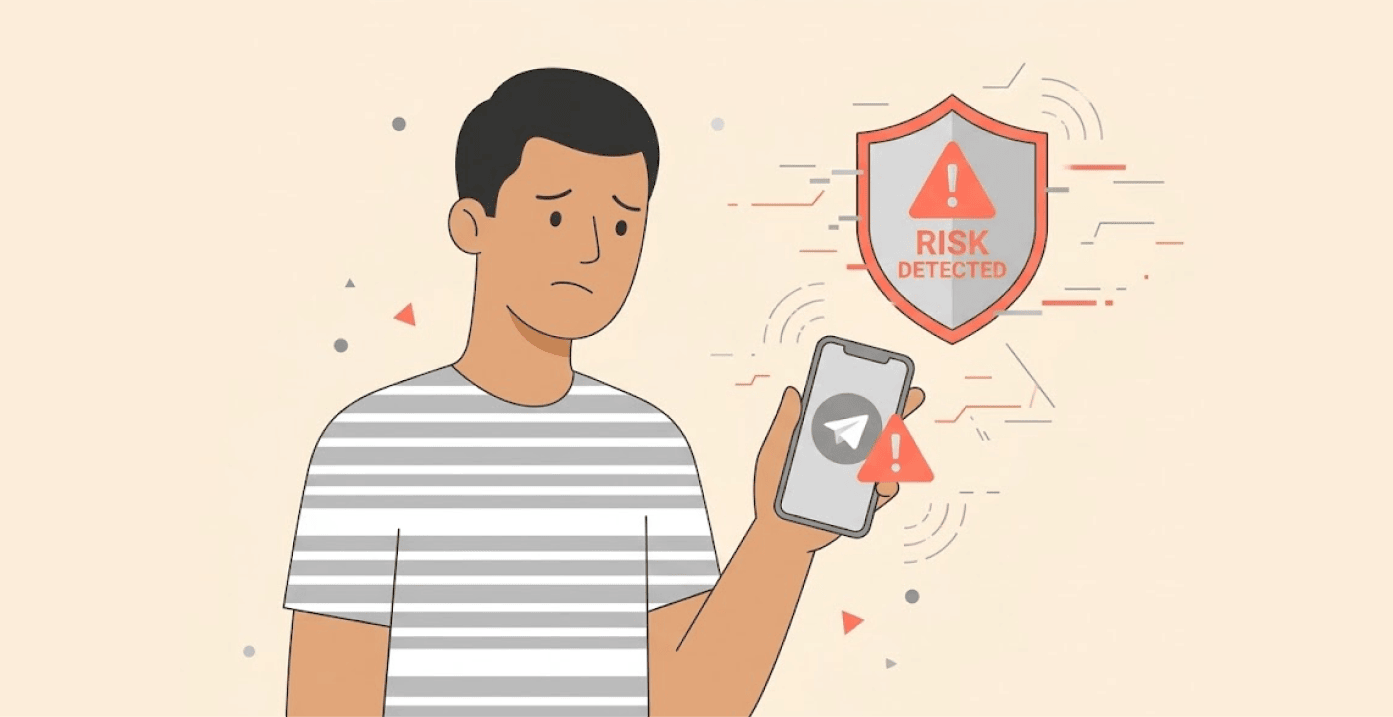
Telegram has started flagging accounts that run unofficial Telegram clients, right inside the chat interface.
And there’s a good reason. A recent scandal showed how dangerous those third party clients can be.
The warning label on unofficial Telegram apps
When you open a conversation with someone using an unofficial app, you’ll now see a warning on their profile. It reads: “This may reduce the security of your conversation with this user.”
The industry publication Kod Durova (Durov’s Code) first reported the incoming warning feature in late March. Telegram later confirmed it. The feature appears active now, though the company hasn’t made a formal announcement.
Researchers also found the warning buried in Telegram’s iOS source code before any official announcement. The feature appears to be actively in testing.
For context, the whole thing unfolded after Telega, an unofficial Telegram client, gained massive popularity following Russia’s internet regulator Roskomnadzor’s restrictions on Telegram. Users needed alternatives to bypass the blocks, and Telega filled that gap.
Its developers had suspected ties to VK, Russia’s dominant social media company. Security specialists warned early on that the app wasn’t safe. Many users downloaded it anyway.
Why Telegram made this move
Anonymous researchers published a technical analysis on March 18. They discovered hidden functionality inside Telega. The app routed all data between Telegram servers and users through its own systems, and it could read your entire chat history.
This kind of thing is what security pros call man-in-the-middle attack, and it’s baked right into the client. Security firm RKS Global tested eight popular alternative Android Telegram clients. Their conclusion was blunt: all of them are potentially unsafe. Three showed clear signs of suspicious behavior.
Telegram faces a tricky balance. It can’t fully block third party clients. Too many Russian users depend on them to bypass restrictions. So the company chose to warn instead of ban. Smart compromise.
One thing that still hasn’t been figured out is whether this new warning will start popping up for just about every unofficial app – or only ones that Telegram doesn’t trust. If the former happens, users might just start tuning it out as background noise. That would pretty much render the whole feature pointless.
Meanwhile, lots of Russian users are complaining that their sessions are being reset left and right. The problem seems to be linked to people constantly changing their IP address, using a VPN and all sorts of dodgy unofficial clients. What’s really funny is, even people using official clients were getting hit with these resets.
A fake account ban scam is being pushed on Telegram users
While all this is going on, a whole other problem is starting to rear its head. Reports are coming in that fake account suspension messages are suddenly popping up in Telegram users inboxes all around the globe.
How the scam works
You get a message that looks super official. It’ll say something like your account broke Telegram’s terms and that you’re being investigated for spam or some other suspicious activity. And then they’ll give you 24hrs – or else you’ll lose your account for good. That’s the bit they want – they’re counting on you being panicky, not thinking.
These scammers usually send you a link that takes you to a fake login page. If you go ahead and type in your password? The hacker takes over your account pronto, then locks you out, sends texts to all your contacts, steals your private files or starts reading your chats.
One thing to keep in mind – real account enforcement happens within the Telegram app itself, not through random private messages from some unknown account. These scams are getting more convincing. Early versions had obvious typos and clunky formatting. Now, some messages include your actual username. Some mimic Telegram’s exact notification tone.
A few don’t even ask you for your password directly, they’ll ask you to confirm your identity via a page that looks like the real Telegram login screen.
Spot suspicious messages? What to do:
- Never click any link attached in the message
- Open Telegram directly through the official app
- Go to Settings > Devices and check for unfamiliar sessions
- Enable Two Step Verification immediately
- Log out of any sessions you don’t recognize
Stay alert out there
Two separate threats are hitting Telegram users right now, unsafe unofficial clients and sophisticated phishing scams. Both exploit the same thing: trust.
The new Telegram warning label is a smart move. Your best form of protection is to educate yourself and to keep yourself current regarding changes in what’s going on.
For a deeper dive into Telegram’s security features, privacy concerns, and whether it’s the right messaging app for your needs, check out our complete guide on whether Telegram is safe.
Also, take time finding out if messages that feel urgent are actually genuine before you respond. Finally, verify links before clicking and when in doubt, go straight to the official app.
