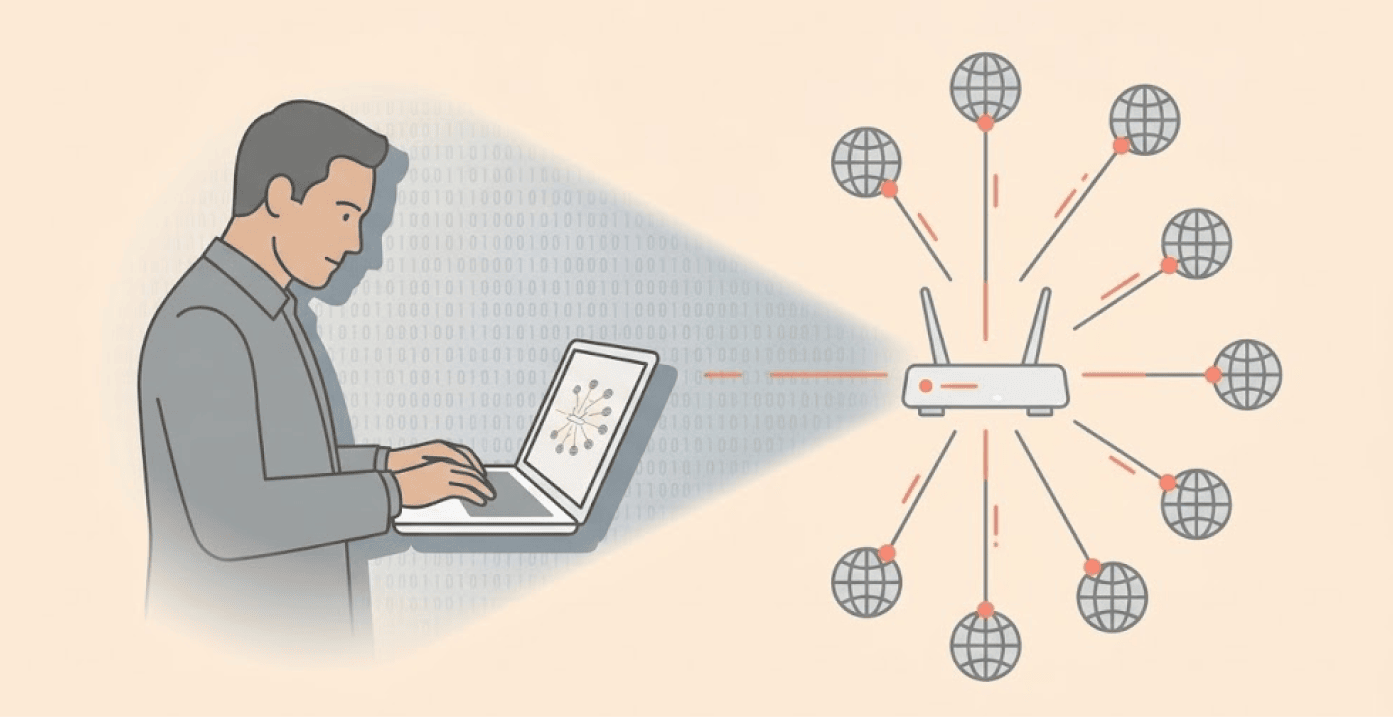
The United Kingdom has revealed a recent mass-scale cyber-espionage scheme from a Russian-linked hacker. The information noted that the hacker group APT28, Advanced Persistent Threat 28, has targeted and exploited thousands of routers used by homes and small businesses.
The hackers first hijacked these routers, they later rerouted internet traffic to obtain user account information, emails, passwords, and other highly sensitive information stored within these routers via DNS spoofing at each router location.
The UK’s National Cyber Security Centre (NCSC) published a detailed advisory on April 7, warning about this ongoing activity. The agency stated with high confidence that APT28 “almost certainly” belongs to the Russian General Staff Main Intelligence Directorate (GRU) Military Intelligence Unit.
How the router hijacking actually works
The hackers targeted small office and home office (SOHO) routers, especially TP-Link and MikroTik models. They exploited known vulnerabilities that the manufacturers had already released patches for. One specific flaw affected TP-Link WR841N routers, this allowed attackers to steal passwords without any authentication.
Once inside a router, the hackers then changed the DNS (Domain Name System) settings of the router to point to DNS servers within their control. Think of the DNS as a phone book for the internet, it converts website names like “outlook.com” into their corresponding numerical addresses. By taking control of the DNS, attackers are able to redirect end-users silently to bogus pages when these users try to log into email service providers.
The scariest part? The attack leaves no malware on the router. “There is no malware,” one security researcher told Dark Reading. “If you were to scan it with an endpoint detection tool or upload everything to VirusTotal, there is nothing there. The only thing they’re doing is modifying just one entry of your DNS settings.”
Global scale and US government response
The campaign reached staggering proportions. At its peak in December last year, security researchers identified approximately 18,000 unique IP addresses across 120 countries communicating with the hackers’ infrastructure.
The attackers targeted several categories, including government agencies, law enforcement bodies, IT providers, and organizations in 23 US states. On April 7, the US Department of Justice and the FBI announced “Operation Masquerade,” a court-authorized technical operation to neutralize the US portion of this hijacking network.
The FBI developed special commands that reset the DNS settings on compromised routers and prevented the hackers from getting back in. The operation did not affect normal router functions or collect any user data.
The hackers had specifically targeted Microsoft email services, including Outlook Web Access. Once a victim tries to log in, the hackers will launch “adversary-in-the-middle” attacks, so they capture passwords, authentication tokens, and OAuth tokens in real time. The attackers then used this stolen data to log into accounts from other infrastructure, making their tracks harder to follow.
How to protect your router right now
Experts say all router owners need to act now – this is to ensure their router is secure. First, check to see if your router is among the end-of-life list of the manufacturer.
Replace any router that is obsolete or does not receive software updates. Second, download and install the most recent version of firmware for your router from the manufacturer’s website only, do not get it from any third parties.
Third, verify your DNS settings, log into your router’s management interface to confirm that the DNS resolvers point to legitimate addresses and not to any known malicious IP addresses.
Fourth, only enable remote management of your router if absolutely necessary. This will help prevent hackers from compromising your router from outside of your home network.
The NCSC also suggests that you use multi-factor authentication wherever possible. If a hacker obtains your username and password, they will not be able to access your account without your second factor, such as a mobile phone.
The organization indicated that this incident shows how sophisticated or malicious actors can exploit vulnerabilities in widely used network devices.
For comprehensive protection, consider adding a VPN to your router, this encrypts all internet traffic from every device on your network, making it significantly harder for attackers to intercept or redirect your data, even if they find a way into your router.
