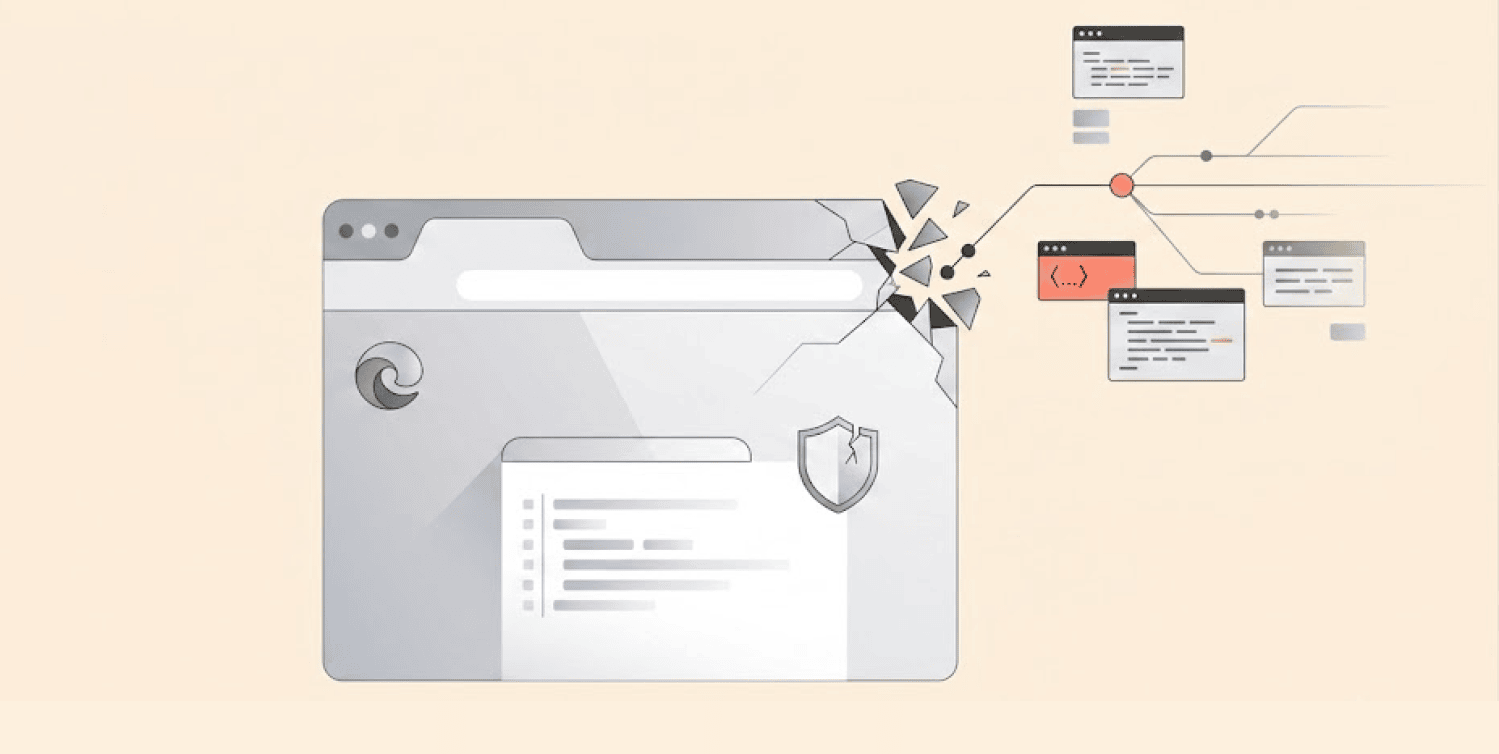
Microsoft recently issued an alert with regards to a security issue concerning the Microsoft Edge web browser. This new vulnerability has the potential to allow hackers to take control of one’s personal computer and run malicious software or applications on it.
The particular vulnerability we are talking about has to do with the Chromium-based version of Microsoft Edge. It has been rated by the company as being of “High” severity.
Security experts tracked the vulnerability as CVE-2026-57992 and also scored it 7.5 out of 10 in the severity rating system. It indicates that the vulnerability requires immediate response.
The said issue can be described as a memory corruption called “use-after-free” vulnerability. It means that the software continues to use the memory allocation even after it is freed.
The analogy can be made to the situation when you continue renting a vehicle even after it has been returned back to the parking place. The vehicle no longer belongs to you, but you continue driving it.
As a result, confusion takes place, and it can lead to software crashes. In the case under consideration, an attacker can exploit such confusion to make the browser execute their own code.
How attackers could exploit this flaw
This isn’t a straightforward attack that just happens on its own. Attackers can’t simply lure you into a sketchy website and expect success. They need you to do something to make it work.
They’ll first convince you to visit a website they control, maybe by sending you a phishing email, via a social media DM, or even through a malicious link they post on a hacked website.
Once you’re on that page, that’s when the trick starts. You have to perform certain actions that will activate Edge’s autofill feature.
Browser vulnerabilities are not limited to Edge; Mozilla recently patched a Firefox AI flaw that could expose email verification codes. According to reports, the attack requires you to perform two taps or clicks. This makes the attack much harder to pull off.
Because of these extra steps, Microsoft rated this as having “High Attack Complexity.” So it’s not even an easy vulnerability for attackers to exploit. It’s more complex than the normal “drive-by” attack that infects your system by simply loading a webpage.
What happens if the attack works
Assuming that the attackers succeed, they can execute code inside your Edge browser. However, gaining this capability would not give them complete control over your device. It only puts them in a good position to execute future attacks.
So the browser flaw is more like the foundation of the main attack. They combine them with other weaknesses to escape the browser’s security walls. Once they break out, they can reach deeper into your system.
From there, they could steal your personal information. They could install more harmful software. They could also spread through a corporate network. That is precisely why even vulnerabilities that appear confined are still potentially hazardous.
According to Microsoft, there’s no proof of active exploitation of the flaw, which is a relief. But it does not mean you should ignore it.
Edge versions susceptible to the attack and the current status
Any Edge browser older than version 150.0.4078.48 is at risk, and if you’re using one, upgrade ASAP.
Microsoft dropped the news about the vulnerability on July 3. And security experts wasted no time adding to the National Vulnerability Database, which is where they record every security threat.
For now, no one has posted any proof-of-concept code just yet. Also, no reports of any active attacks. According to CISA, the US cybersecurity agency, exploitation is “none” right now.
These things could change quickly. Attackers often wait before using a new flaw. They may be studying it to create an exploit.
What should you do right now
Although hackers aren’t using this flaw yet, everyone still needs to be alert. Browser vulnerabilities are one of the most common ways attackers get into people’s systems.
So what’s the game plan? Install the latest version of the Microsoft Edge browser. It has already been patched since version 150.0.4078.48 and above. Security teams should roll this out across their entire organization.
You should also watch Microsoft’s security advisories for updates. They will provide additional guidance if necessary.
For now, there are other measures that you can consider taking. Limit the usage of autofill browser features. They are very convenient, but at the same time are extremely dangerous.
You can activate the “Enhanced Security Mode” in Edge. This adds another layer of protection against attacks. It can help block exploits even if you visit a malicious site.
Also, remind every team member and your family members to be careful online. Never click links in random emails or messages. Be wary of any attachments in emails from senders you’re not familiar with. Security awareness matters as much as updating software.
This problem shows that even big browsers can have weak spots. Keeping things updated and being careful are the best ways to protect yourself. Being a little careful can help a lot in keeping your information safe.
