Threat intelligence platforms (TIPs) collect, analyze, and contextualize data from a wide range of sources to help organizations anticipate, prioritize, and respond to cyber threats before they become breaches.
Today, the landscape of digital risk continues to evolve, with attackers leveraging AI, automation, and sophisticated evasion techniques. This makes choosing the right threat intelligence platform critical for proactive defense.
After testing and reviewing several services, we put together a list of the 10 best threat intelligence platforms for 2026, comparing features, data sources, automation capabilities, and how they help security teams stay ahead of emerging threats.
Pro Tip for Your Research: Before you test or log into any of these platforms, fire up a reliable VPN (we recommend NordVPN). It adds a crucial layer of privacy, shielding your reconnaissance from unwanted eyes. Even the best threat intelligence is only as secure as the connection you use to access it.
Top threat intelligence platforms – Quick list
In a rush? Explore our quick overviews of the best threat intelligence services below.
- NordStellar: A new company focusing on intel that you can actually use.
- Recorded Future: Real-time threat intelligence platform delivering actionable cyber threat insights and early warnings.
- CrowdStrike Falcon X: Great threat hunting that comes with a top-notch endpoint security package.
- Palo Alto Networks Cortex XSOAR: This tool automates your security responses.
- Anomali ThreatStream: Known for pulling together intel feeds and making sense of them.
- ZeroFOX: They’re good at protecting your social media presence.
- MISP: A must-have open-source intel-sharing hub. It’s community driven!
- Intel 471: Delivers solid intel by keeping tabs on criminal forums.
- Mandiant Threat Intelligence: Frontline expertise. They’ve seen all the big breaches.
- SOC Prime: A cool detection-as-code platform powered by security pros.
What’s a Threat Intelligence Platform (TIP)?

Imagine having a data breach hit you all of a sudden in the middle of an important project? Your security team is left frozen countless logs, random feeds, and alerts – with no clear picture, no one knows the cause and how to proceed. With a Threat Intelligence Platform (TIP), you never have to experience such chaos.
A TIP is like your security team’s central command center. It not only collects random threat data; it also aggregates, processes, and makes sense of the raw information gotten from everywhere (hacker chat rooms, dark net forums, global sensor networks, and even your own systems).
The core job of the best threat intelligence platforms for cybersecurity pros is to filter out the noise, connect the dots, and deliver a clear, actionable warning. Things like “This is the threat. Here’s the group behind it. And this is exactly what you should do right now to arrest the situation.”
TIPs help your team transform that overwhelming data into something you can interpret, so your team can narrow down their search. They give you context so you can make decisions faster and avoid things getting out of hand. That way, you can move quickly from a reactive “ we’ve been hit” stance to a proactive “we see them gathering tools for an attack; let’s block it before they start” stance.
To cut a long story short, TIPs turn information into your best defender.
What makes a good threat intelligence platform?
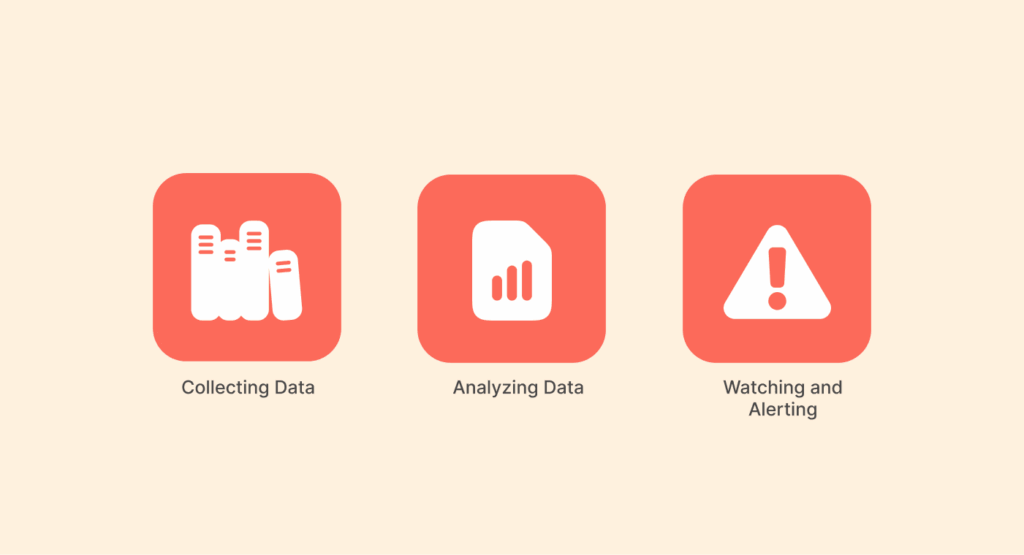
Good platforms work as a team to help you understand what’s going on instead of leaving you to figure things out by yourself.
1. Collecting data
It all begins here. A good platform gathers data from all over the place: free sources, paid intel, logs from your own system, and groups that share info. The goal is to compile all the scattered info in one place. The more you gather, the better it is.
2. Analyzing data
The platform uses analytics, machine learning, and human insight to sort things out. It organizes events, gets rid of the noise, and gives you Indicators of Compromise, which are things you should be concerned about. Now, a random IP address means something, and you know why it’s a problem.
3. Watching and alerting
A platform isn’t just an old archive; it keeps watching like a news feed. The platform detects threats as new data comes in and sends out alerts based on how dangerous things seem. Your team gets the info they need when they need it instead of guessing or waiting.
4. Dealing with incidents
You must act quickly when an incident occurs. Ever got an alert and spent hours trying to piece together the “who, what, and when”? A good TIP fixes that. It’s like the connective tissue for your security tools; by integrating with your existing tools, it automates the tedious stuff, blocks malicious IPs, collects forensic data, and traces an attack’s footsteps.
You never have to guess; everything’s clear as day (you see the origin, the damage path, and exactly how to lock the door your attackers used).
5. Disseminating threat intel
Good intel is useless if it stays on the platform. Platforms get info to the peeps who need it, like detailed alerts for analysts and quick summaries for the bosses. They also send intel to your other tools, improving defenses everywhere.
6. Automation and orchestration
This is where things really start to get easier. Think of automation as a tireless assistant that never clocks out. It handles the repetitive work—collecting threat data, enriching it with context, and even triggering predefined responses when something looks suspicious.
But as these platforms get smarter (and smarter), they’re using more powerful artificial intelligence to parse through unimaginably large data sets. That can include sensitive or personal information. This incredible power (thanks to the AI) brings with it a new set of complex questions. If you’re curious about the double-edged sword of AI in security as to how it can both protect us and create new privacy risks, our deep dive into AI and privacy explores this critical balance.
So, orchestration takes it a step further by making sure every security tool works together in perfect sync.
For example, if a phishing alert appears, an orchestrated system can instantly quarantine the email, disable the compromised account, and scan the network for related malware (all without manual intervention). What would normally take hours happens in seconds.
That’s the real power of a modern threat intelligence platform. It doesn’t just inform you about threats; it actively helps neutralize them before they escalate. Now that you understand what makes a strong TIP, let’s take a closer look at the platforms that truly deliver on these capabilities.
Best threat intelligence tools to use today – Detailed list
Choosing a platform can feel like a gamble – you don’t want to waste time on something that doesn’t deliver. So, we checked them out. Here’s the good, the bad, and who each one’s really built for:
1. NordStellar
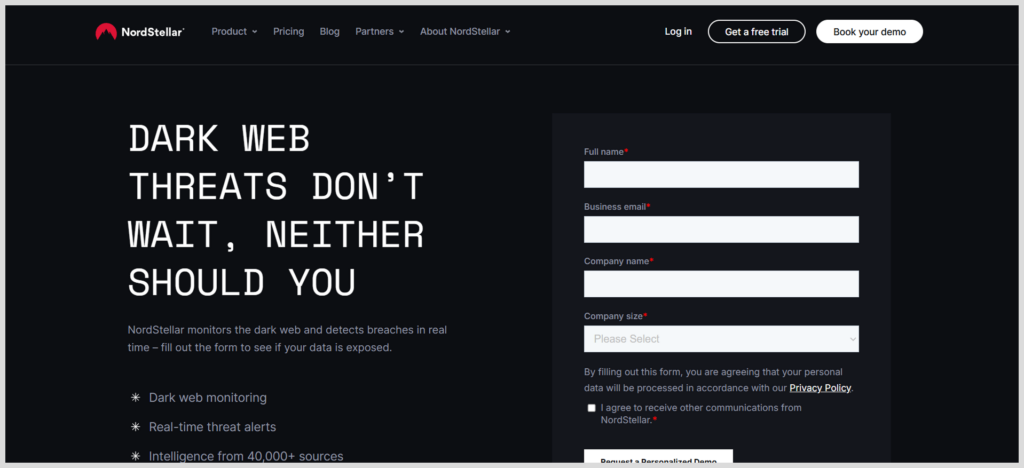
NordStellar is a powerful threat intelligence platform built to help organizations stay ahead of cyber risks through real-time monitoring and automated response. Developed by the cybersecurity team behind Nord Security, it focuses on detecting data leaks, credential exposure, brand impersonation, and dark web activity before threats turn into full-scale incidents.
The platforms continuously scan underground forums, marketplaces, and breach databases, delivering actionable alerts with clear context so security teams can respond quickly. Its intuitive dashboard, automated workflows, and integration-friendly design make it especially useful for businesses that want enterprise-level threat intelligence without unnecessary complexity.
- Easy to use
- Good for managing cases
- Connects intel to security operations
- Puts key feeds in one place
- Still adding integrations
- Might not have as much old data as the big guys
2. Recorded Future
Recorded Future is one of the most established and intelligence-driven threat intelligence platforms on the market, known for its massive data collection and advanced analytics. It continuously monitors billions of data points across the open web, dark web (the hidden and shady part of the internet), technical sources, and closed forums to identify emerging threats in real time.
Using machine learning and natural language processing, Recorded Future connects seemingly unrelated signals to deliver actionable insights, risk scores, and predictive intelligence. Its strong integrations with SIEM (Security Information and Event Management), SOAR (Security Orchestration, Automation, and Response), and security tools make it ideal for large organizations that need deep visibility, proactive threat detection, and fast response across complex environments.
- Good real-time alerts and risk scores that tell you what might happen
- Good for keeping tabs on other companies and your brand
- Looks good and easy to use
- Tons of data from all over the place
- Might be too much info if you’re a small team
- It’s gonna cost you
3. CrowdStrikes Falcon X
CrowdStrikes Falcon X is a premium threat intelligence platform designed for organizations that need deep, real-time insight into adversary behavior. Built on CrowdStrike’s vast global sensor network, Falcon X combines endpoint telemetry, adversary tracking, and expert intelligence to deliver highly contextualized threat data.
It provides detailed attacker profiles, campaign analysis, and indicators of compromise (IOCs) that help security teams understand not just what is happening, but why. With seamless integration into the CrowdStrike Falcon ecosystem, Falcon X enables rapid investigation, automated response, and proactive threat hunting at enterprise scale.
- Works great with top-notch device protection
- Intel is turned into weapons to hunt and block threats
- Easy for teams already using CrowdStrike
- Good at finding actual malware
- The whole package can be expensive
- Not really a place to do your own intel research
4. Palo Alto Networks’ Cortex XSOAR
Palo Alto Networks’ Cortex XSOAR is a powerful security orchestration, automation, and response (SOAR) platform designed to streamline incident response and threat management at scale. It brings together threat intelligence, case management, and automated workflows into a single interface, allowing security teams to detect, investigate, and remediate threats faster.
Cortex XSOAR integrates seamlessly with a wide range of security tools and data sources, enabling organizations to automate repetitive tasks, reduce alert fatigue, and ensure consistent response actions. With built-in playbooks and advanced analytics, it helps teams move from reactive defense to proactive threat mitigation.
- Automates and organizes like crazy
- Puts intel from tons of different tools in one place
- Makes fixing problems way faster
- Works for simple or really complex setups
- Might be too much if you’re just getting started with intel
- Takes some work to set up
5. Anomali ThreatStream
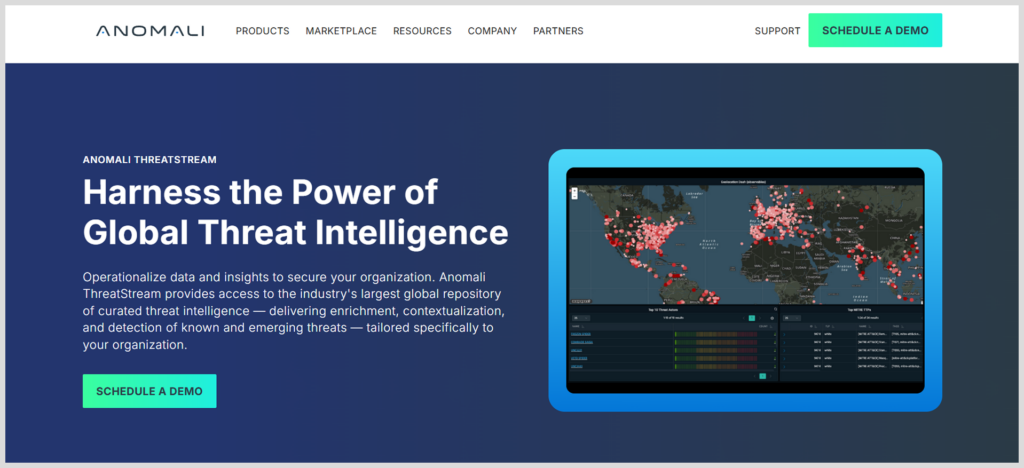
Anomali ThreatStream is a robust threat intelligence platform designed to help organizations collect, analyze, and act on threat data from a wide range of sources. It aggregates intelligence from open, commercial, and internal feeds, enriching it with context to deliver high-confidence indicators of compromise (IOCs).
With built-in scoring, correlation, and prioritization, ThreatStream helps security teams focus on the threats that matter most. Its seamless integrations with SIEM, SOAR, and security tools make it easy to operationalize intelligence, while its automation capabilities reduce noise and speed up response times across security operations.
- Great at gathering and connecting threat data
- Works with a ton of different threat feeds
- Good at figuring out what’s important and how sure they are about it
- It’s been around and works well
- Great for finding info, not so much for taking action
- You’d need to tweak the settings, else you’d be bombarded with alerts
6. ZeroFOX
ZeroFOX is a threat intelligence and protection platform focused on defending organizations against digital risk across social media, the open web, dark web, and mobile ecosystems. It specializes in identifying threats such as phishing campaigns, brand impersonation, account takeovers, fraud, and malicious content targeting both companies and their customers.
The platform uses AI-driven detection and human intelligence to deliver real-time alerts and automated remediation, helping security teams respond before threats escalate.
- Important for protecting your brand online
- Finds scam sites and fake accounts
- Helps you follow the rules about brand protection
- Can automatically take down fake stuff
- Mostly for outside, public threats
- Usually priced for big companies
7. MISP (Open Source)
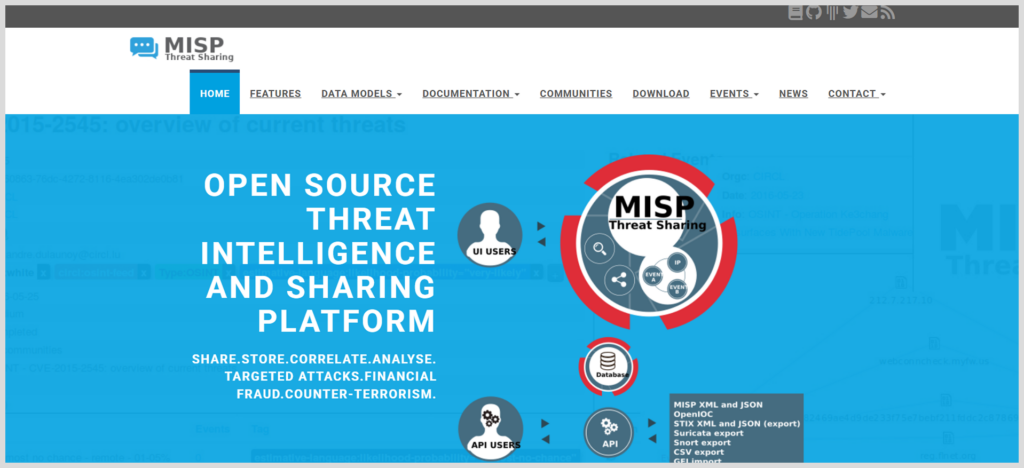
MISP (Malware Information Sharing Platform) is an open-source threat intelligence platform designed to facilitate the sharing, storage, and correlation of threat data between organizations. Widely used by CERTs, governments, and security teams, MISP helps turn raw indicators into actionable intelligence through structured sharing and community collaboration.
With strong automation capabilities and broad integration support, MISP enables organizations to build a collaborative defense model while maintaining full control over their threat data.
- Lots of people share info
- You can change it to do what you need
- The standard for trusted sharing groups
- Totally free platform
- Doesn’t look as fancy or have customer support like the paid stuff
- You need tech skills to set it up and keep it running
8. Intel 471
Intel 471 is a cyber threat intelligence platform that specializes in tracking adversary behavior across the cybercriminal underground. It provides deep visibility into illicit markets (darknet marketplaces), web forums, and closed communities where threat actors plan attacks, trade exploits, and sell stolen data.
Accessing these environments securely for verification or deep research often requires specialized tools beyond a standard browser. For professionals in this space, understanding the capabilities of antidetect browsers is part of advanced tradecraft.
- Best access to what the bad guys are doing
- Gives early warnings about attacks and malware
- Good for hunting threats and stopping fraud
- Big companies and banks like it
- Specific focus, so it’s usually part of a bigger intel setup
- Very expensive
9. Mandiant Threat Intelligence
Mandiant’s intelligence is forged in the fire of frontline incident response. Powered by the same that get called to solve the world’s biggest breaches, their intel is tied to real investigations that are battle-tested, not just theory.
- Intel based on real-world incidents
- Good checked reports with who’s to blame
- Good support and services
- Knows a lot about APT groups and government threats
- Seems to focus on government stuff more than regular malware
- The platform is connected to their expert services
10. SOC Prime
SOC Prime is a threat intelligence platform that focuses on threat detection and intelligence-driven security operations. It provides organizations with a vast library of prebuilt detection content, including rules, signatures, and analytics, which can be integrated into SIEM (Security Information and Event Management) and XDR (Extended Detection and Response) systems.
- Tons of detection rules that are always updated
- Saves you time writing your own rules
- Rules work with 30+ SIEM, EDR, and XDR platforms
- Community-driven
- More about detection than general intel
- You need compatible SIEM/EDR tools to use it
Most useful threat intelligence platform – Comparison table
| Platform | Best for | Key strength | Deployment | Ideal user size |
|---|---|---|---|---|
| NordStellar | Actionable Intel Workflow | Case Management & Operationalization | SaaS | Mid-market to Enterprise |
| Recorded Future | Comprehensive monitoring of risks | Breadth of Data & Real-Time Insights | SaaS | Large Enterprise |
| Falcon X | Integrated Endpoint Defense | Intel-Driven Threat Hunting & Automation | SaaS | Mid to Large |
| Cortex XSOAR | Automated Security Response | Orchestration & Playbook Automation | SaaS/On-prem | Mature SOCs |
| Anomali ThreatStream | Feed Aggregation & Correlation | Managing Multiple Intel Feeds | SaaS/On-prem | Mid to Large |
| ZeroFOX | Digital Risk Protection | Social Media & Brand Protection | SaaS | Brand-Conscious Orgs |
| MISP | Community Intel Sharing | Open Source Flexibility & Cost | On-prem/Cloud | All (with tech skill) |
| Intel 471 | Adversary Insight | Criminal Underground Intelligence | SaaS | Finance, Large Enterprise |
| Mandiant | APT & Incident Context | Frontline Expertise & Attribution | SaaS + Services | Targeted Enterprises |
| SOC Prime | Detection Engineering | Curated Detection Rule Library | SaaS | Security Operations Teams |
Criteria for selecting the best Threat Intelligence platforms
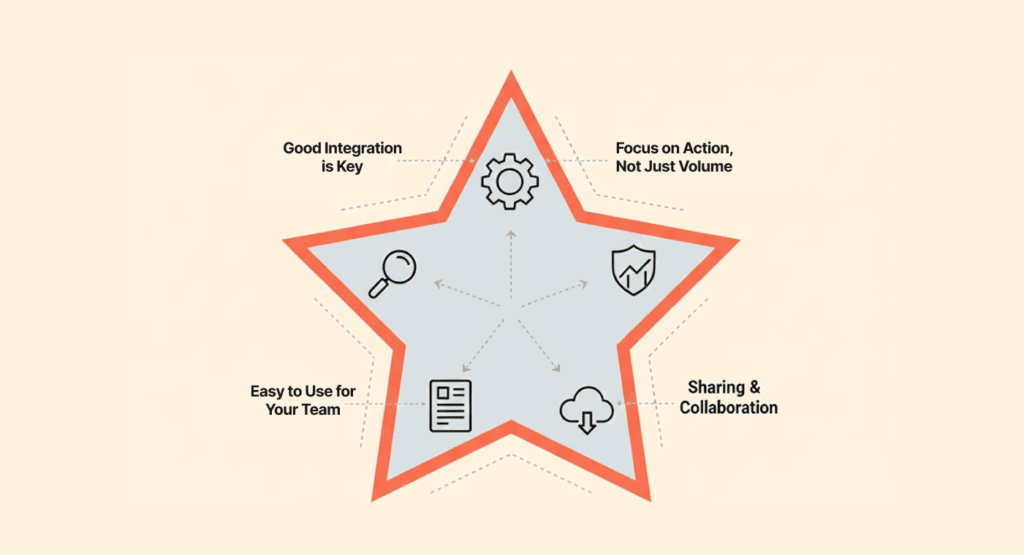
Choosing the right tool is not about picking the biggest name; rather, it’s about what fits right with your needs. So, are you looking through a threat intelligence tools list right now and wondering which one to choose? Here are the things to consider:
- Good integration is key: The best cybersecurity threat intelligence platforms just fit right in with what you already use. Make sure it works with your SIEM, firewall, and EDR without a hitch. If your intelligence is stuck in one place, it’s not doing you any good.
- Focus on action, not just volume: Being flooded with tons of indicators can be tiring. Find platforms that sort, score, and give you context. It should automatically block threats or make a ticket.
- Coverage that fits your risks: Does the vendor take care of the areas and businesses you’re in? If you’re a bank, keeping an eye on what’s happening in the shadows is important. A store might focus on protecting its brand first.
- Easy to use for your team: If only your main analyst can work on a tool, it causes delays. The layout should help, not get in the way.
- Up-to-date and quick: Intelligence doesn’t stay good for long. How fast are the updates? Old intel is just medicine after death.
- Price vs value: Open-source software doesn’t cost anything to use, and it can be super strong if you know your stuff and have time to mess with it. Here’s the real trade-off: paid platforms buy you time and sanity with their dedicated support and polish, but they hit your budget. Going for open source tools? That’s okay, but let’s be real, you’re trading cash for the heavy lift of your own team’s expertise. You’ll need skills in-house to build and maintain it.
The real benefits: Why you need a threat intelligence tool
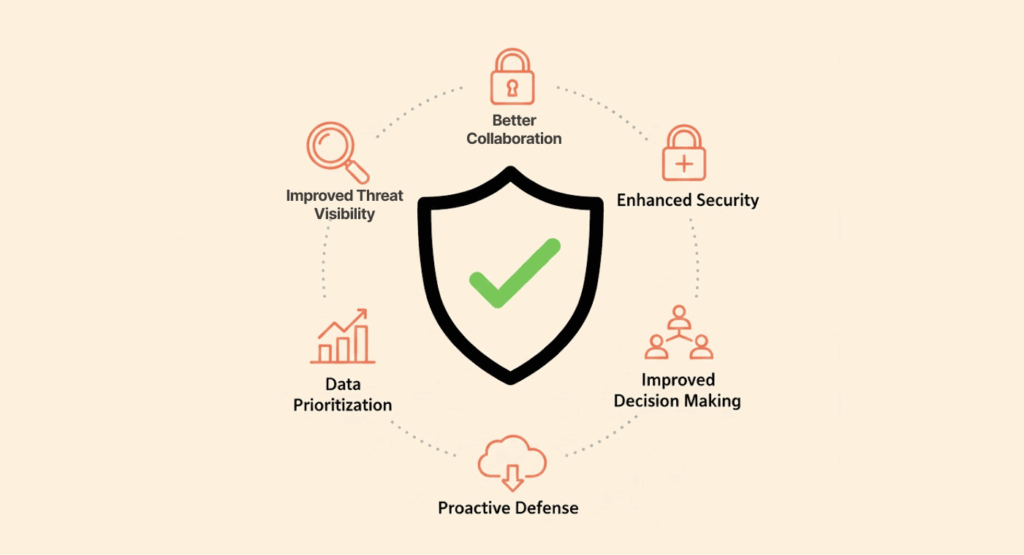
Implementing a TIP is not just about getting more data. It’s about the tangible improvements it will bring that will help your team sleep a bit better without worrying too much:
- Improved threat visibility: You get one place to see all your threats. No need to flip between a ton of windows. This full view helps you see stuff early.
- Faster response: This is where automation shines. It slashes the window between detection and action, handling what a manual process would have taken hours to handle in seconds. That way, less damage gets done.
- Fewer fake positives: By adding info, TIPs cut down on noise. Your team stops looking for things that aren’t there and can focus on real threats.
- Better collaboration: They get rid of barriers. TIPs make it simple to share info between teams and partners, making a group defense.
- Smarter resource use: By automating tasks, your analysts can do what they’re good at: deep investigations and hunting for threats.
- Better security: A TIP doesn’t replace what you have; it makes those tools better. By giving good info to your SIEM, EDR, and firewalls, it boosts your whole security setup.
FAQs
A threat feed is just raw data that hasn’t been processed, like a list of bad IP addresses. The threat intelligence platform grabs these data feeds, adds useful context, digs into the details, and then shows you what to do next. It makes sense of the mess, basically.
Of course —MISP rocks if you’re tech-savvy; it’s open source and really powerful for teams with the right technical skills. Some paid platforms have free versions, and some offer free trials too, so you can check them out.
Cyber threats as it does not care how big your company is, but the key is to keep it simple. A complete enterprise suite might be too much. Start with open-source feeds in MISP or look for a service with pricing tiers that fit your team size.
Threat Intelligence Platform, Gartner mentions (like in Gartner Magic Quadrant) is cool as it means the vendor is serious and also a way of validating their market presence. But don’t depend on it alone when making your choice. The top vendor might not be right for your needs.
They’re not a silver bullet for stopping breaches, but they improve your chances a whole lot. They let your tools block known bad indicators, warn you about impending attacks, and help your team find hidden foes. This will take you from a reactive stance to a proactive one.