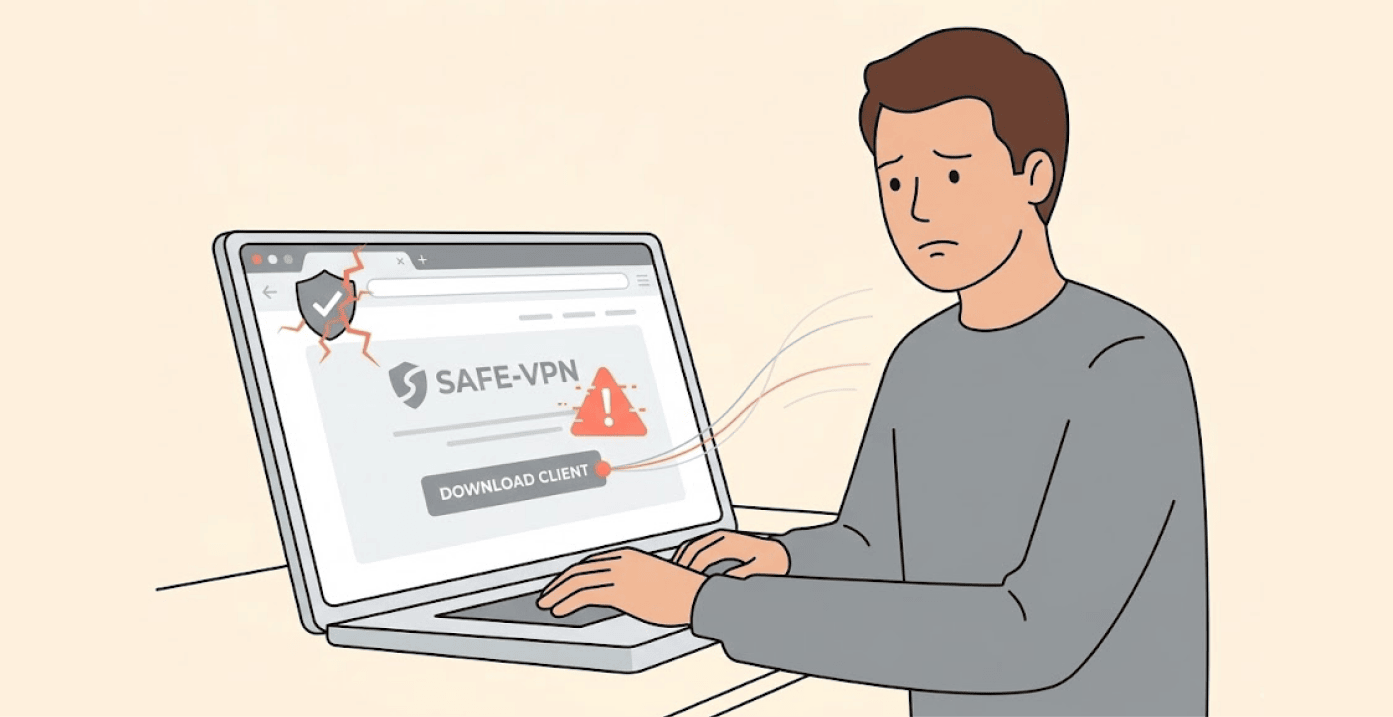
Security experts just uncovered a dangerous scam targeting people who search for Mullvad VPN. The fake site looks real and even tricks Windows into trusting its malware.
The discovery came from a security researcher on X, formerly Twitter. The scam uses the domain “mullad-vpn[.]us[.]org” which then forwards victims to “mullvad-download[.]org.” Both sites pretend to offer the real Mullvad VPN, a well-known privacy service based in Sweden.
How the fake VPN attack works
The fake VPN attack occurs when users find Mullvad VPN through search engines, and click a fake, sponsored or manipulated website and results. The fake site itself appears identical to the official Mullvad website.
Once someone visits this fake site and clicks on the download button, the user will receive a PowerShell script instead of an ordinary downloader file, setting the stage for a fake VPN attack.
The script has a Digital Signature from the company Xiamen Quanlian Information Technology Co., Ltd. This is the reason that Windows trusts and won’t block the signature. The malware sample has the hash “a4b6e81233ca2b8a4c6ace3da6344a7e0a8df92ee06c4763c7b18001c169b133” for those who want to check their systems.
The malicious script runs directly in memory, a technique experts call “fileless” malware. This approach makes it very hard for reputable anti-malware products to detect the malware.
Once a user installs it, the malware could enable the installation of additional cyber threat programs and provide access to passwords. Also, the malware creates a backdoor for attackers – they can remotely control the user’s computer.
The danger of fake VPN apps is growing
The Mullvad scam activity is a reflective part of a greater trend within the VPN arena. In November last year, Google warned about the threat of fake VPN apps and extensions. From Google’s perspective, they reported how “bad actors” are distributing counterfeit VPNs as apps on the respective app stores and other platforms globally.
While in some instances, these counterfeit apps look like many valid VPN brands do. Others employ misleading “promotional” methods, or link their marketing and PR to a high-profile news event, which is standard behavior to trick individuals into downloading their applications.
Once anyone downloads the counterfeit VPN application, it can deploy information-stealing software, remote access tools, and banking Trojans. Once installed, the counterfeit VPNs allow the attackers to have access to any and all of your browsing history, private messages, financial information (including credit card numbers), as well as your cryptocurrency wallet information.
Google explains the downsides of continued use of free VPNs; many of them either track users or manipulate reviews to gain visibility. Also, the use of organized fraud ring scams in targeting VPN trends to create widespread distribution of mobile (malware) applications is increasing.
How to protect yourself from fake VPNs
Always get the software directly from the company’s official site – the only official domain for Mullvad VPN is mullvad.net. In addition, the company provides signed releases of all of their installers on their official GitHub page.
Do not trust search ads. This is because scammers pay to place their fake sites at the top of search results – always type in the official URL instead of clicking on a link.
Make sure to review digital signatures to ensure that they are valid, even if Windows says a file is digitally signed, it doesn’t mean that the person signing the file is actually the same as the company. Mullvad VPN uses digital signatures to sign the installers of their software for use with their certificate, not a certificate from an unrelated or foreign country.
Also, be sure to use and keep Google Play Protect enabled on your Android device – especially when sideloading any Android applications that require unfamiliar permissions. If an application requests any access to your contacts and or SMS, then you should immediately uninstall the application. VPN services do not require access to your contacts to work; they only need network permissions.
A genuine Mullvad VPN has a strong privacy history. The Swedish police carried out a raid a few years ago, which proved that Mullvad did not possess any data from its previous customers – this shows complete compliance with its no-log policies.
Also, Mullvad demonstrates its integrity by publishing its source code to the public and through ongoing independent security audits.
The same vigilance is needed when downloading security tools from GitHub, as fake exploits have been found delivering WebRAT malware to researchers, always verify repository authenticity and check digital signatures before running any code.
However, crooks try to use Mullvad’s respectable appearance to defraud users; therefore, it is wise to verify the integrity of online resources from which you download software.
